(Financial Services) How to find NET Partner?

Last updated: Oct 09, 2026
3
views

1.) Log in to Schreiner One with your student account.
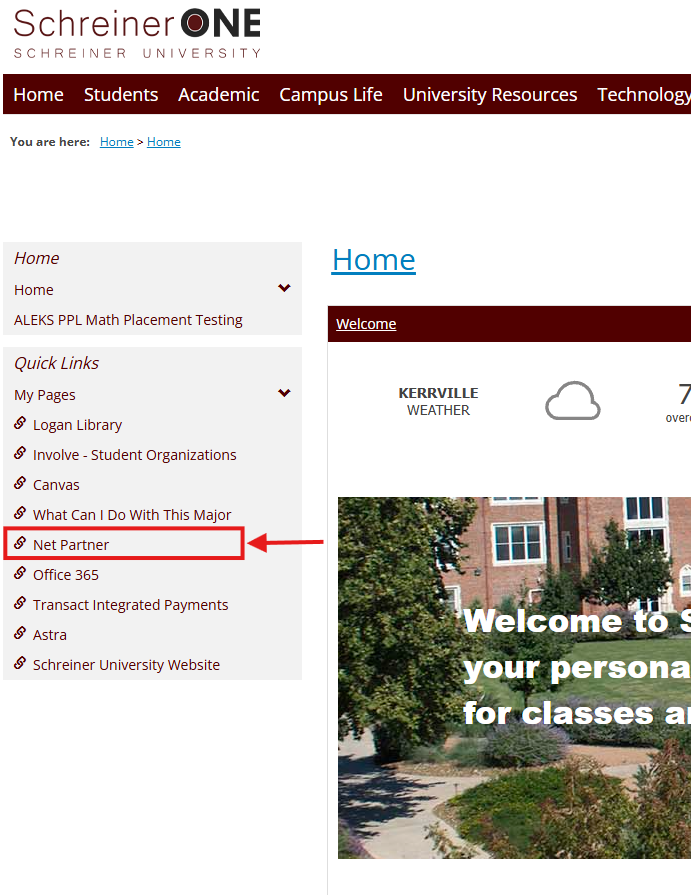
2.) Once logged in, the quickest way to find it is to click on "Net Partner" in the Quick Link section on the left side of the main page. For the mobile version, press the arrow in the bottom left corner of the screen, and you'll find it there.
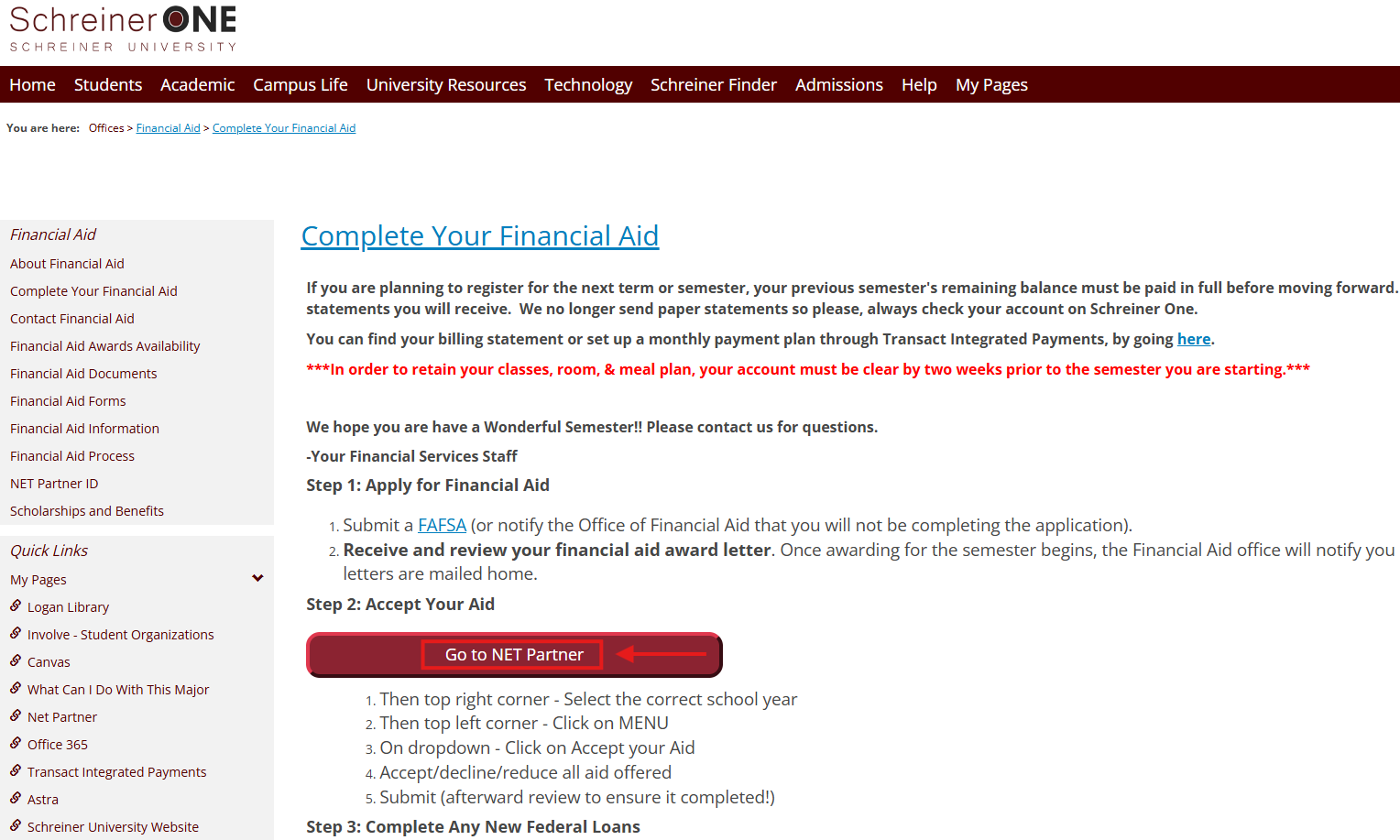
3.) Here, you'll be sent to the "Financial Aid" page. Click on the "NET Partner" Button.
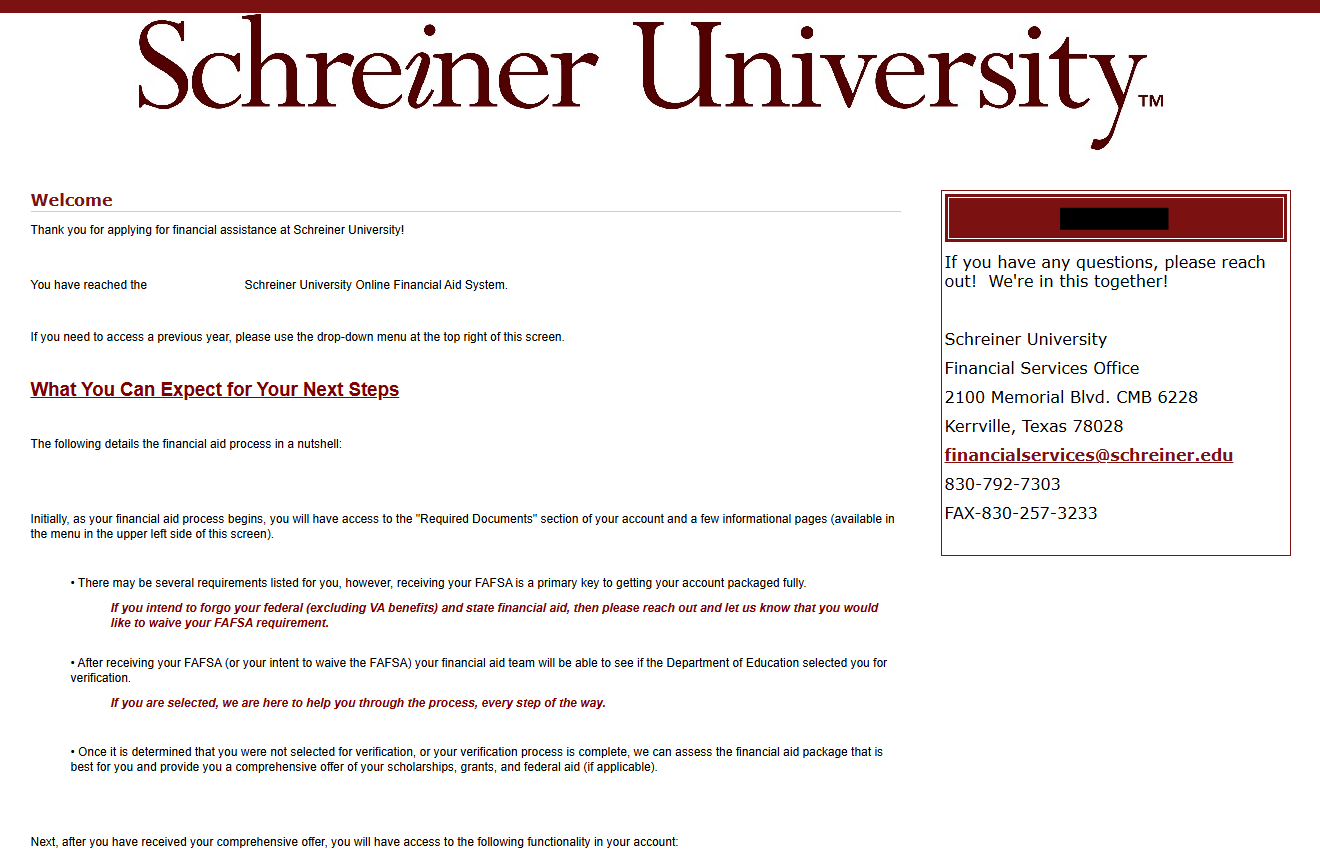
4.) From there, you're on the NET Partner page, where you can accept the awards and FAFSA related stuff. If you have any questions, you can contact us by email at [email protected]