


Search "Schreiner One" in a search browser (google chrome, safari, etc.) and login in in the top right corner.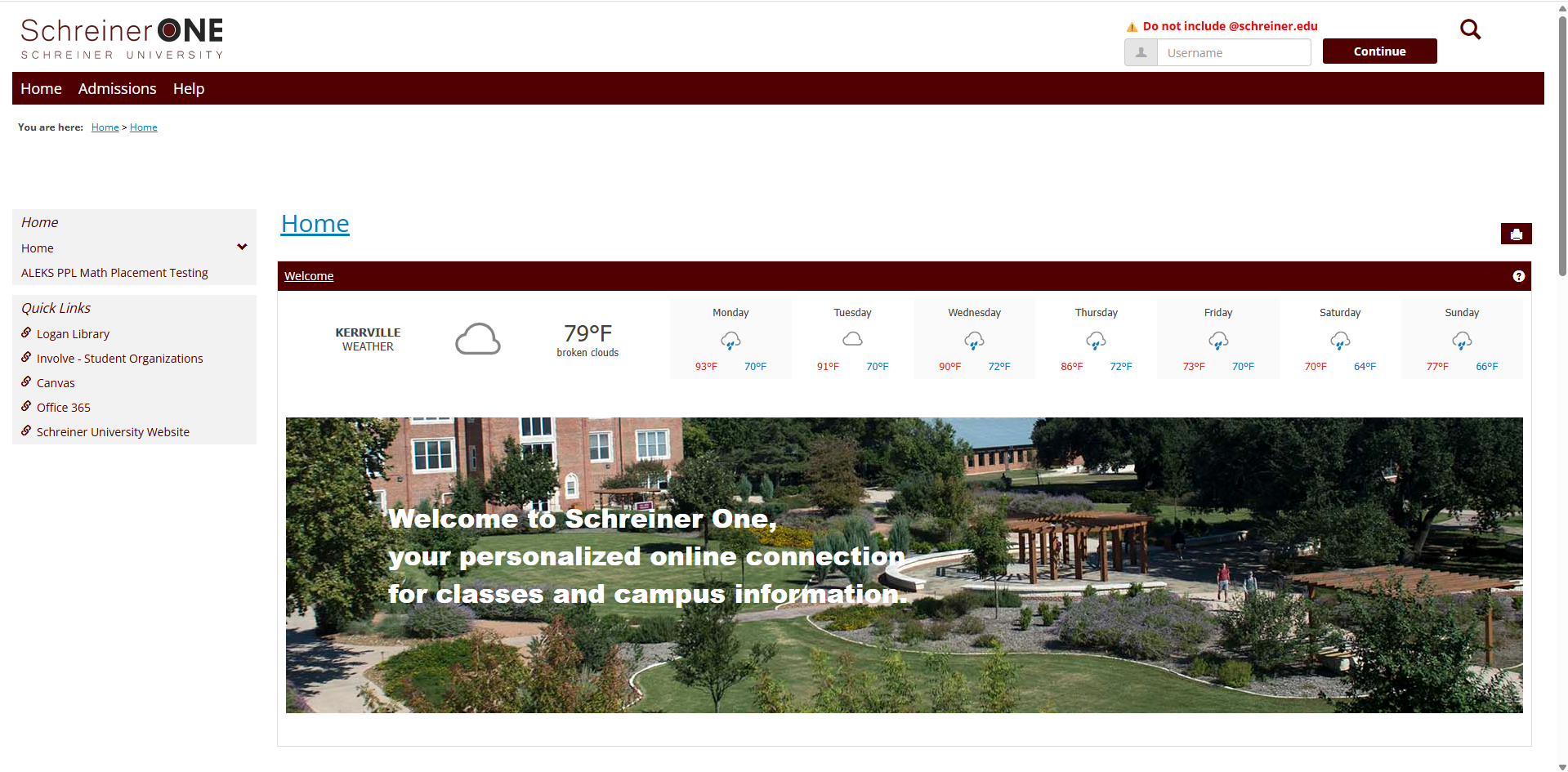
Once logged in, click on the "Students" Tab.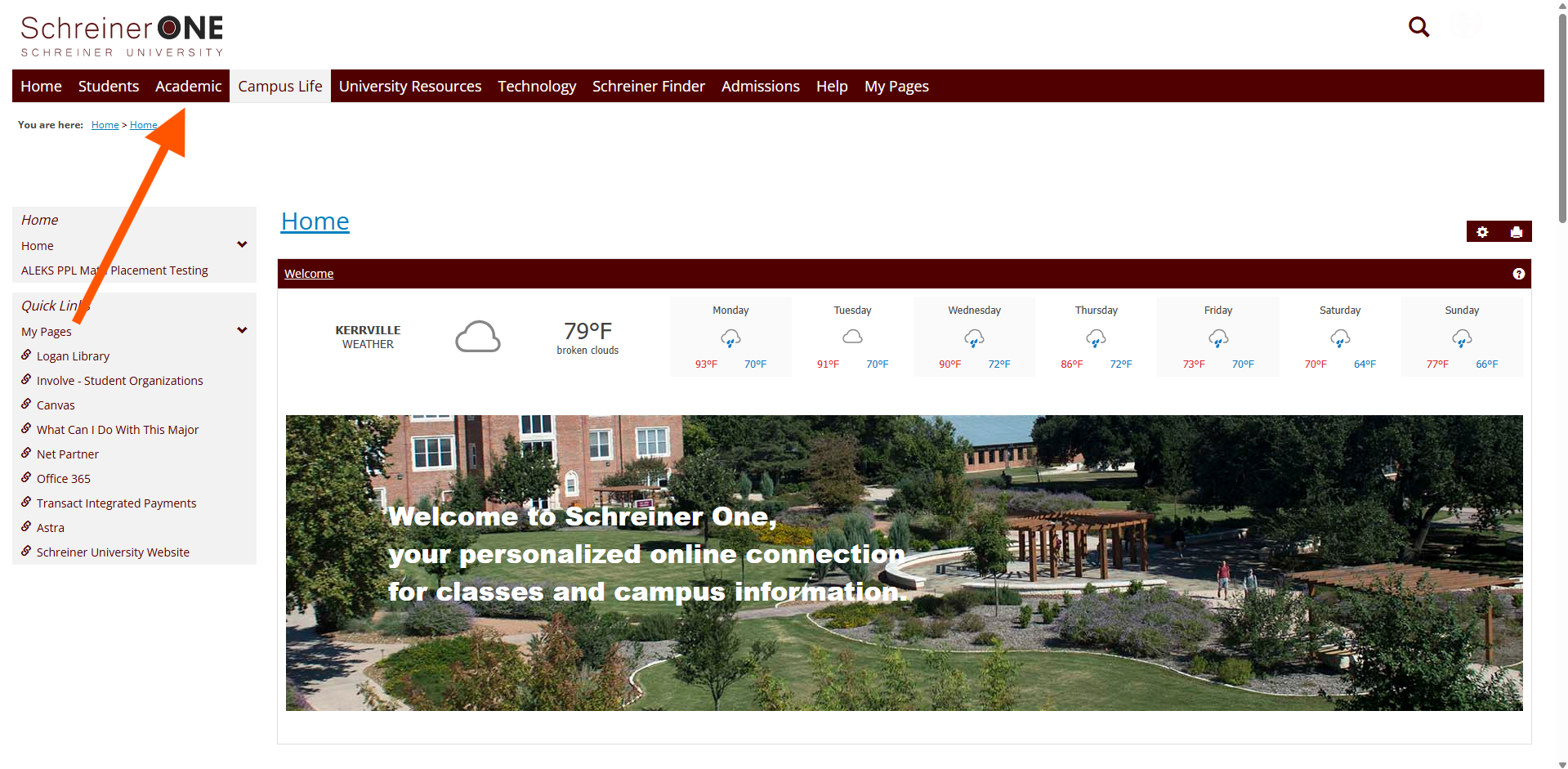
In the "Students" Tab, on the left panel, click on "Grade Report.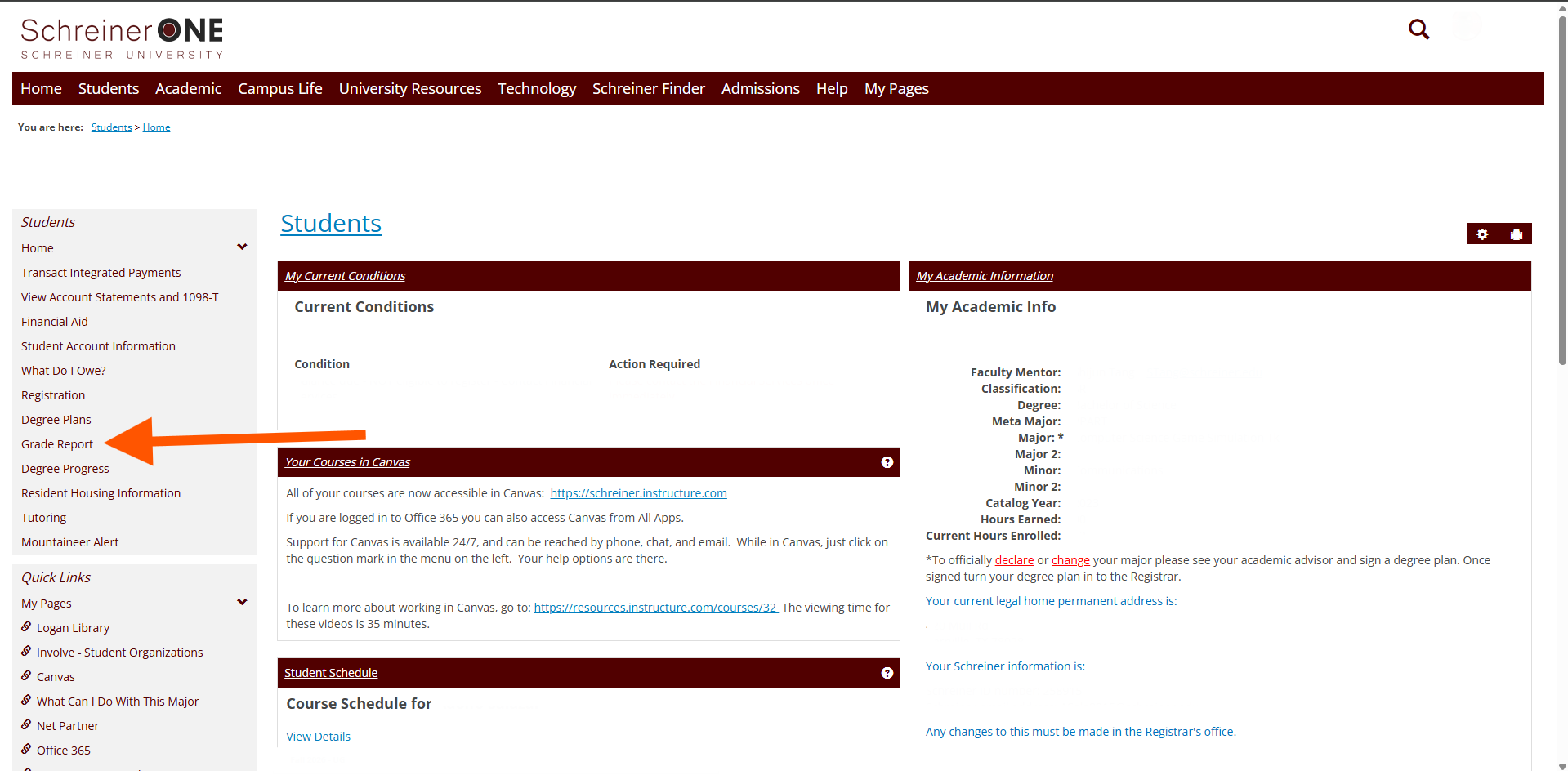 In "Grade Report", you will see two different options to see your report. A "Final Grade" and a "Progress Grade."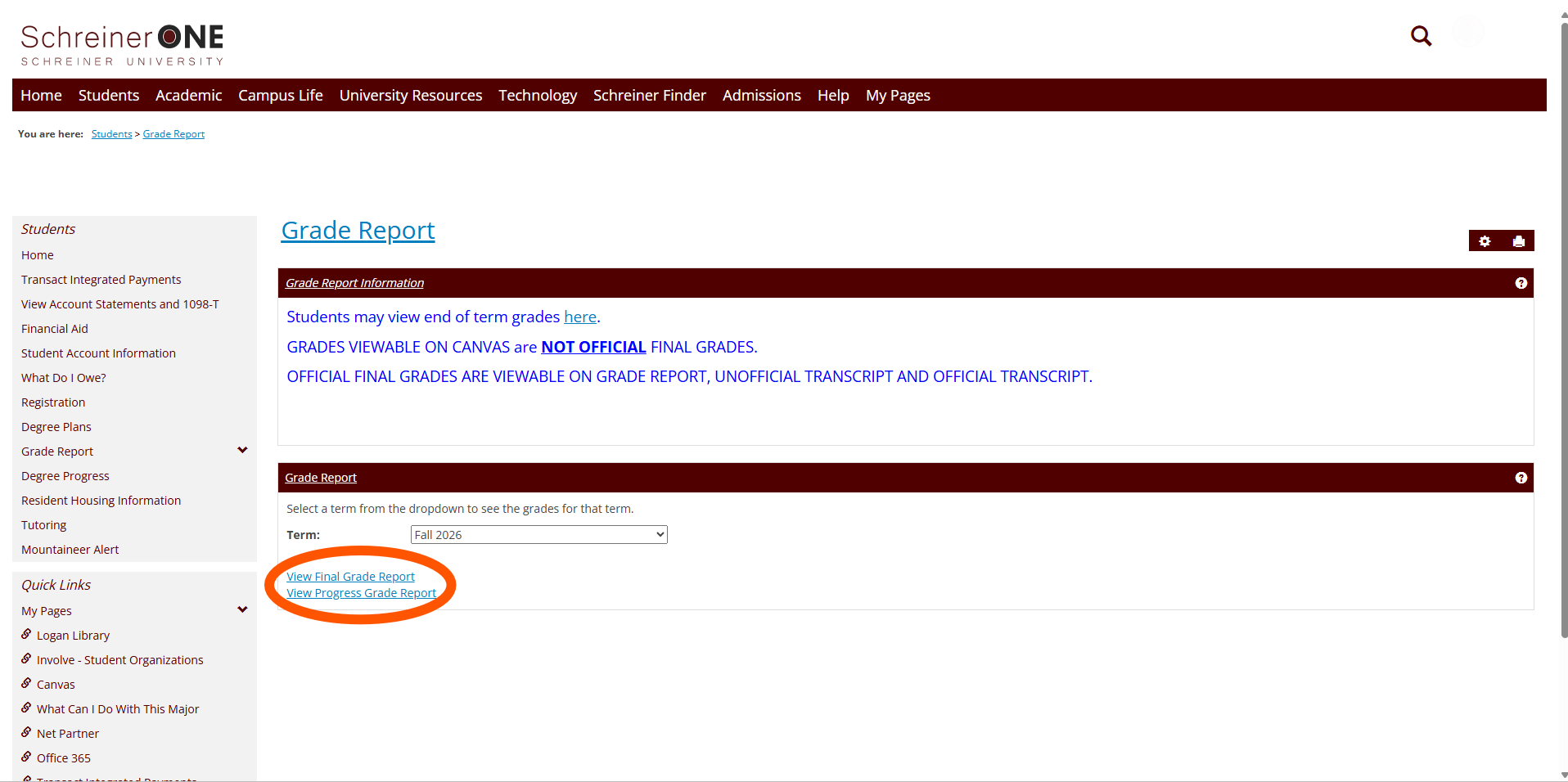
First is the Final grade report, this report is for when the Semester ends and you want to see your final grade. You can check previous semesters to see those past grades. If you see WIP in the "Final Grade" box, that means you are seeing the semester that you are currently taking and will be updated with the final grade once that semester ends. 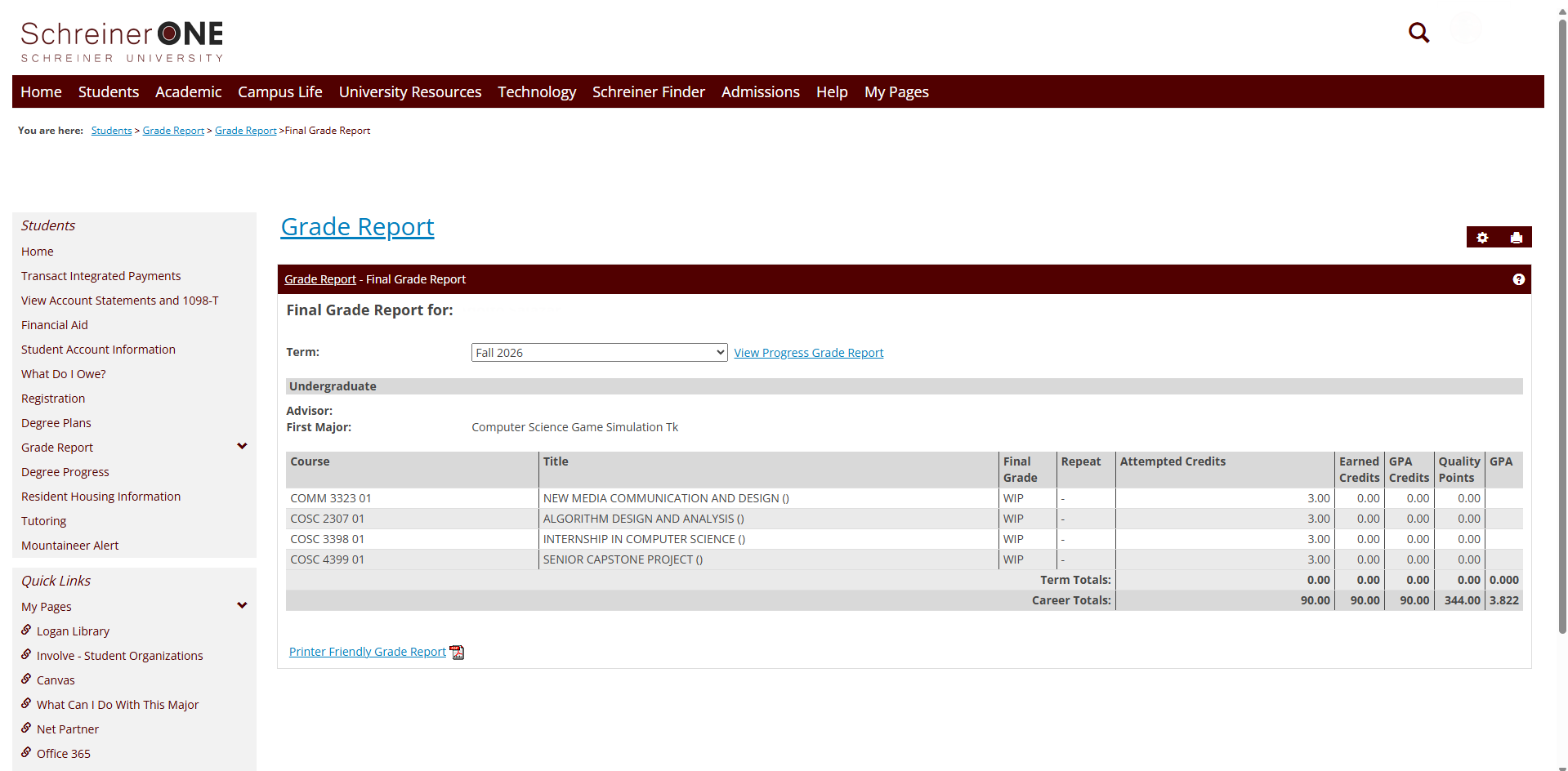
Second is the "Progress Report", here you can see how your progress is going during your current semester.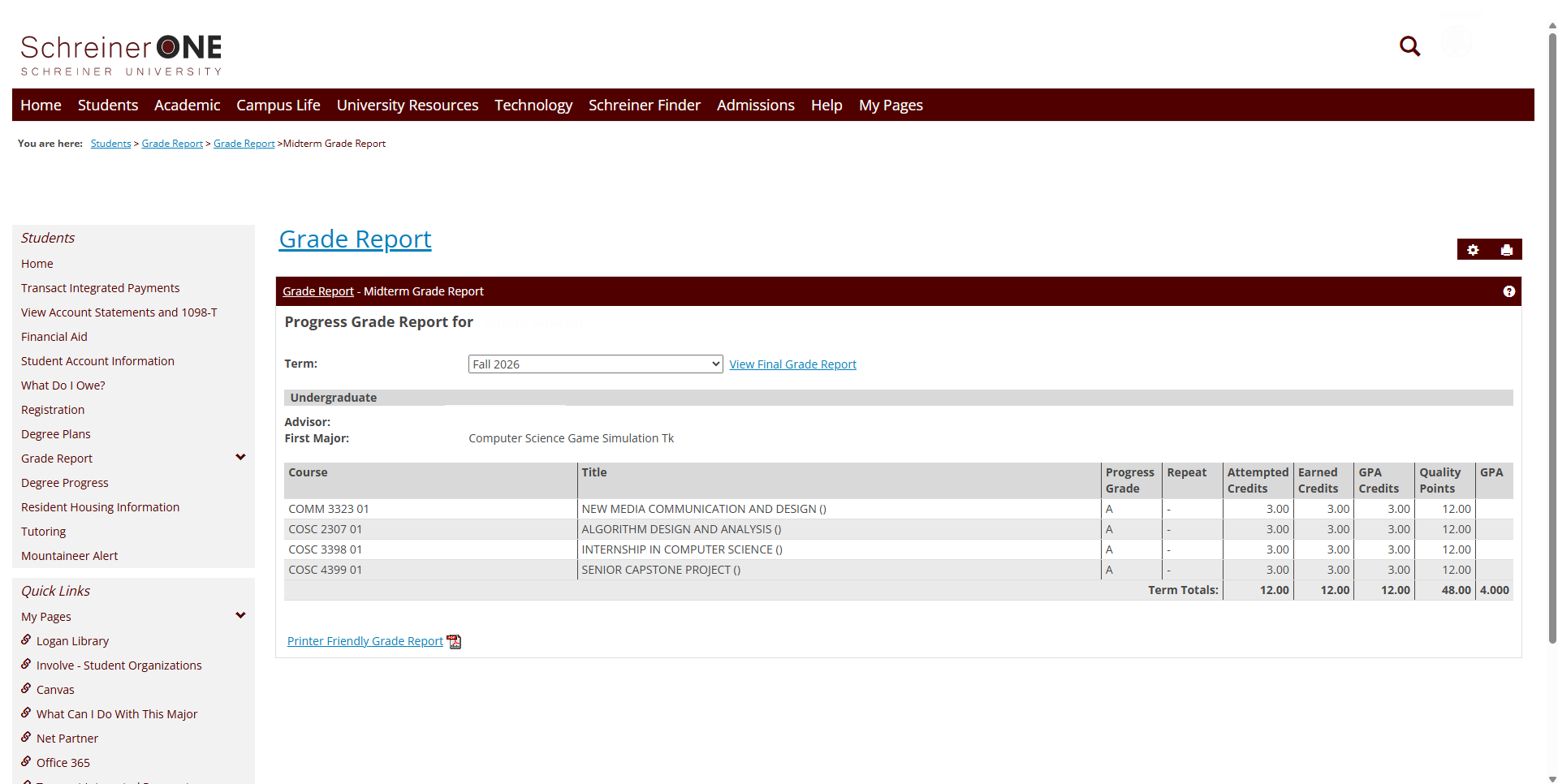
If you have any questions that were not answered in this article, please reach out to [email protected] for help.

