(Financial Services) How can I see My Bill?

Last updated: Oct 07, 2026
7
views

1.) Log on to Schreiner One with your Schreiner Account.

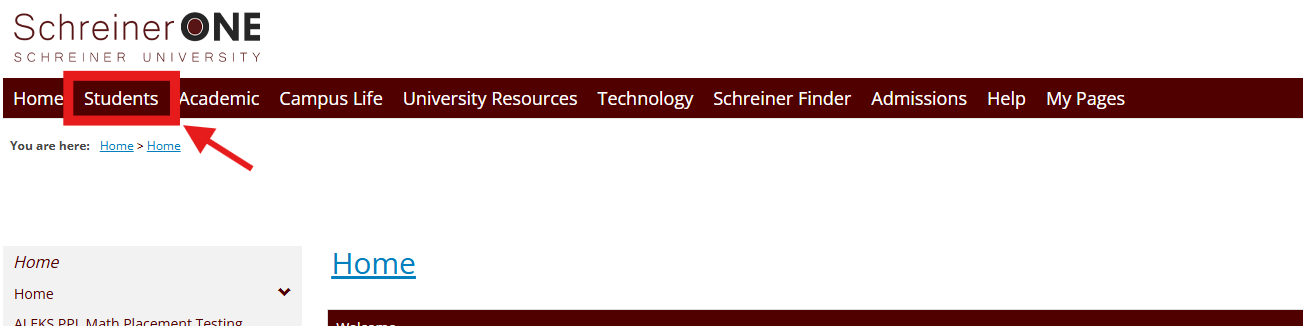
2.) Click on the Student tab at the top of the page.
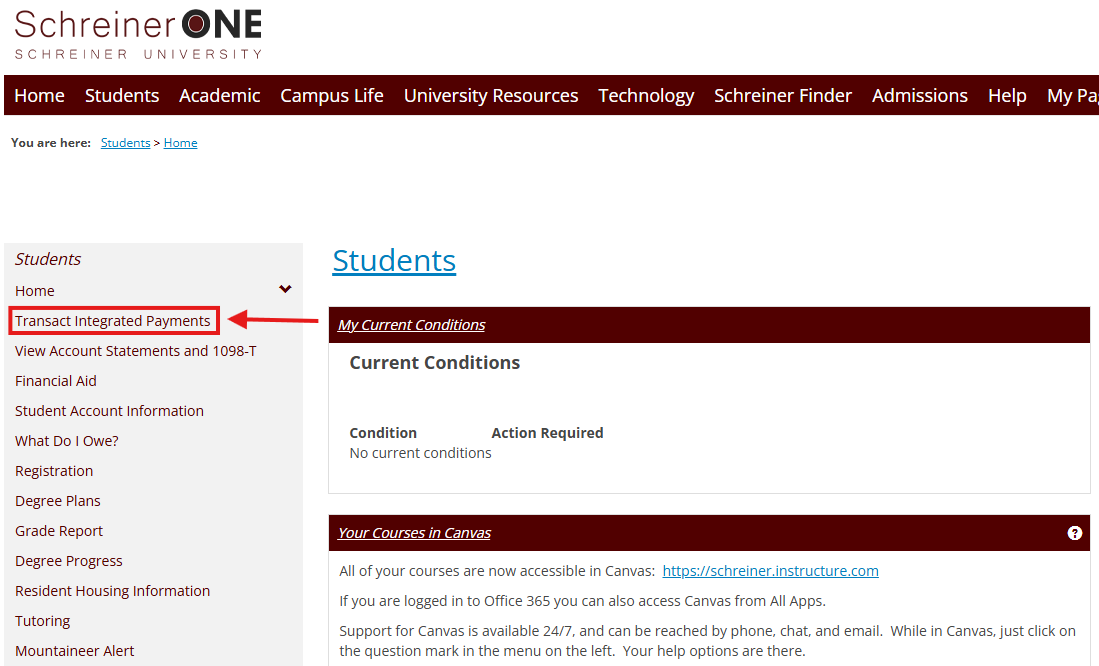
3.) Click on the "Transact Integrated Payments" link on the left side of the page.
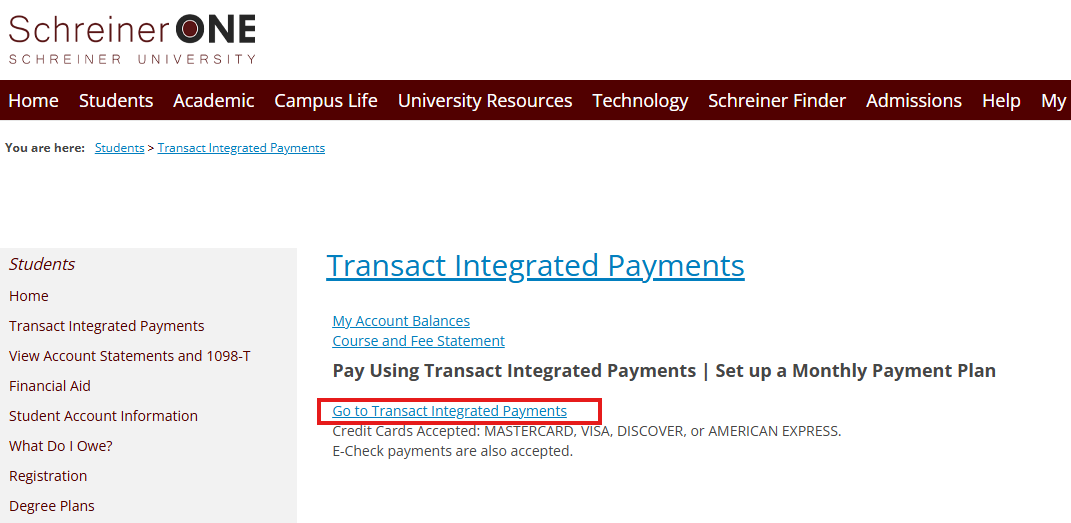
4.) Once in, you'll have to click the "Transact Integrated Payment" Link. It'll take you to a new tab for the Cashnet website.
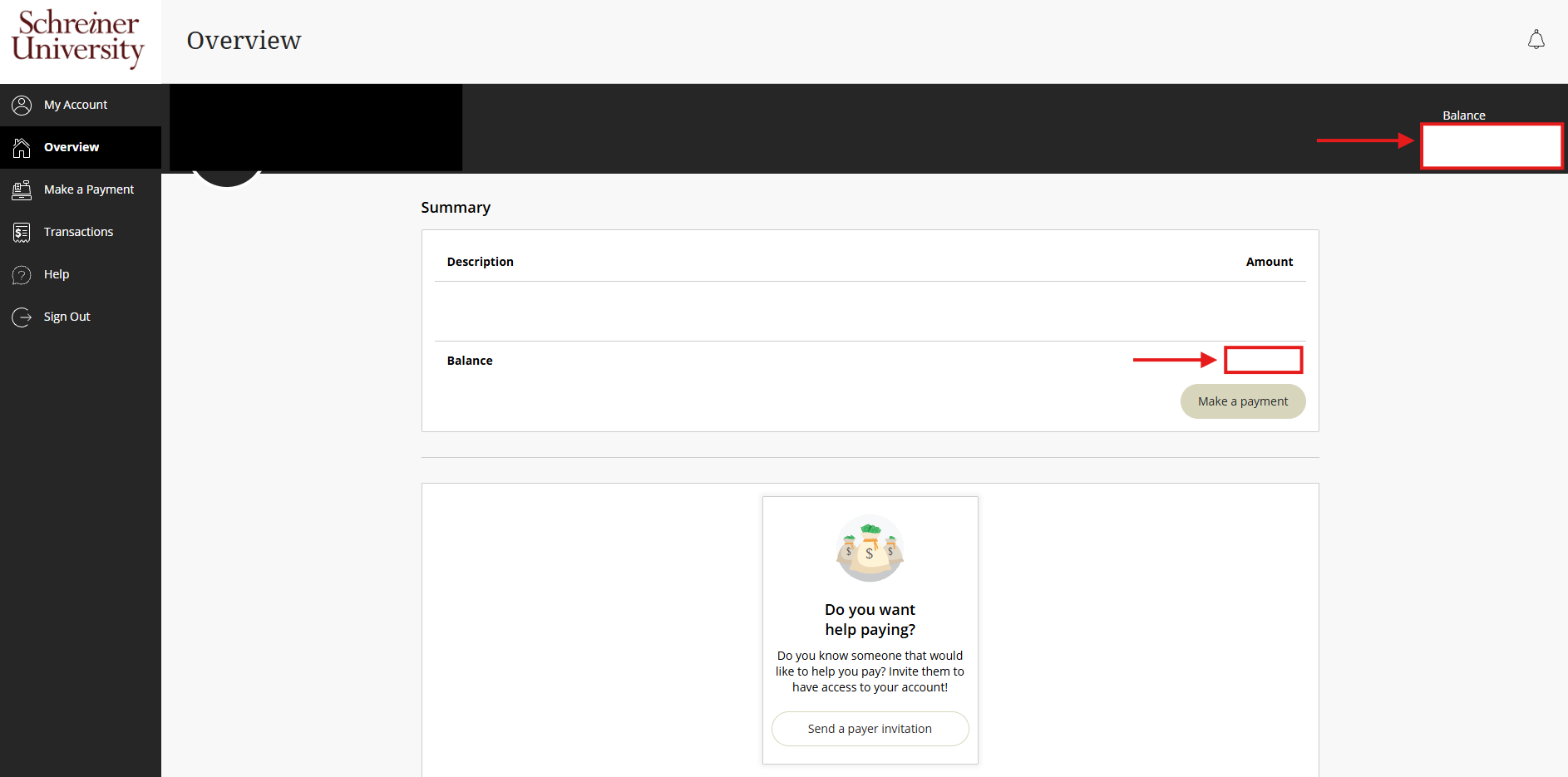
5.) On this Page, you will see how much you owe for the semester, mainly shown in the top right corner of the page. If you have questions, contact [email protected].