

How Do I Access my Echo360 Recordings?(Canvas)
Last updated: Oct 26, 2026
18
views

IMPORTANT: Please note some professors do not record their lectures, so check with them first.
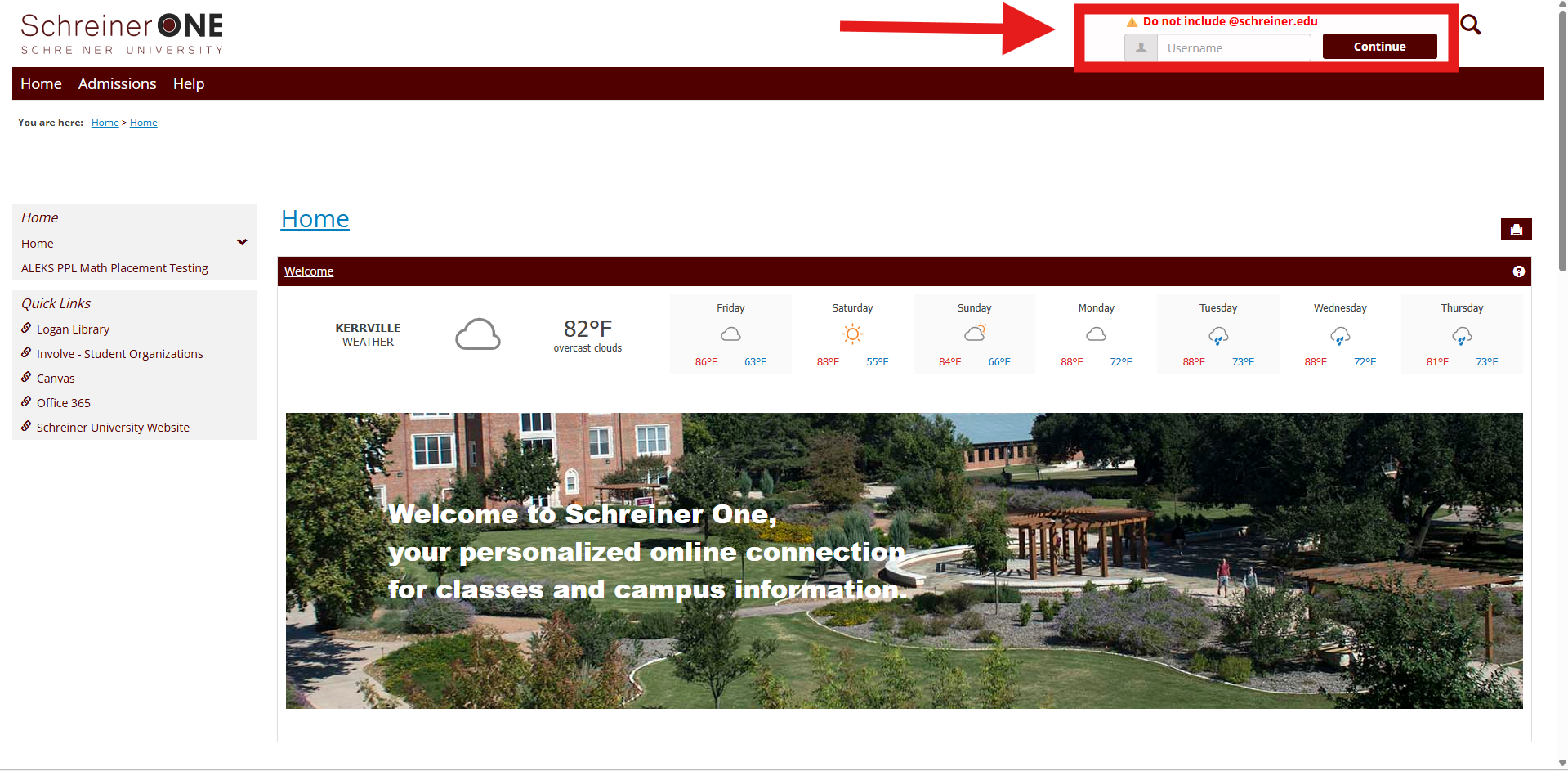
First, log into your Schreiner one account with only your username before "@SCHREINER.EDU"
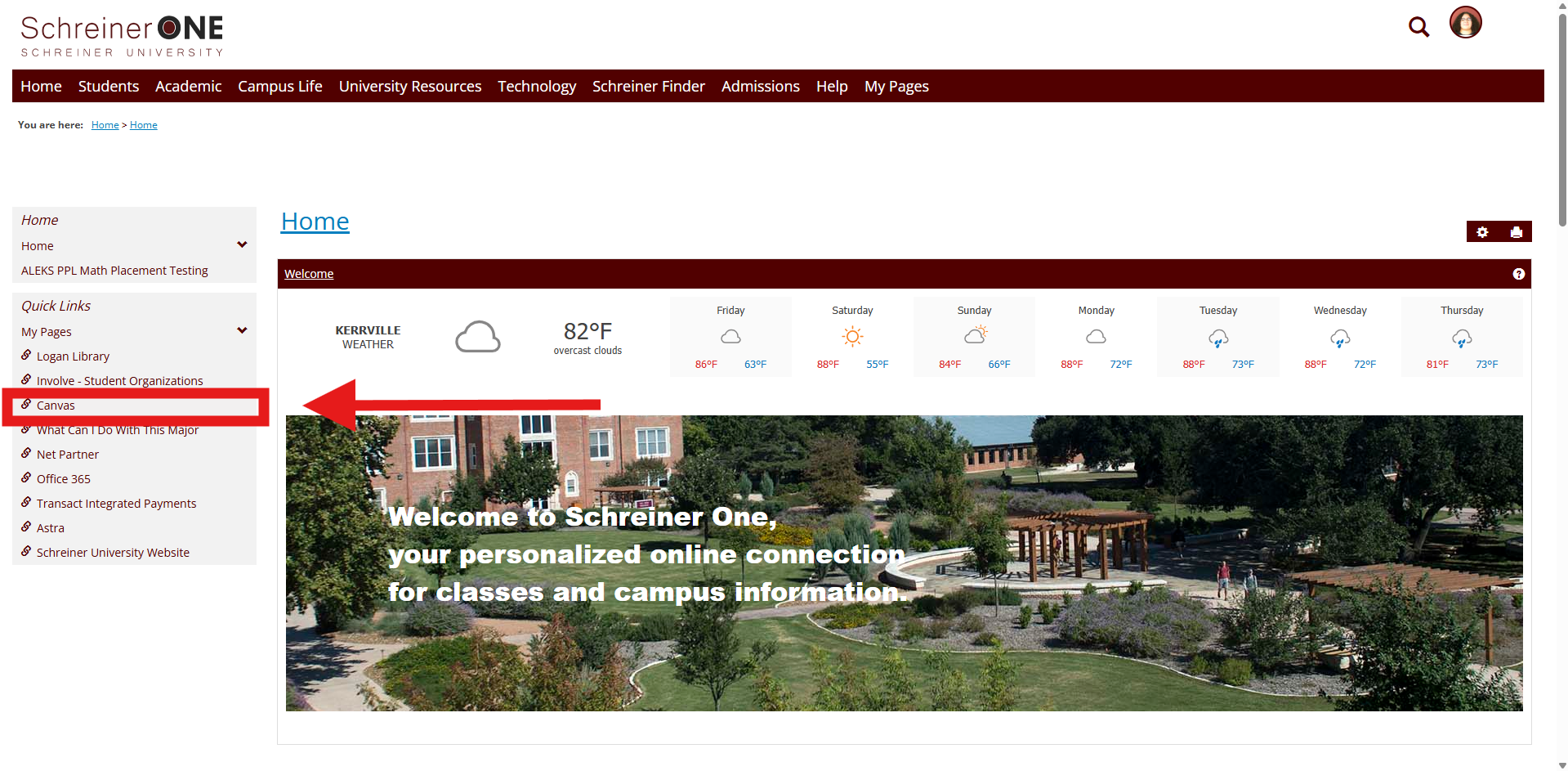
Now that you logged into Schreiner One, on the left of the home tab press Canvas.
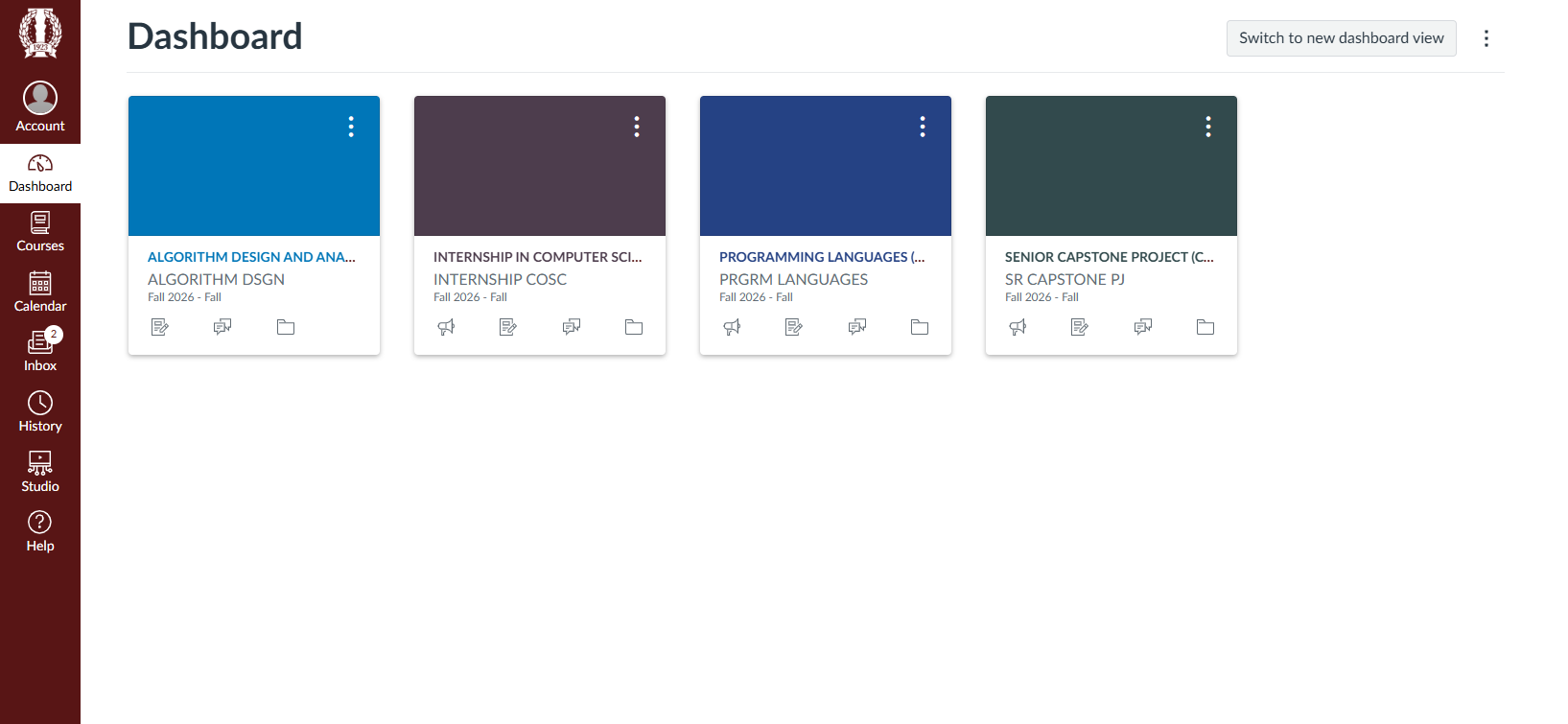
From here, choose which class you would like to access the recordings.
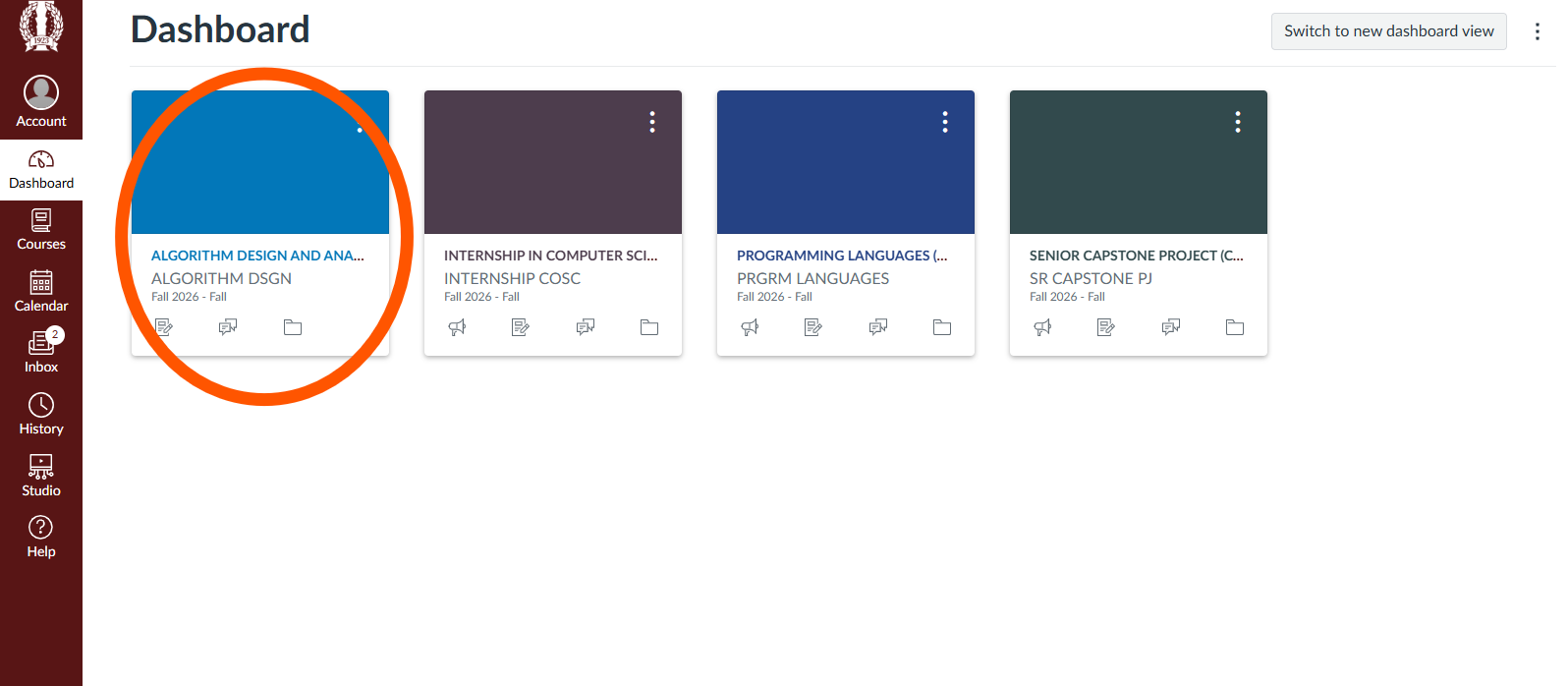
Then select your desired course that you want to view.
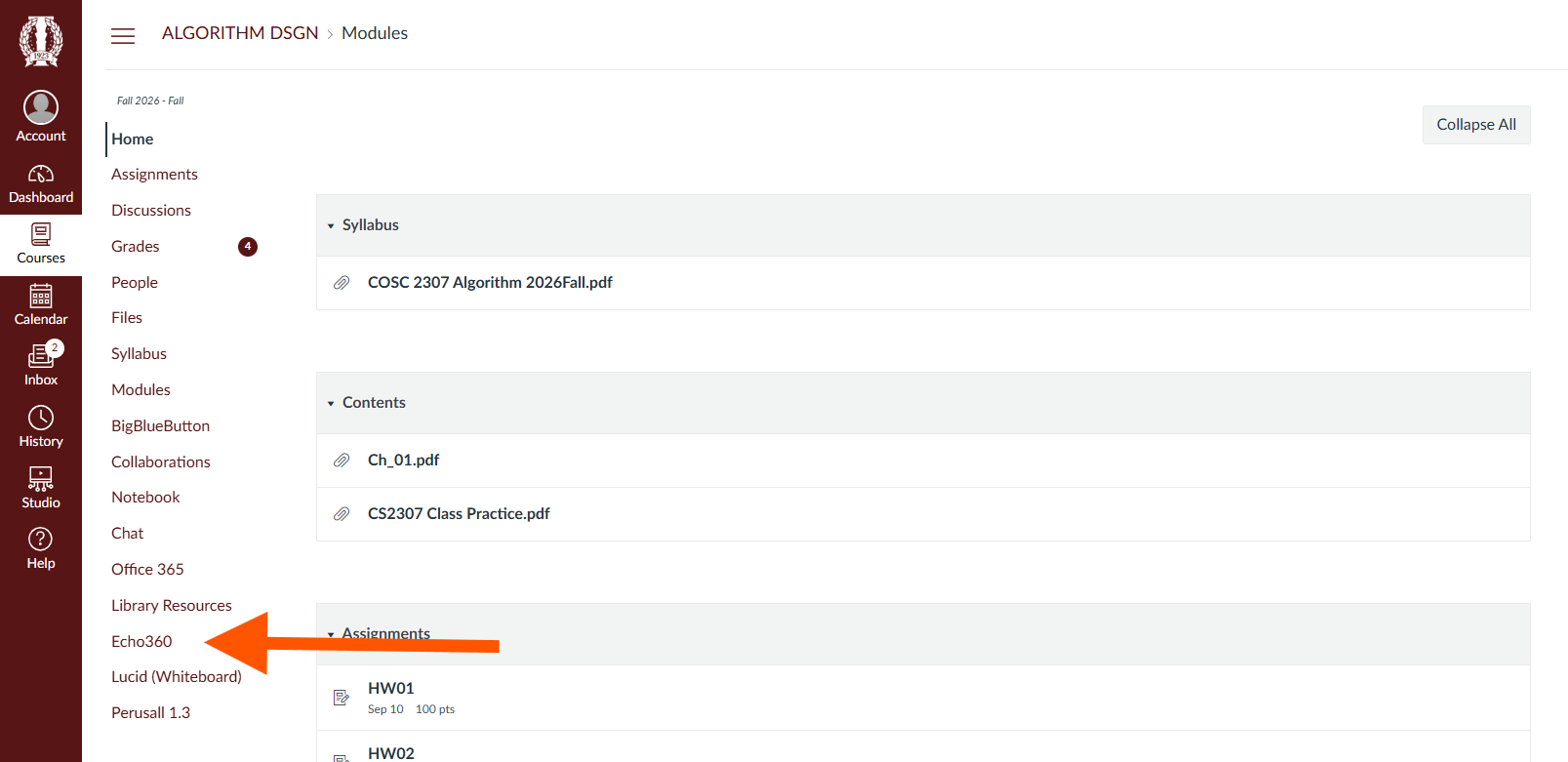
After you've chosen a course, on the bottom left of the canvas taskbar select ECHO360. If no recordings are showing refresh page.
IF it's still not showing contact the SERVICE DESK @:

