

How to see grades on Canvas?(Canvas)
Last updated: Oct 26, 2026
17
views

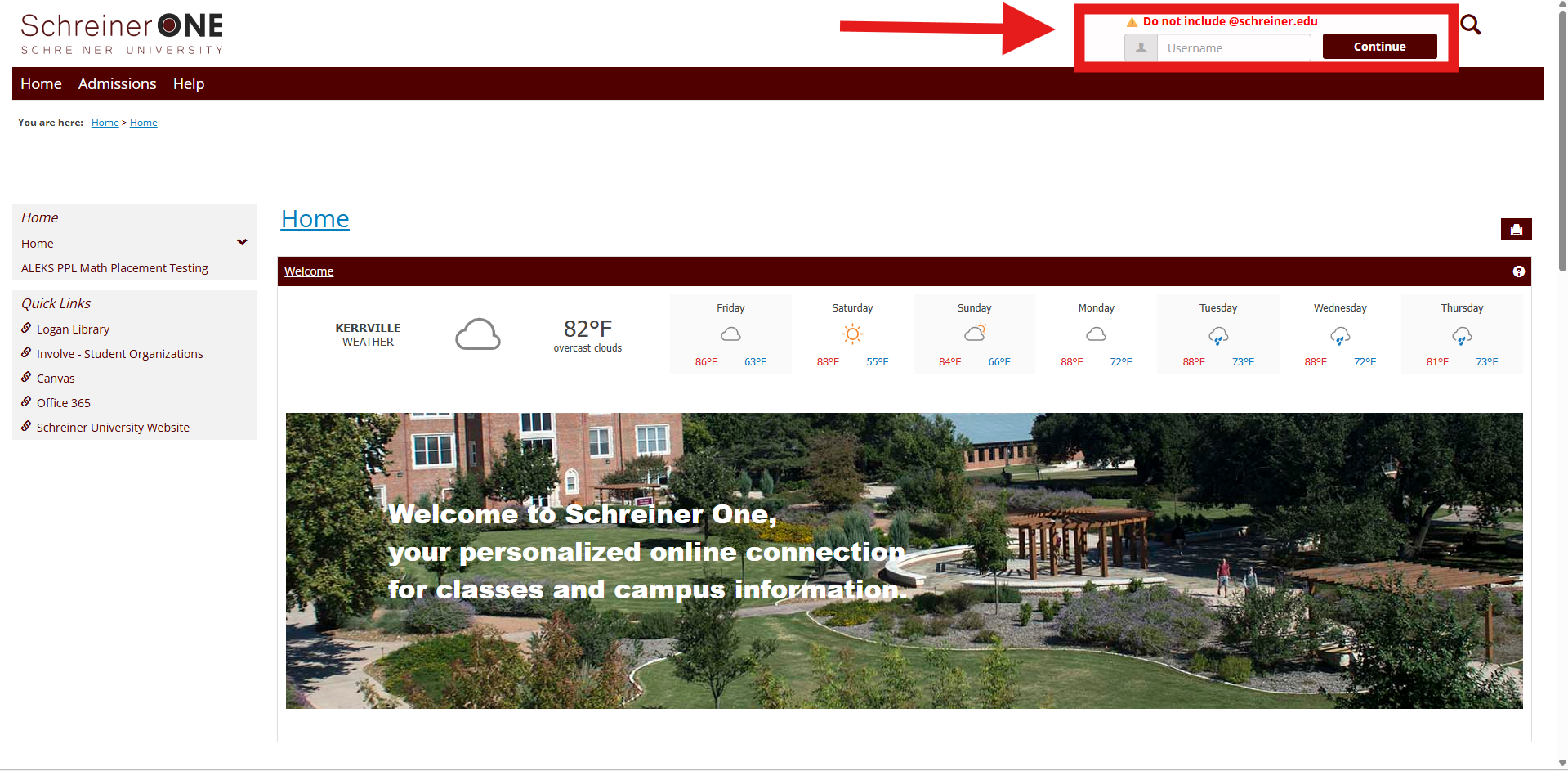
First, log into your Schreiner one account with only your username before "@SCHREINER.EDU"
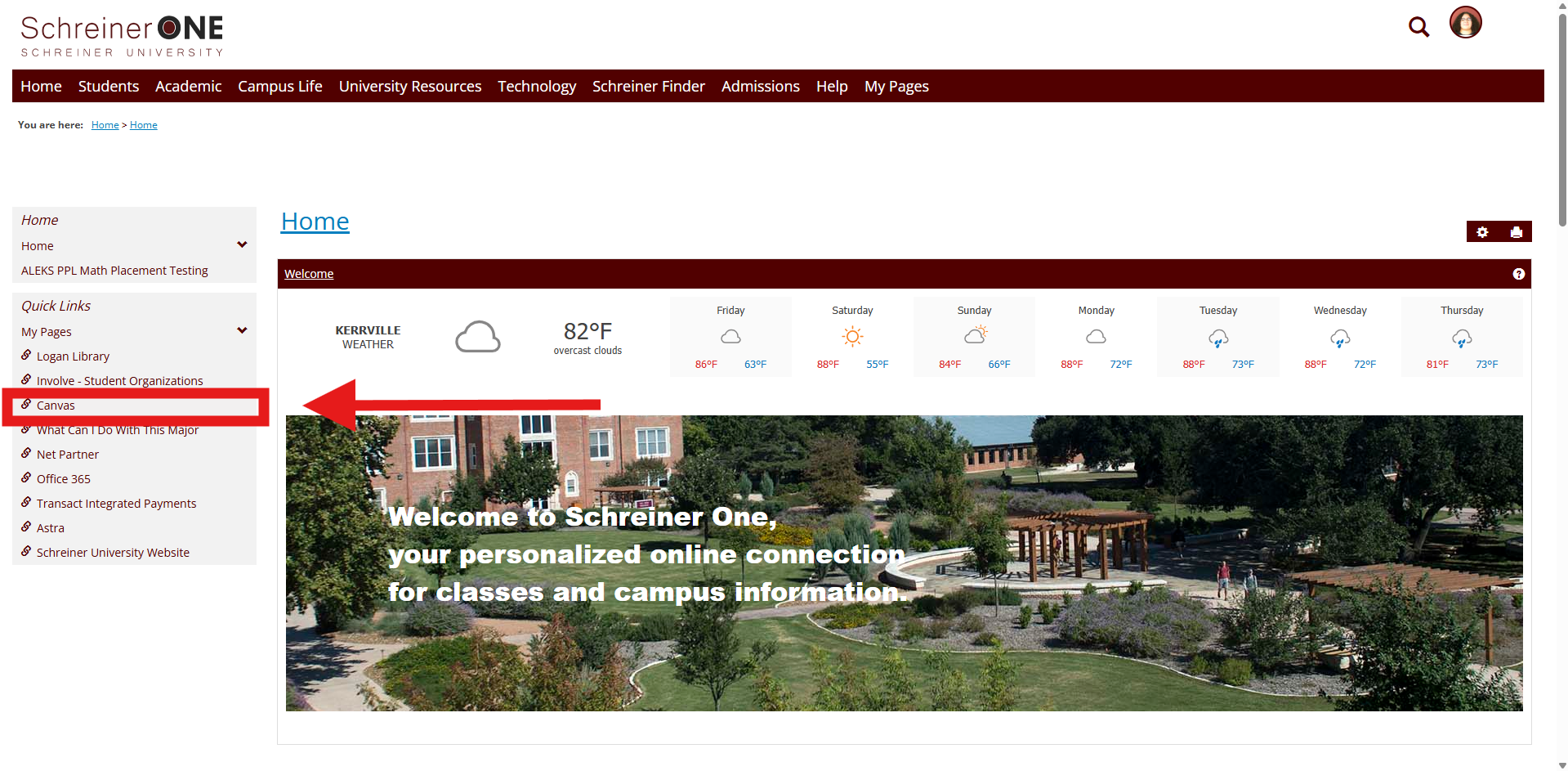
Now that you logged into Schreiner One, on the left of the home tab press Canvas.
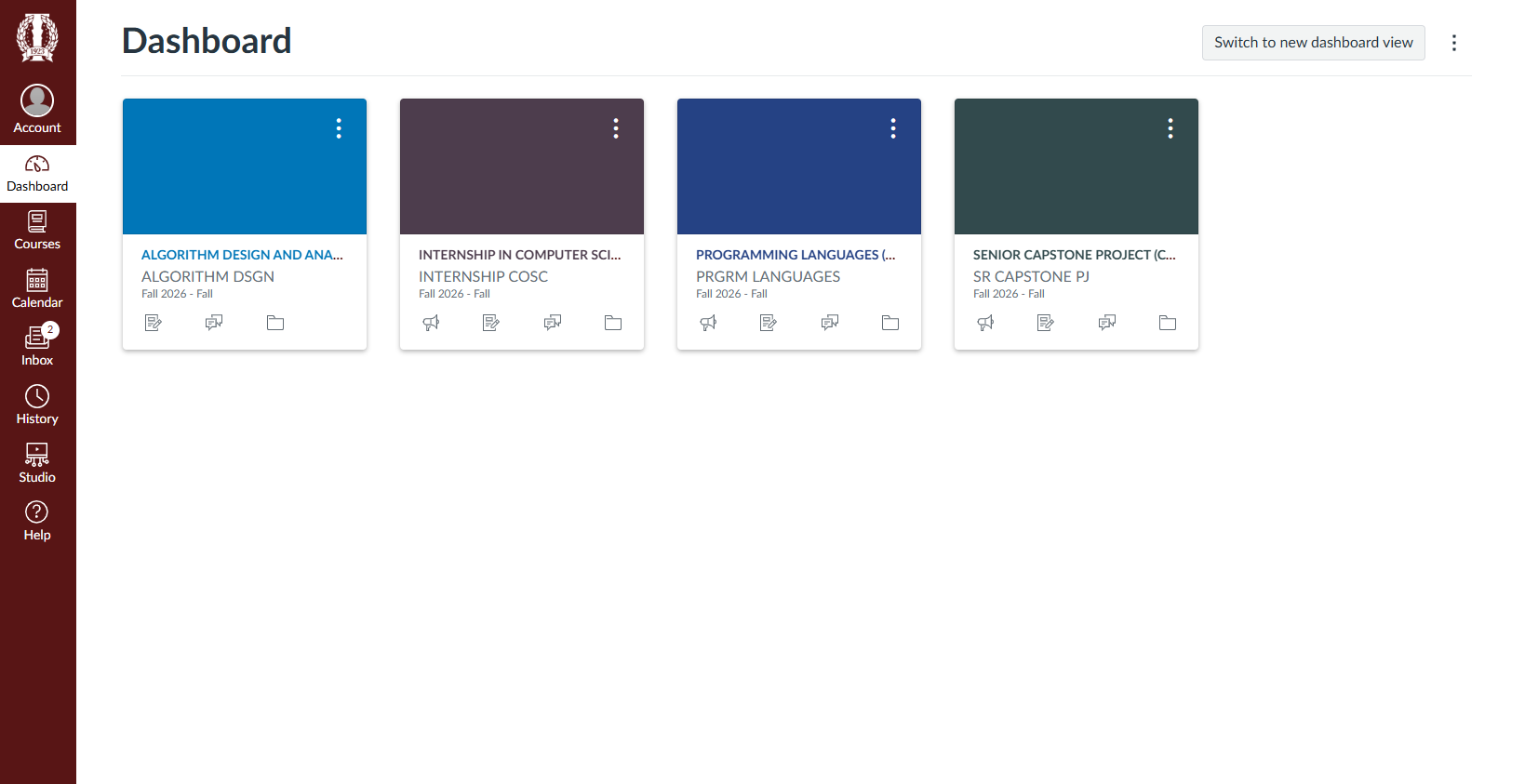
This is your dashboard where your classes should show. Select which class you would want to see your grades in.
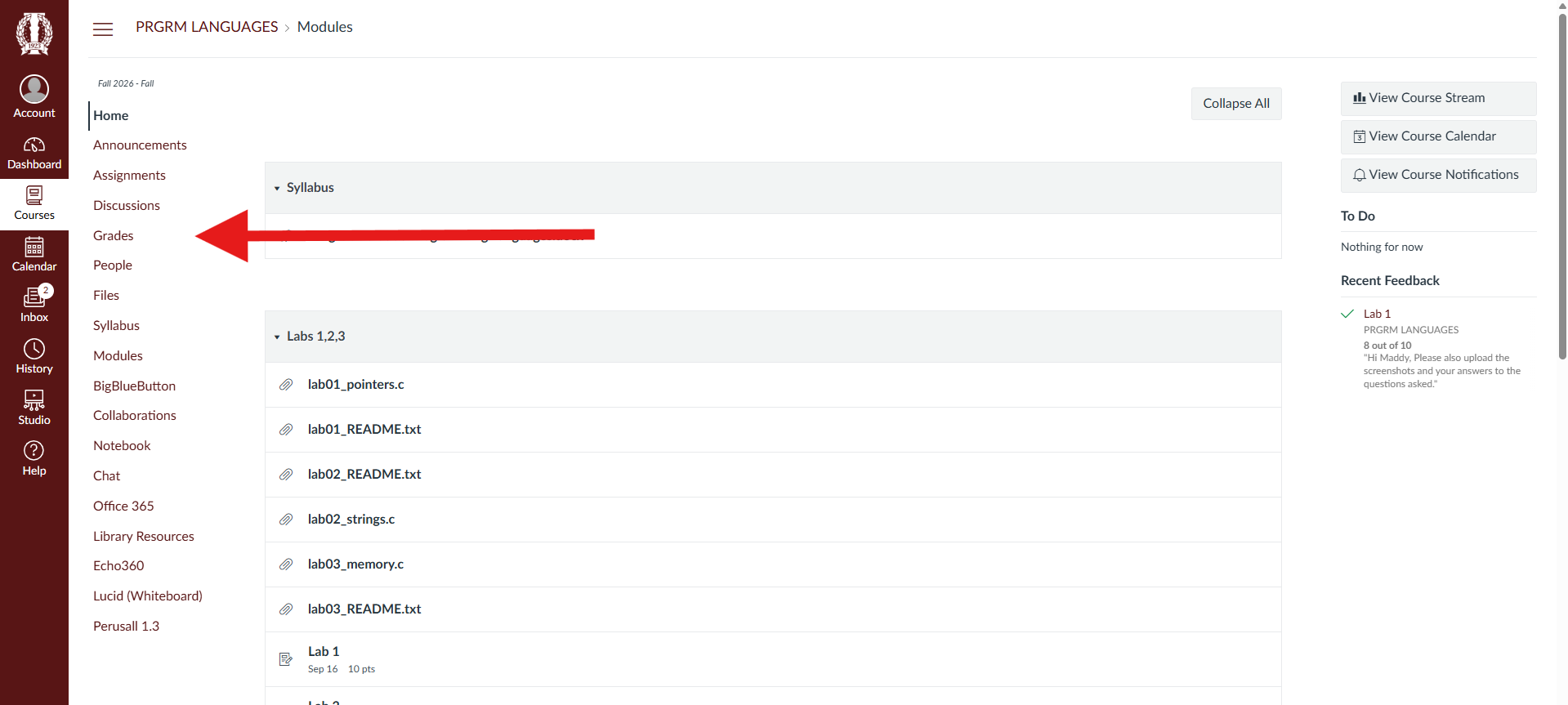
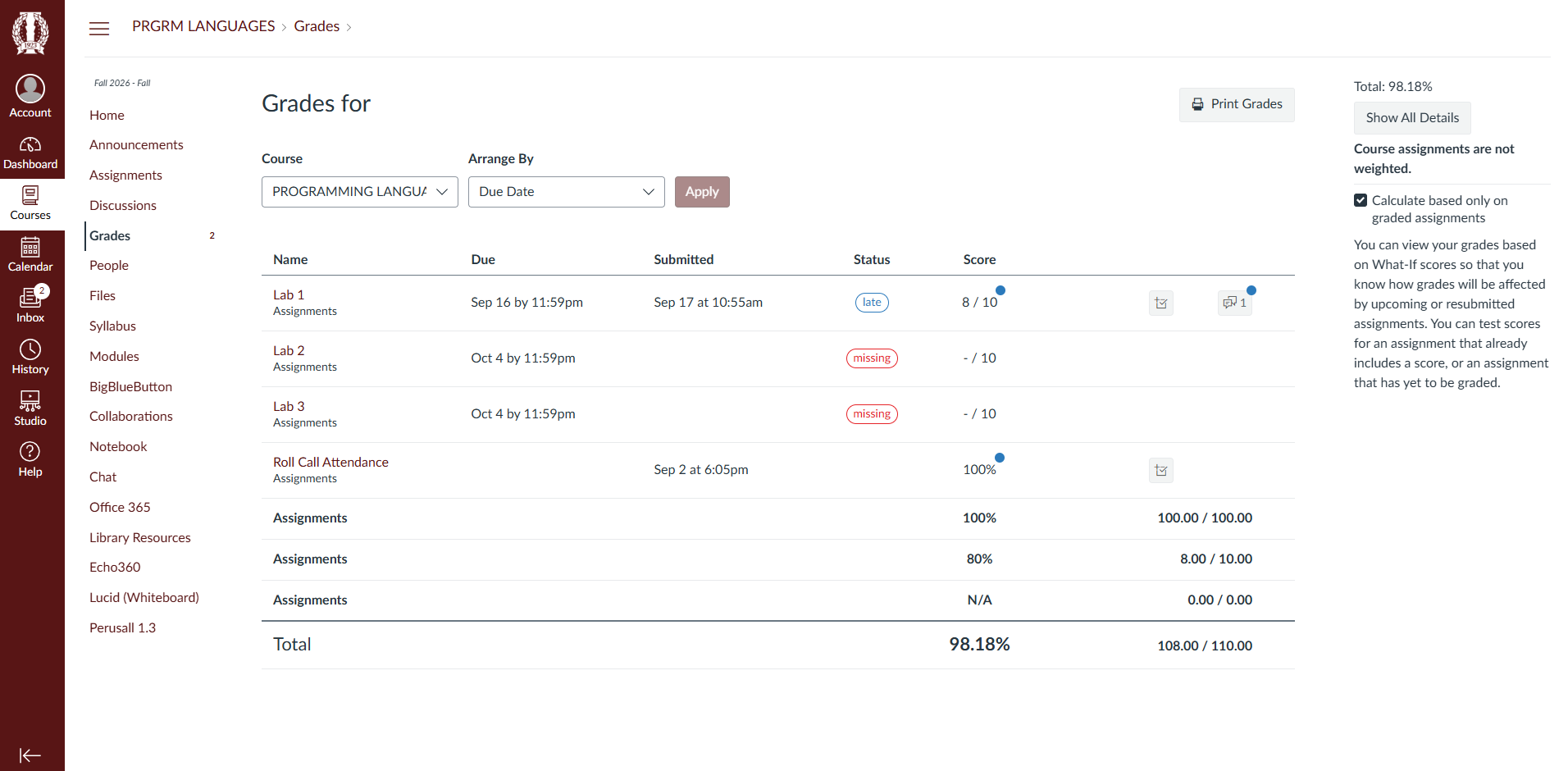
From there on your left side bar press Grades.
Viola. your wonderful grades should appear.
NEED ASSISTANCE? Call or Email the SERVICE DESK @ :
or CALL 830-792-7344

