


This article helps understand what a meal plan is, the different meal plan options, and how to change a meal plan if you are not satisfied with your current meal plan.
First, log into schreiner one.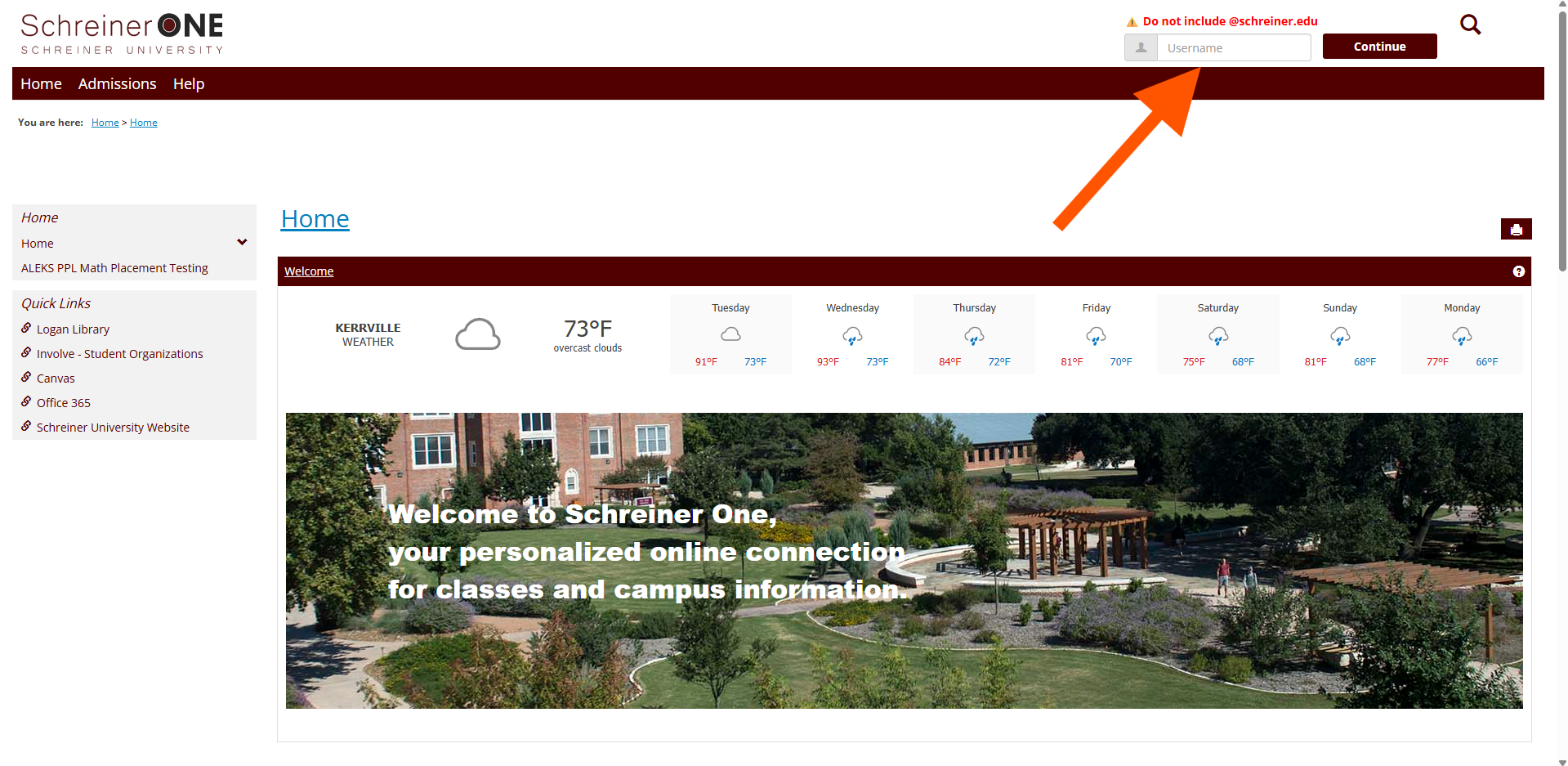
Once logged in. Click on the "Students" Tab.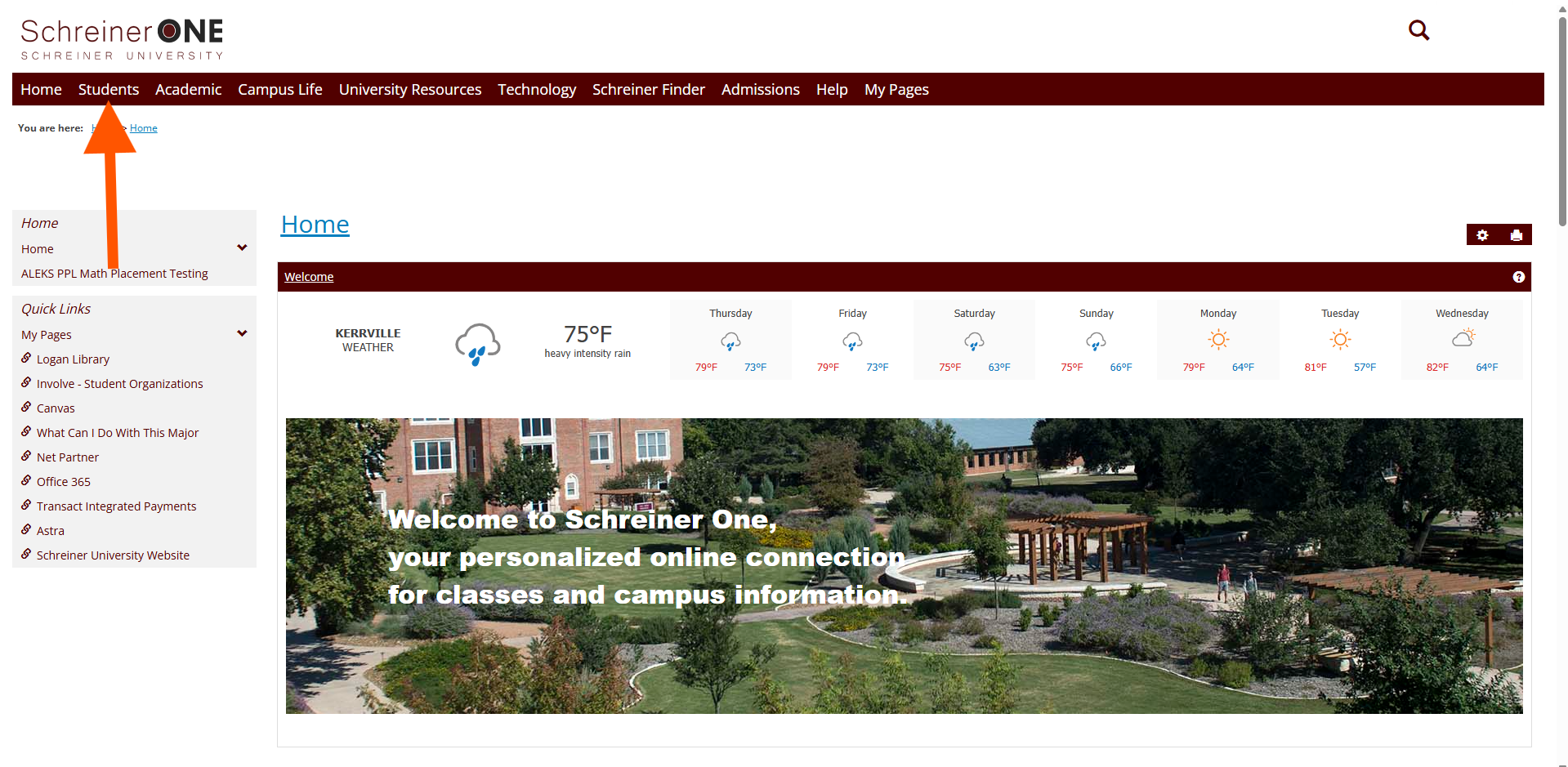
In the "Students" Tab, in the left panel, click on "Resident Housing Information."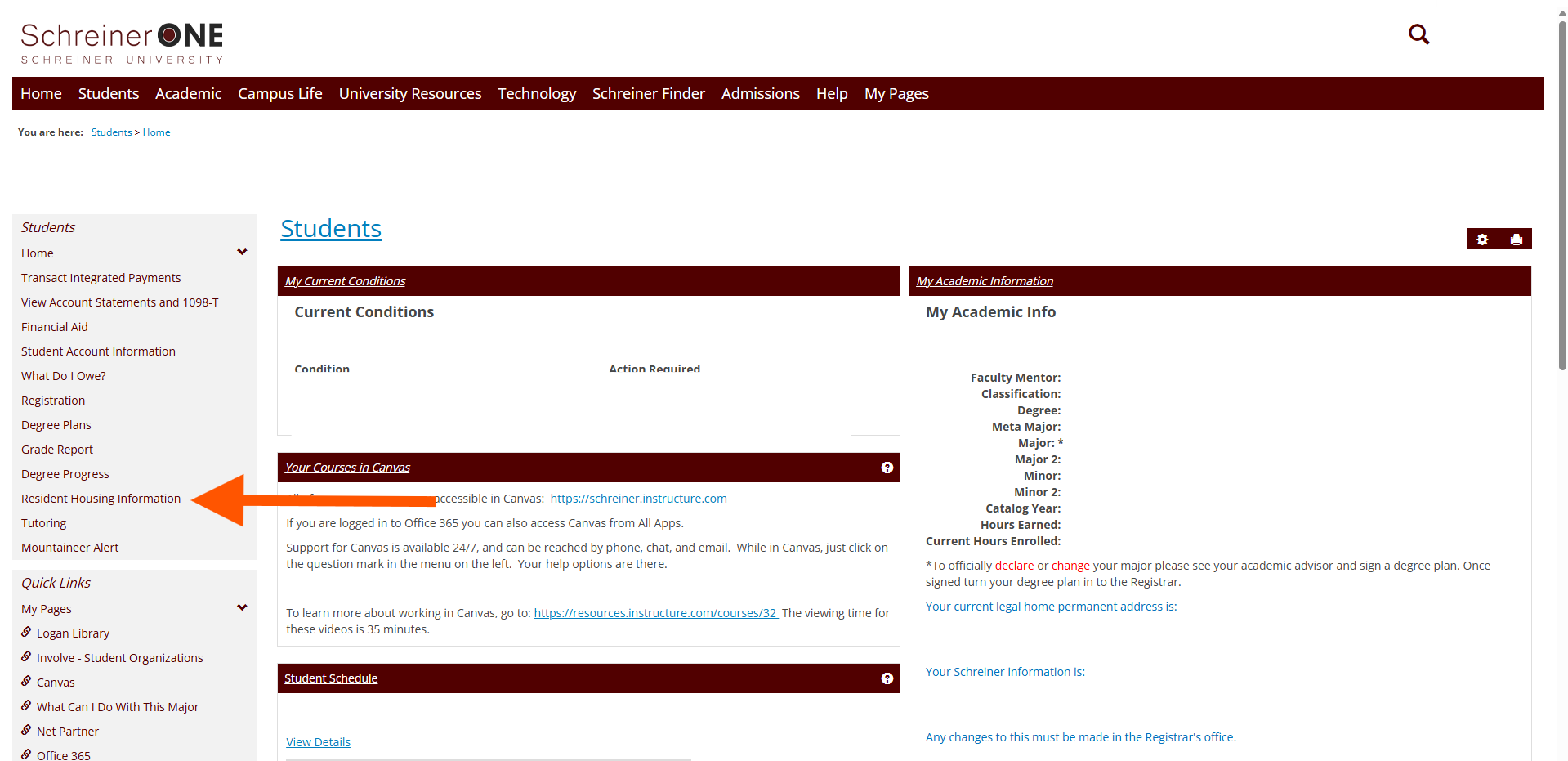
In the "Resident Housing Information, on the right panel you will see "Meal Plan Request form."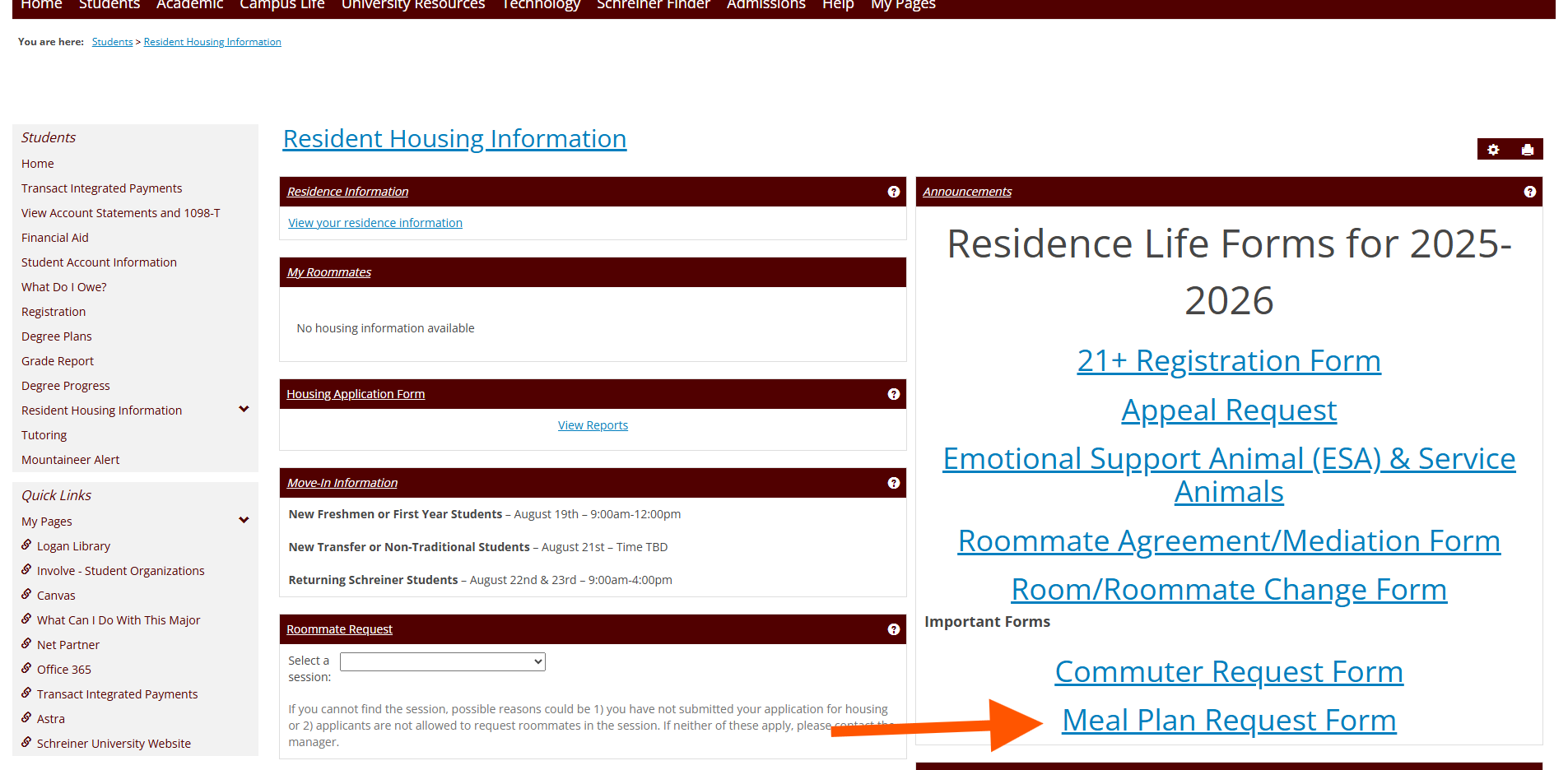
If you do NOT see this window of "Announcements". Then click on "Residents Housing Information."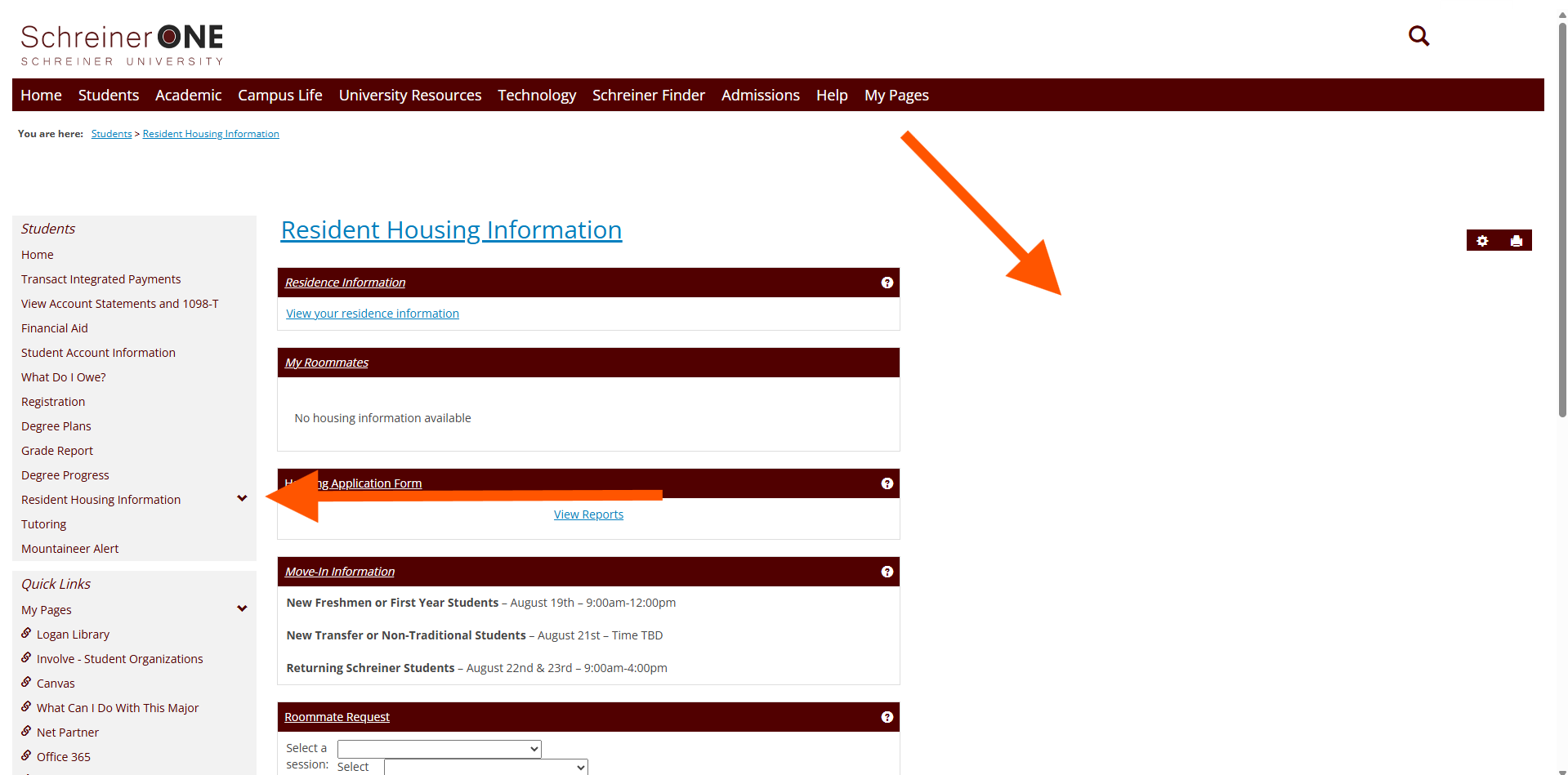
A drop down menu will appear and you will want to click on "Meal plan Changes."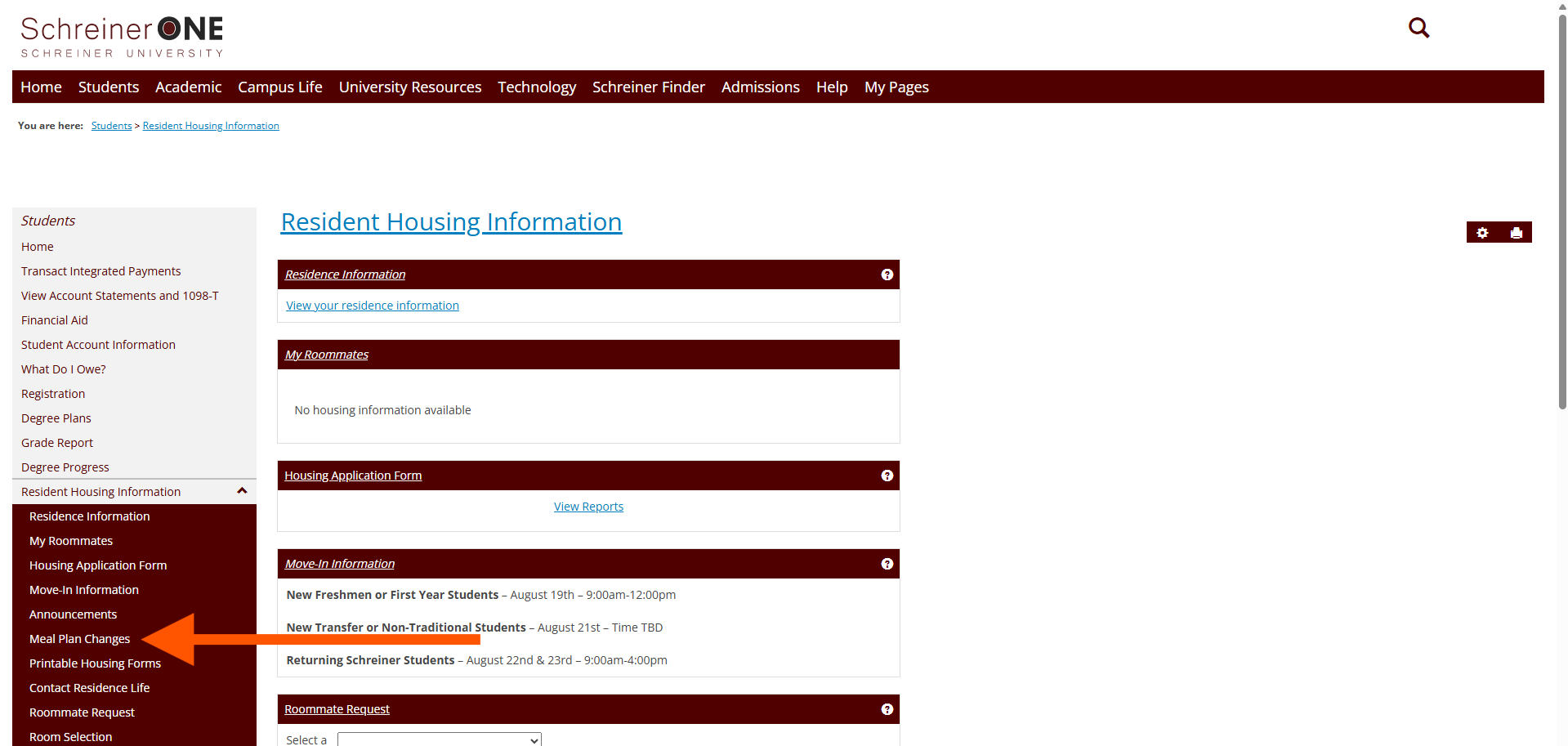
Once you have clicked on "Meal Plan Changes", you will see a small new window, click where it says "here."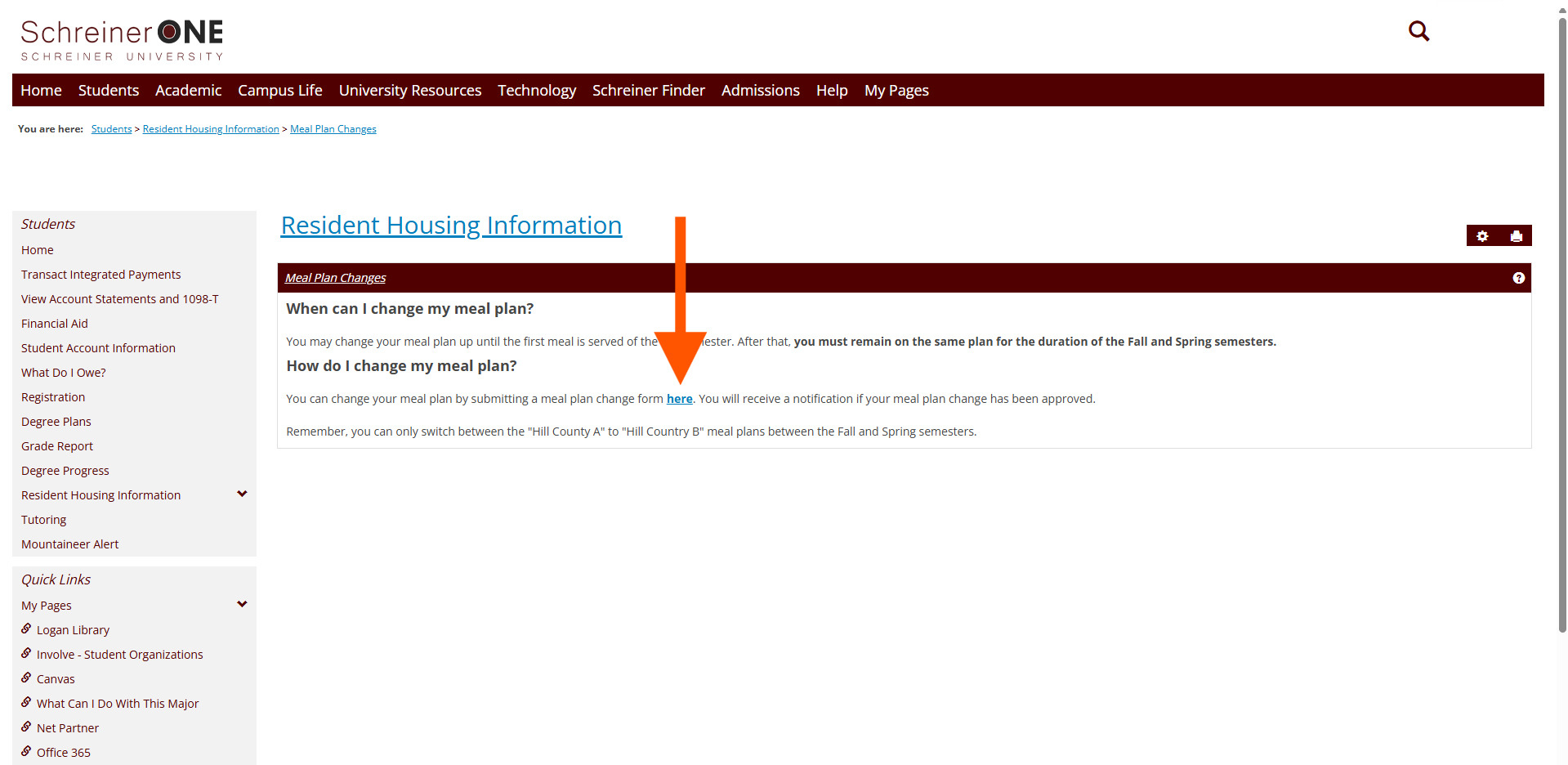
Once you have clicked on "here" or "Meal Plan Request Form." You will be taken to a new page.
Here you will see the different meal plans that are offered.
The thing to NOTE. MB stands for Monty bucks. This is per semester. For example, if you get 250 Monty bucks, it will be active from the beginning of the semester till the end of the semester.
MPW stands for Meals Per Week, also called meal swipes. These reset every week on Thursday. 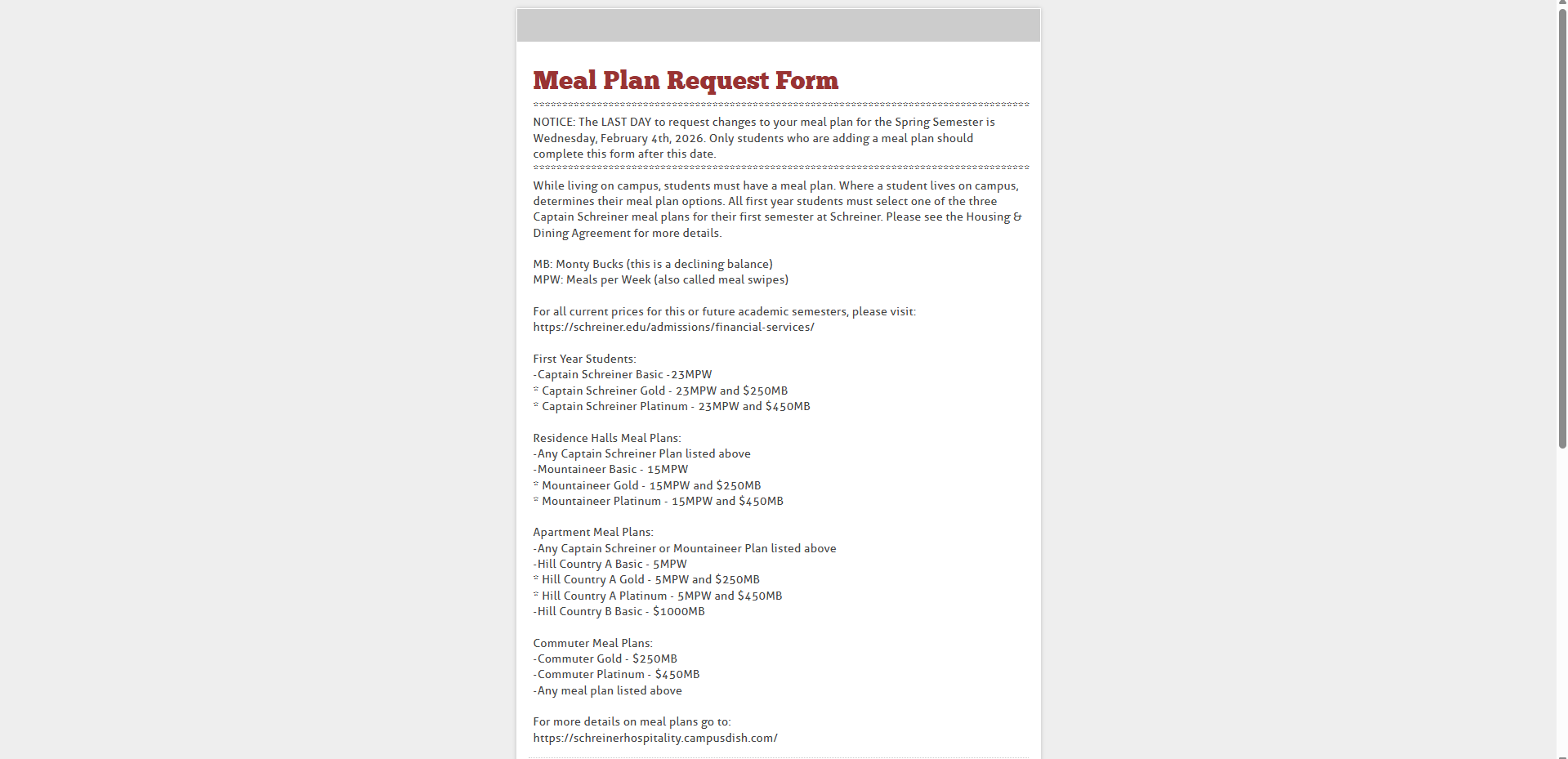
Scroll down a bit and you will see where you will need to enter in your information. Once you have entered all of your information, click on "Next Page."  Scroll down and you will see a new section that will need your information.
Click on the empty boxes to access the drop down menus. Enter in your info for both boxes. Once that is done, click on "Next."
You will need to sign your full name in the box and read the following below to get an understanding. Once you have done that, click on submit. 
If you would like an know how much each meal plan cost. In the Search bar, type in "Schreiner Financial services". Click on the Search result that says "Financial Services - Financial Aid" or click on this link, recommend right clicking and then "Open link in new tab." https://schreiner.edu/financialservices/
Once you have entered, scroll down a bit till you see "On-campus Meal Plan Per Semester." Click on it and it will give you the different costs for the meal plans. These do change per semester so they will not always cost the same as previous semesters.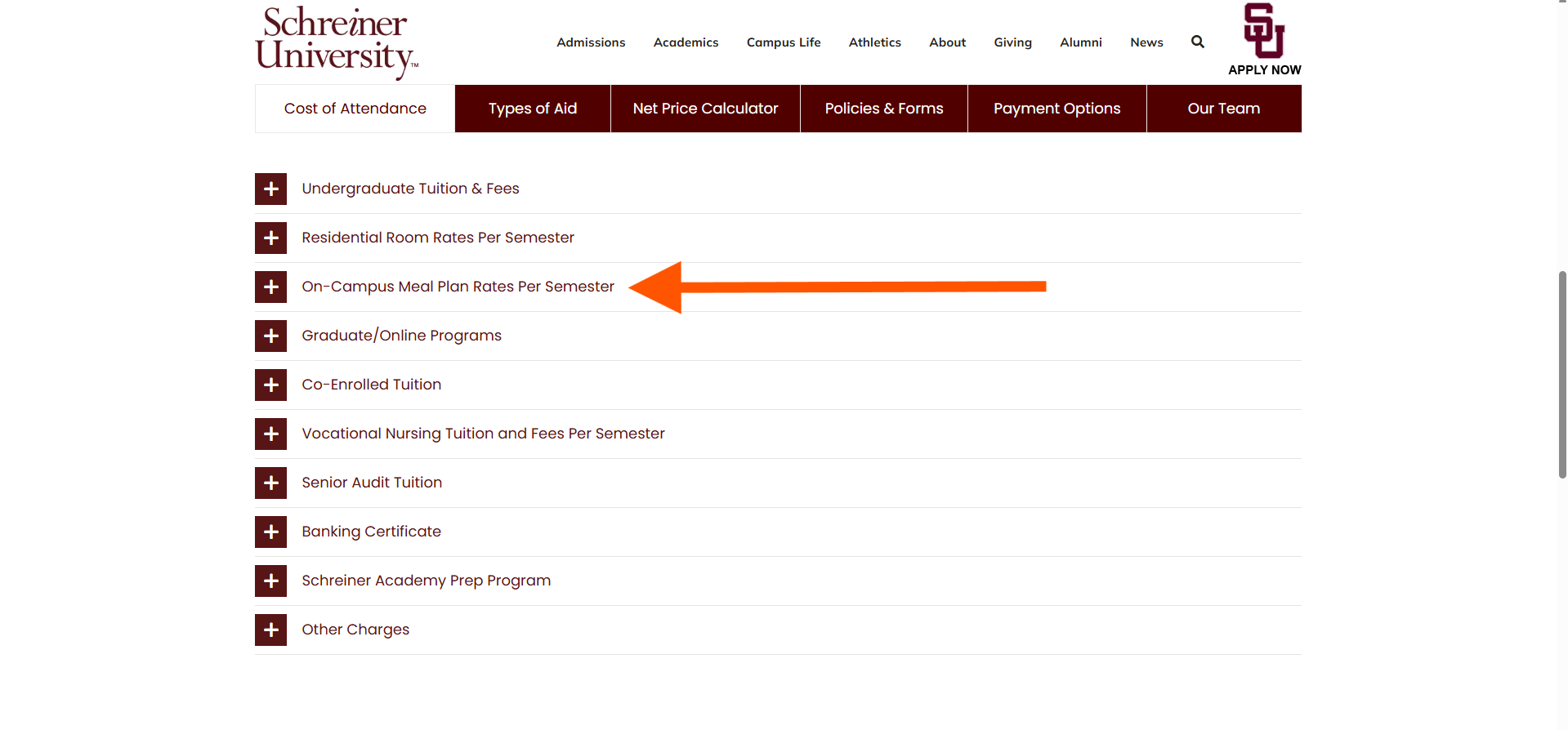
If you have any questions that were not answered in this article please contact [email protected] for more help.

