

Schreiner one: How to look at my course history.

Last updated: Sep 29, 2026
17
views

Search "Schreiner one" in a browser and login in the top right corner. 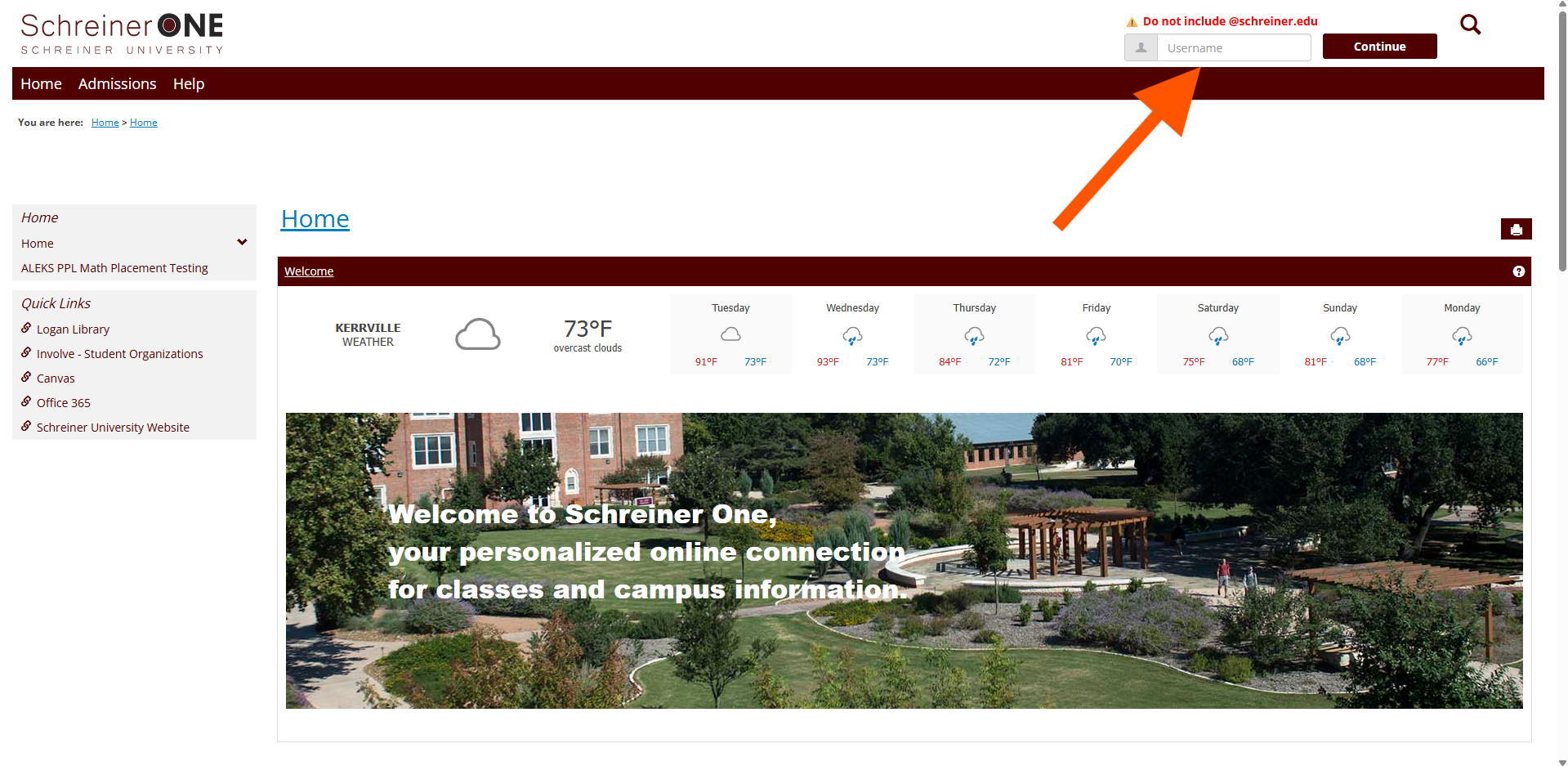
Once logged in, click on "Students" tab.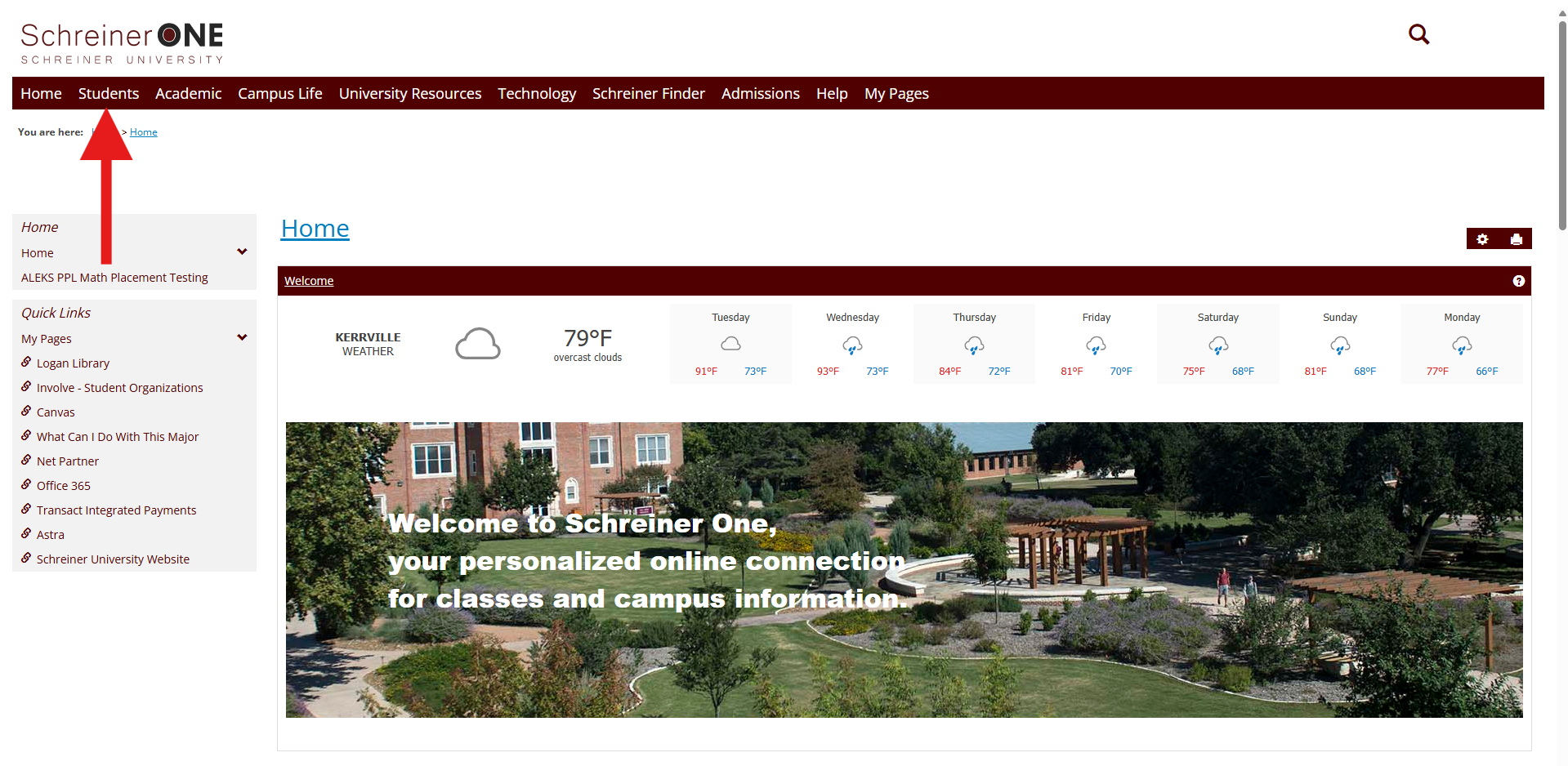
In the "Students" tab, scroll down until you see course history, in the little window, click on "View Course History."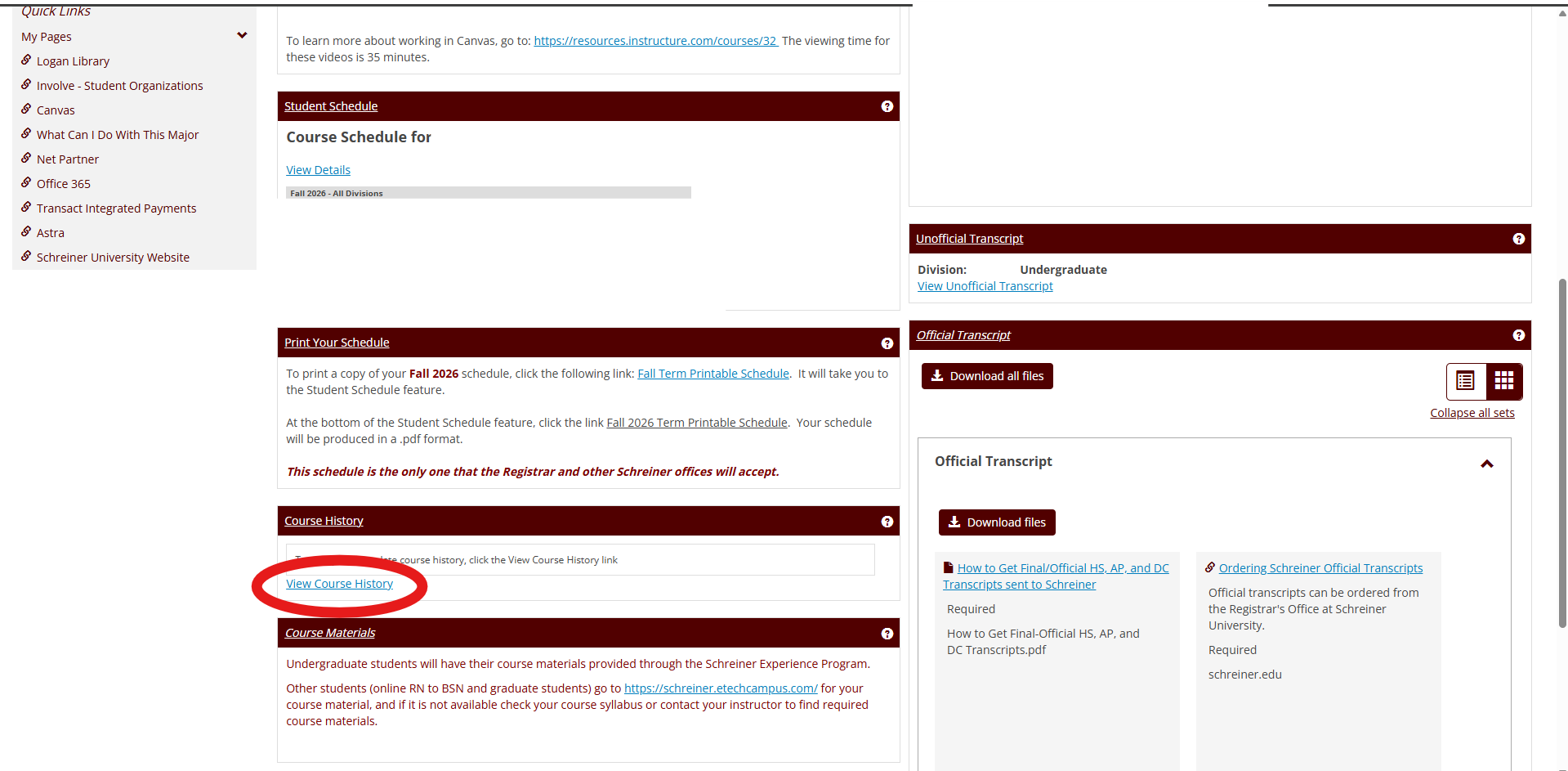
Once you have clicked on "View Course History", You will be able to see your past courses that you have taken, your grade in that class, credits and title. 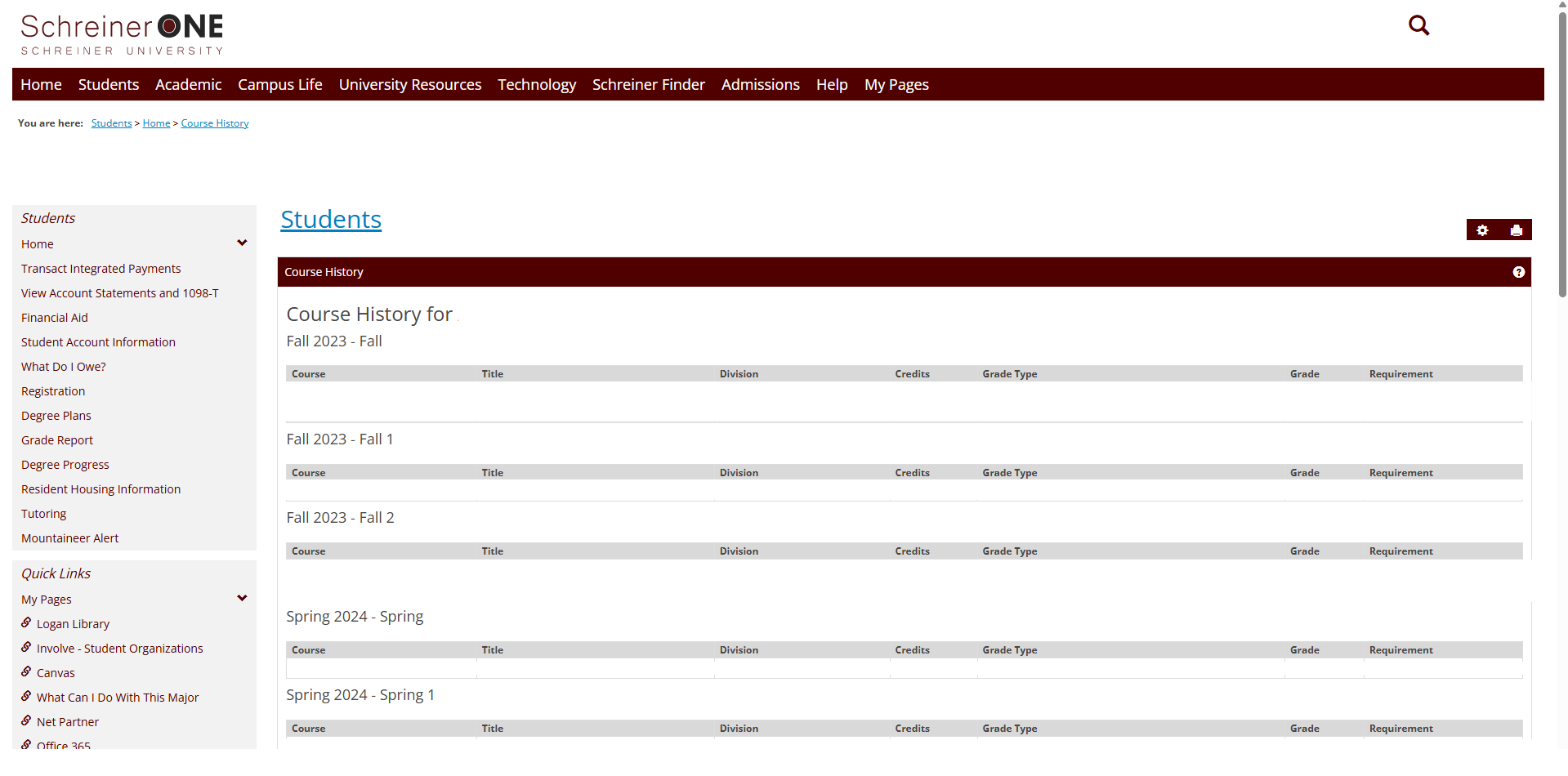
If you have any questions that were not answered in this article, please contact [email protected] for help.

