

Schreiner One: How to check degree progress

Last updated: Sep 25, 2026
22
views

Search Schreiner One and login in.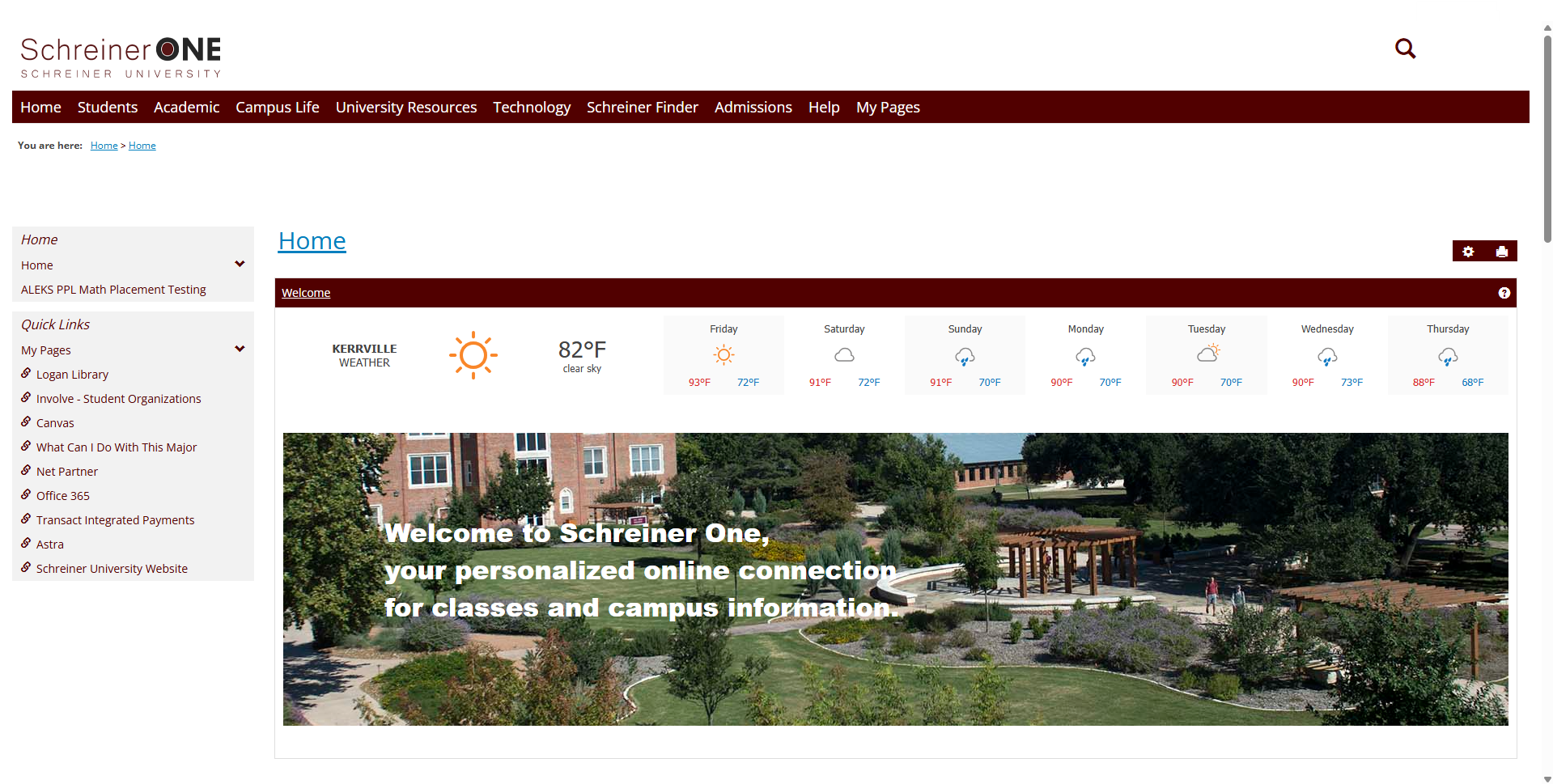
Once logged in, click on the "Students" Tab.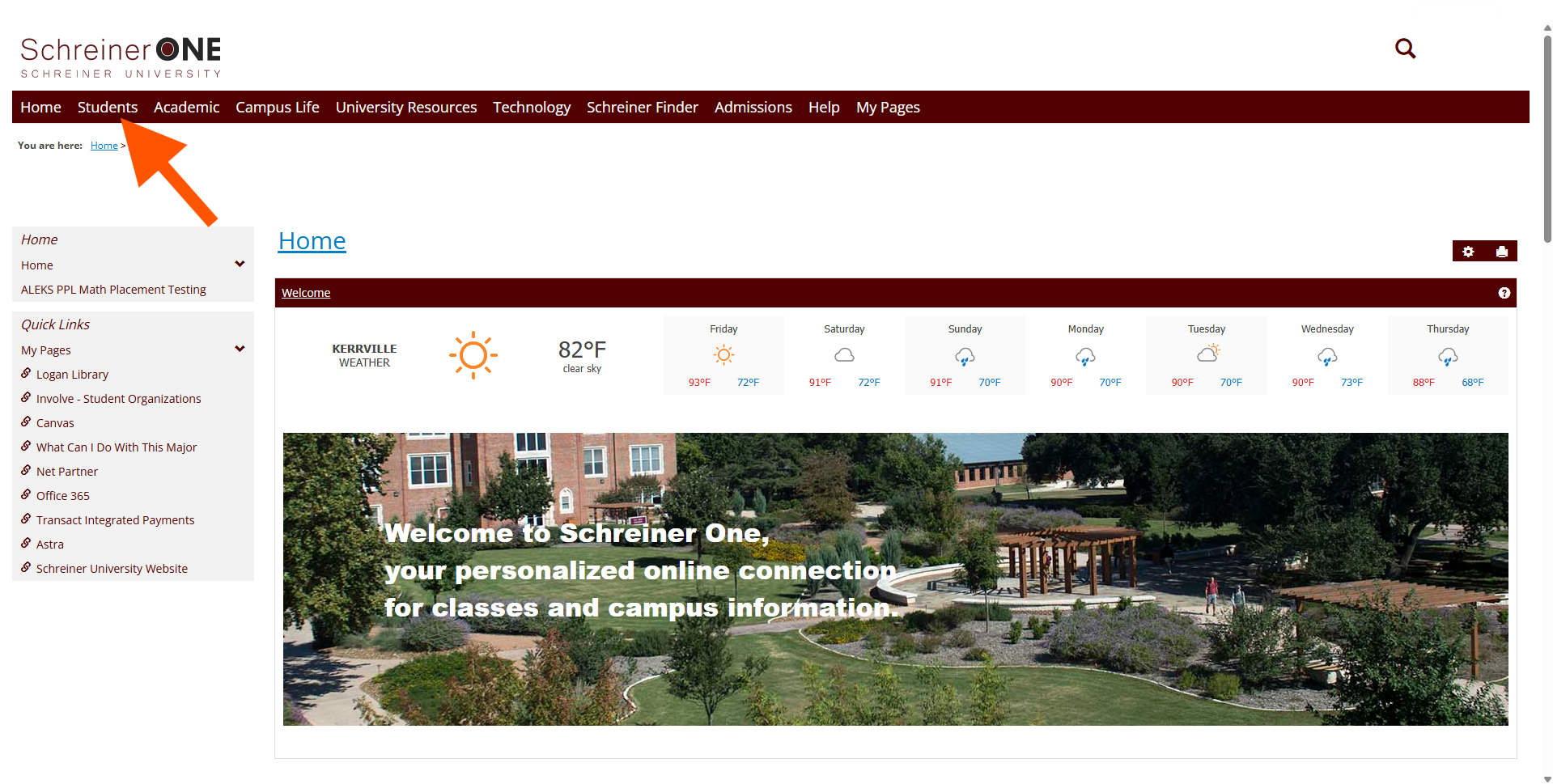
In the "Students" Tab, on the left panel, click on degree progress. 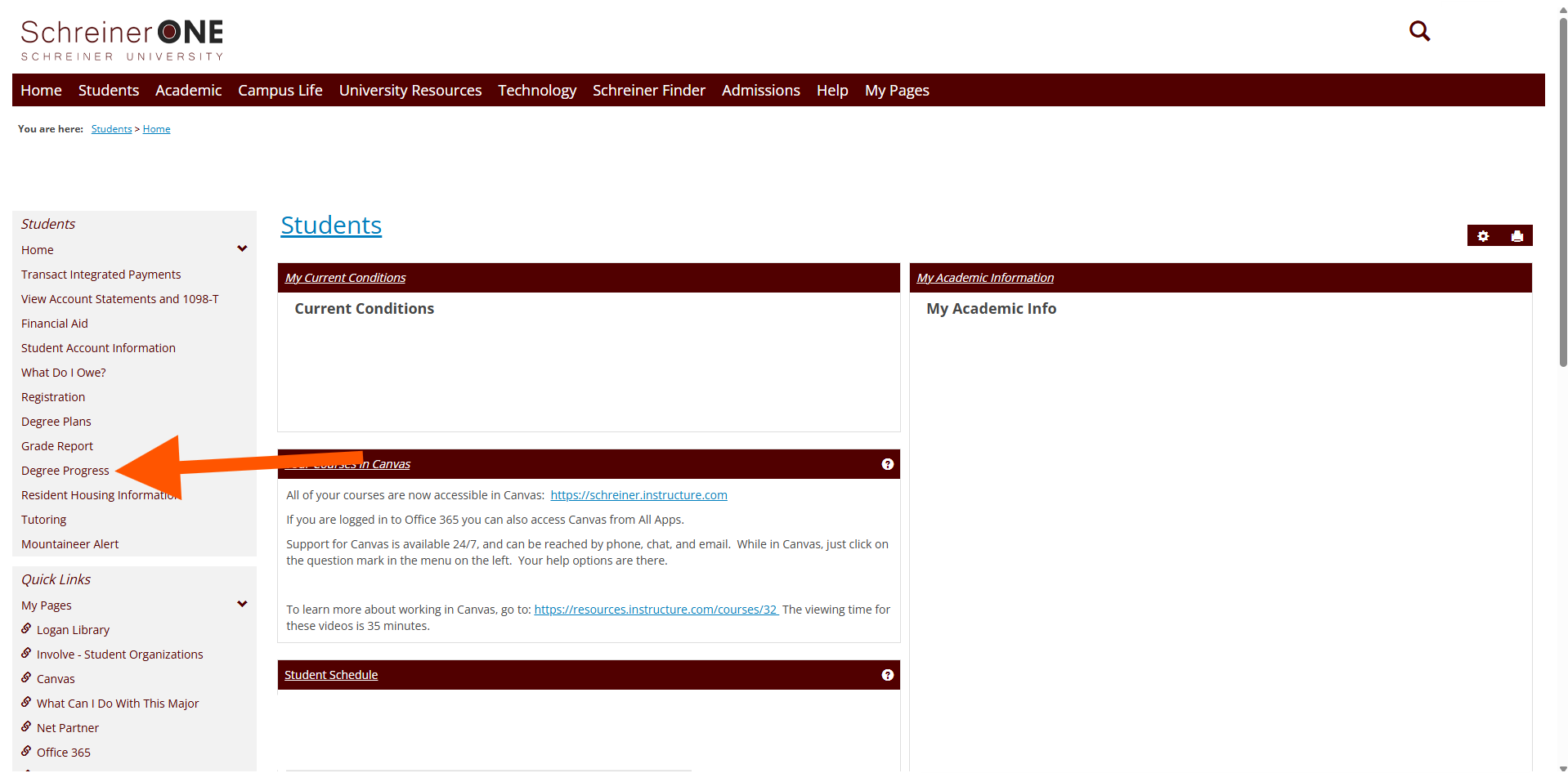
Here you can see what you met and what you have not met.
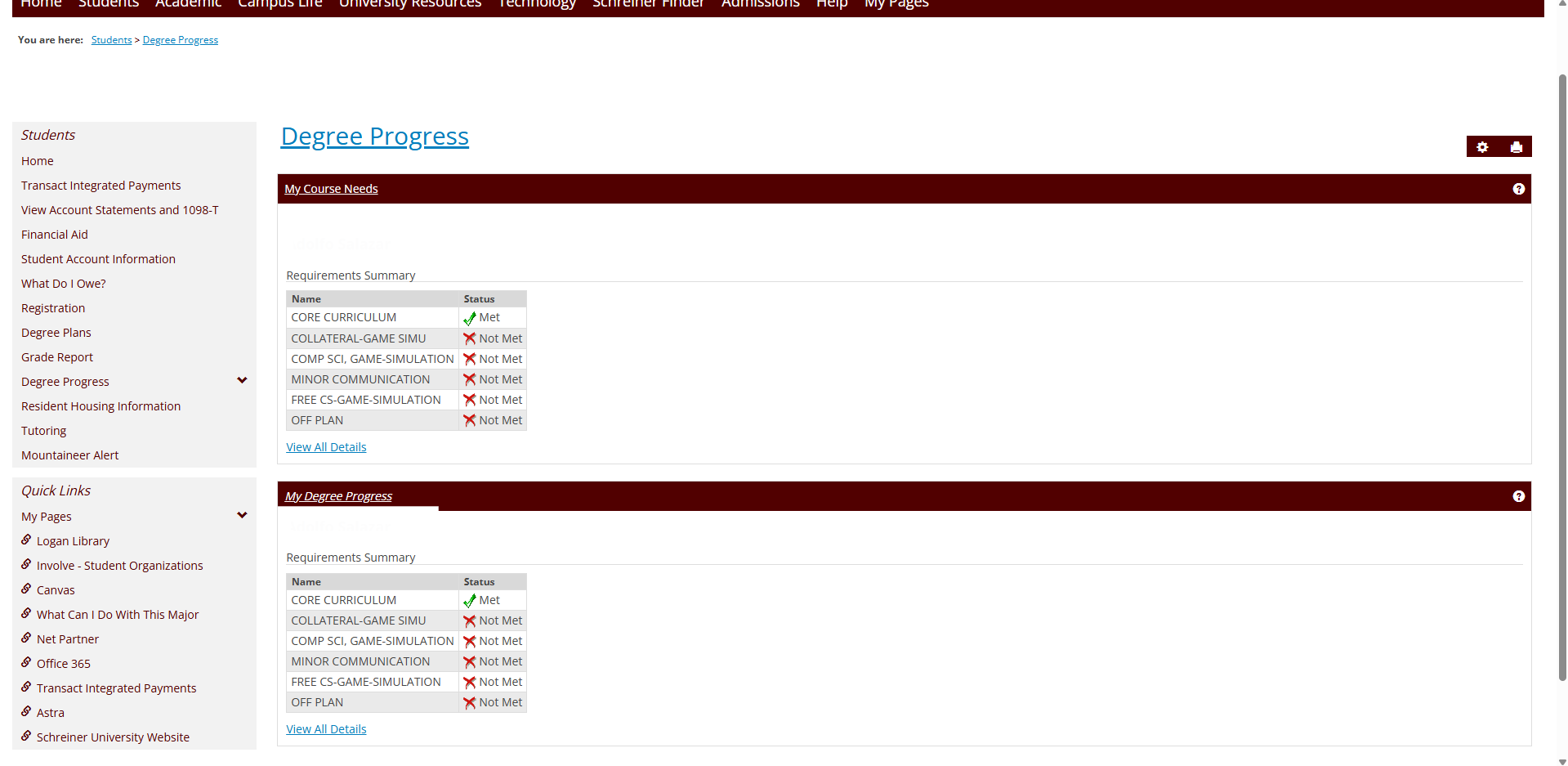
In the "My course needs", you can click on "View All Details", to get a better understanding of how to meet the requirements.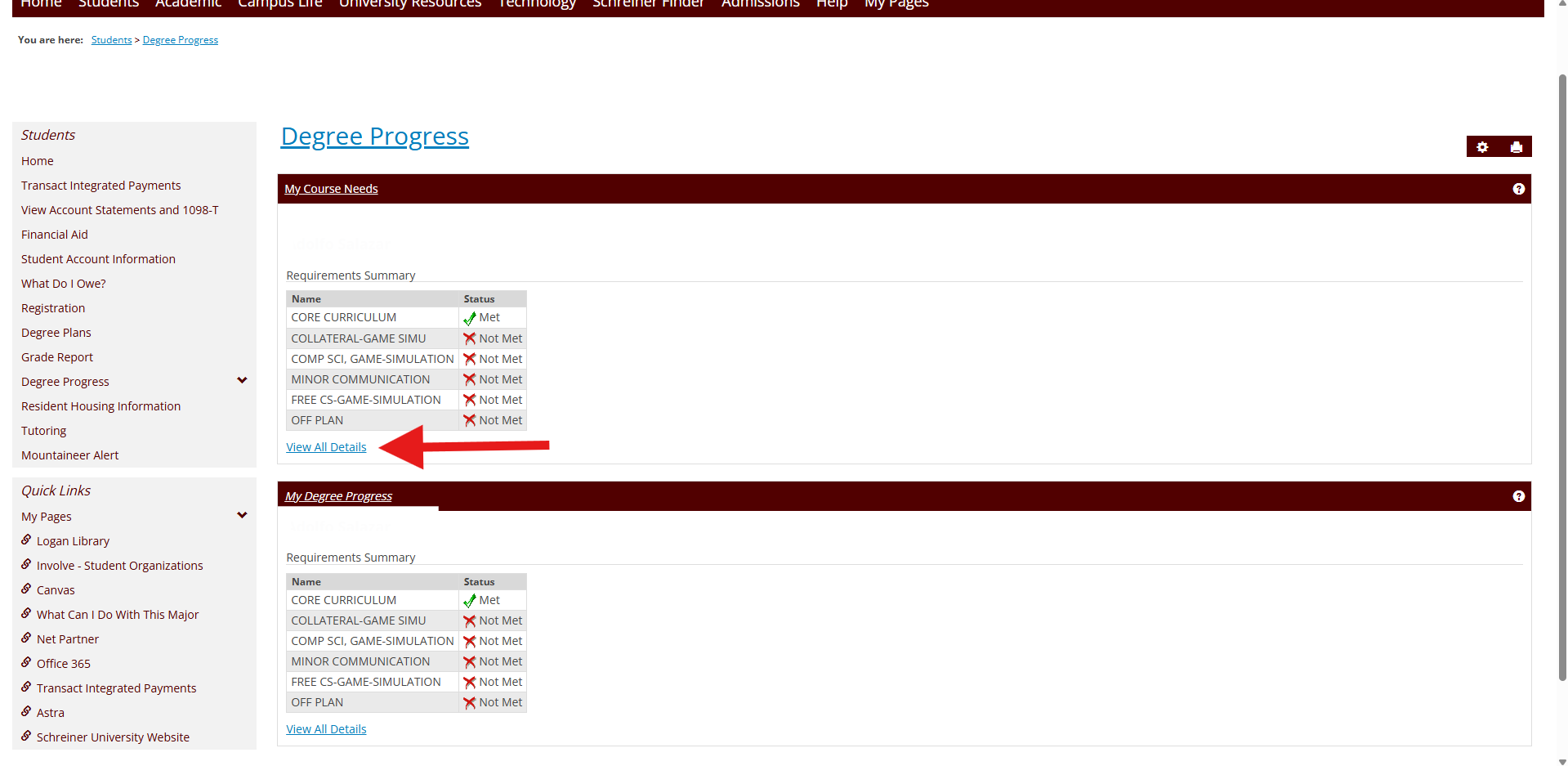
The same can be done with "My Degree Progress". In the "My Degree Progress" window, you can click on "View All Details" as well. 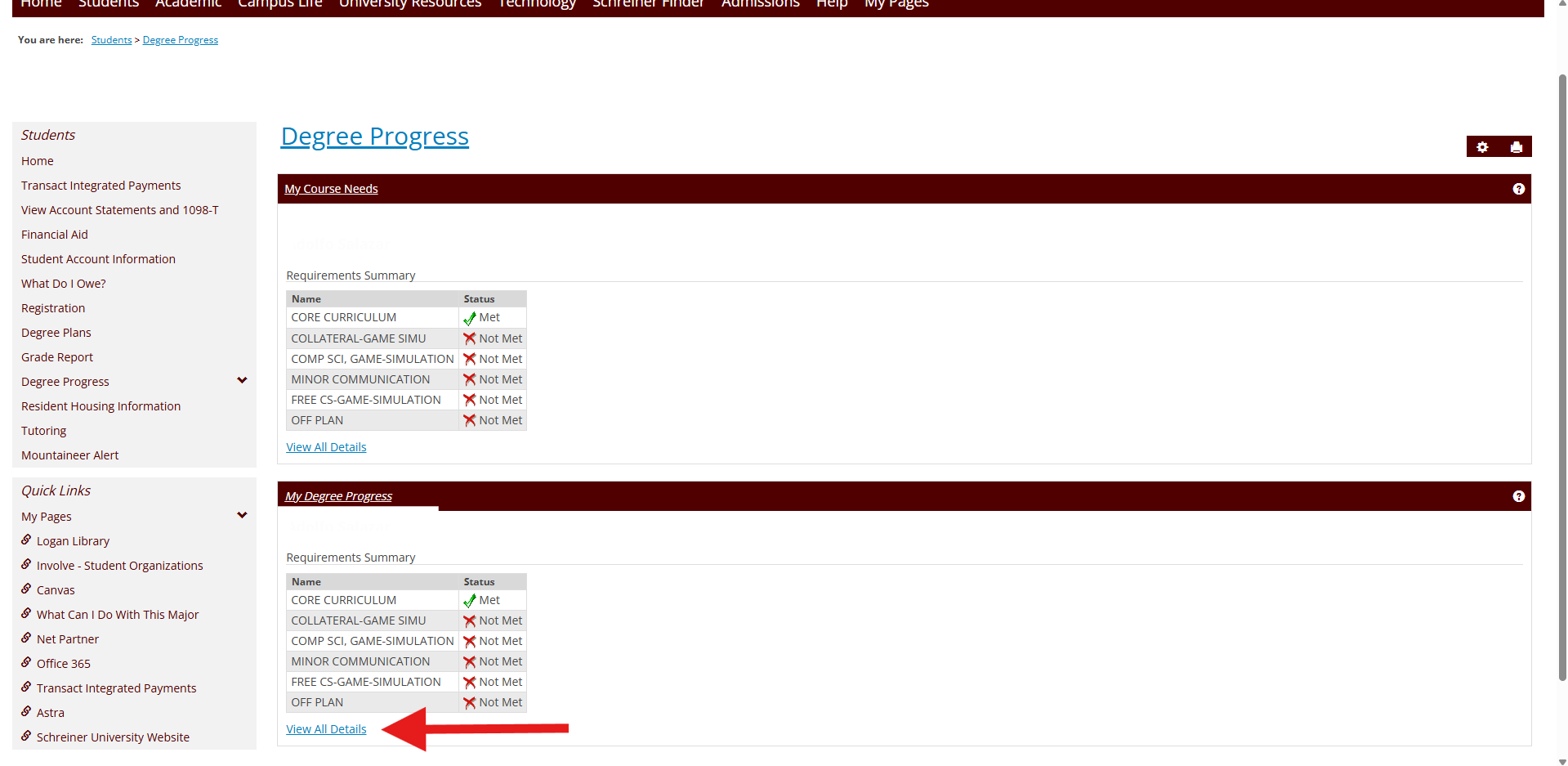
If you have any more questions that were not stated in the article, contact [email protected]

