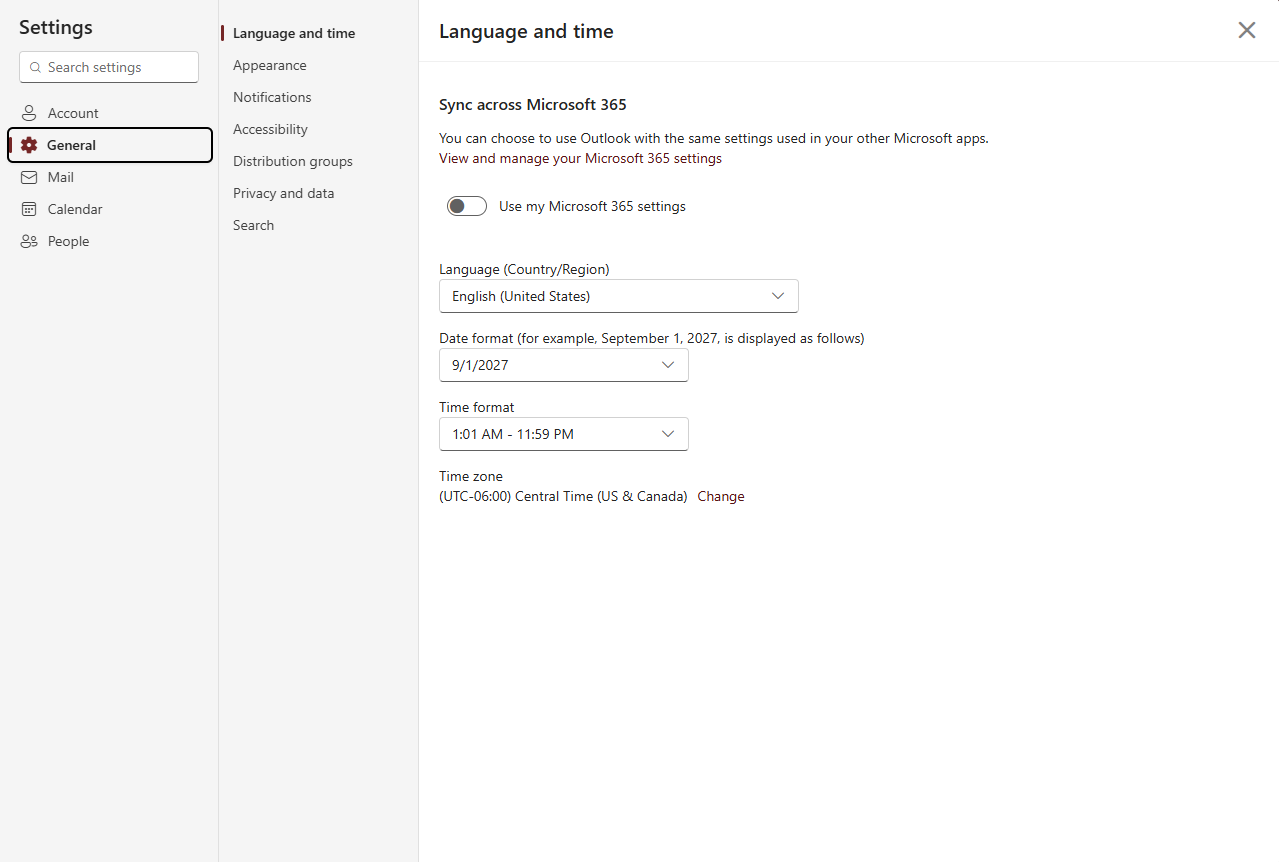
Change the Date, Time and Time Zone in Outlook

Sep 11, 2026
1460

- Navigate to the Schreiner Web mail here and sign in.
- Click the gear icon in the top right corner of the screen.
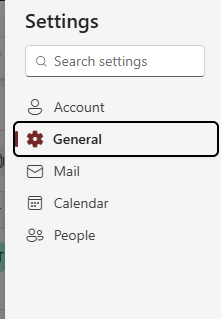
- In the "Settings" Window, on the left panel, Click on "General"
- Search for “Language and time” and select that setting.
5. Change the time zone and any other setting in this section and save to finish