

How do I sign up and add my Student ID? (Grubhub)
Last updated: Nov 09, 2026
38
views

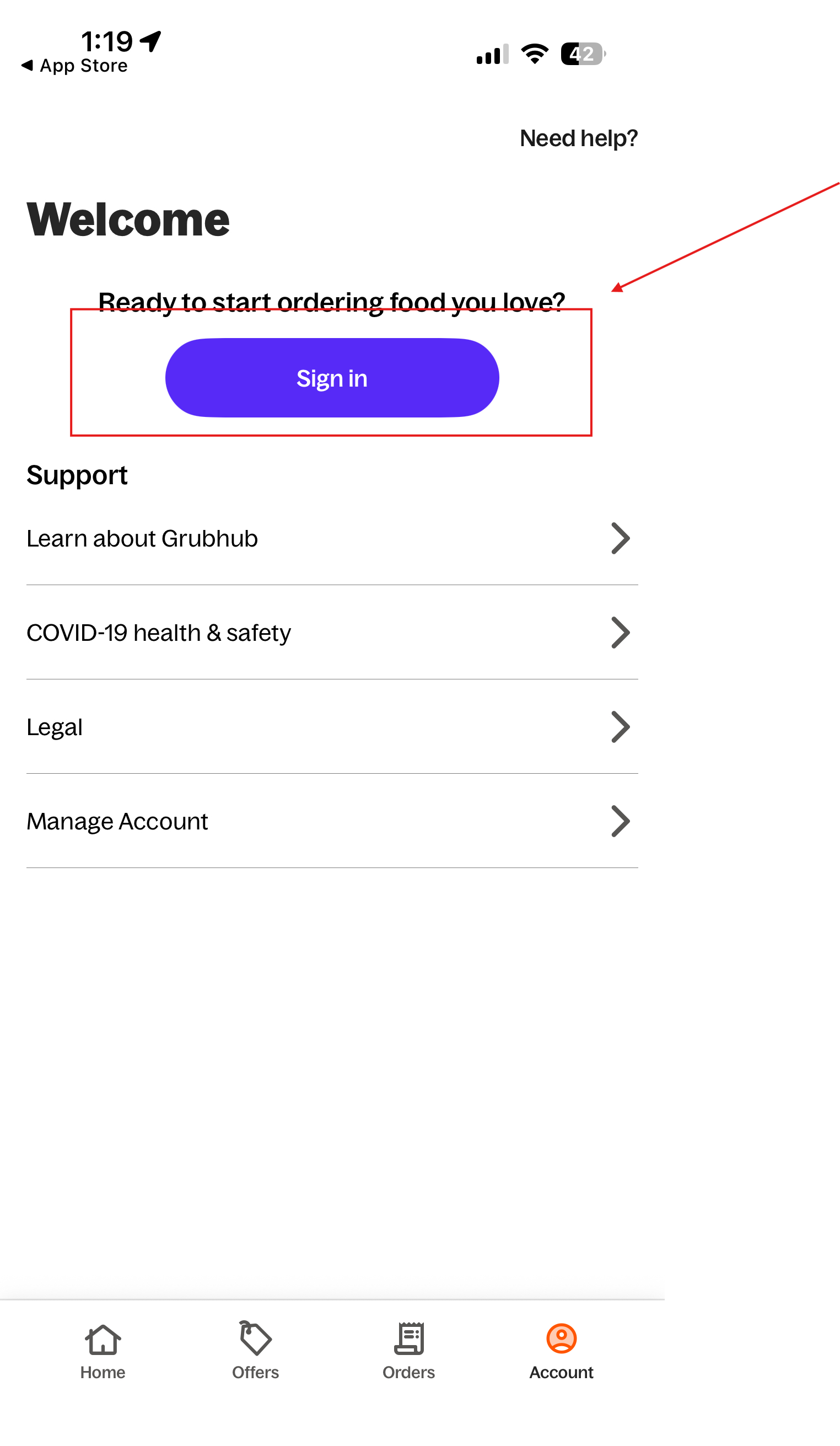
First you must download Grubhub, from there you will be able to sign up for a Grubhub account. You don't have to connect you schreiner email just yet. You will be prompted to later on during the process.
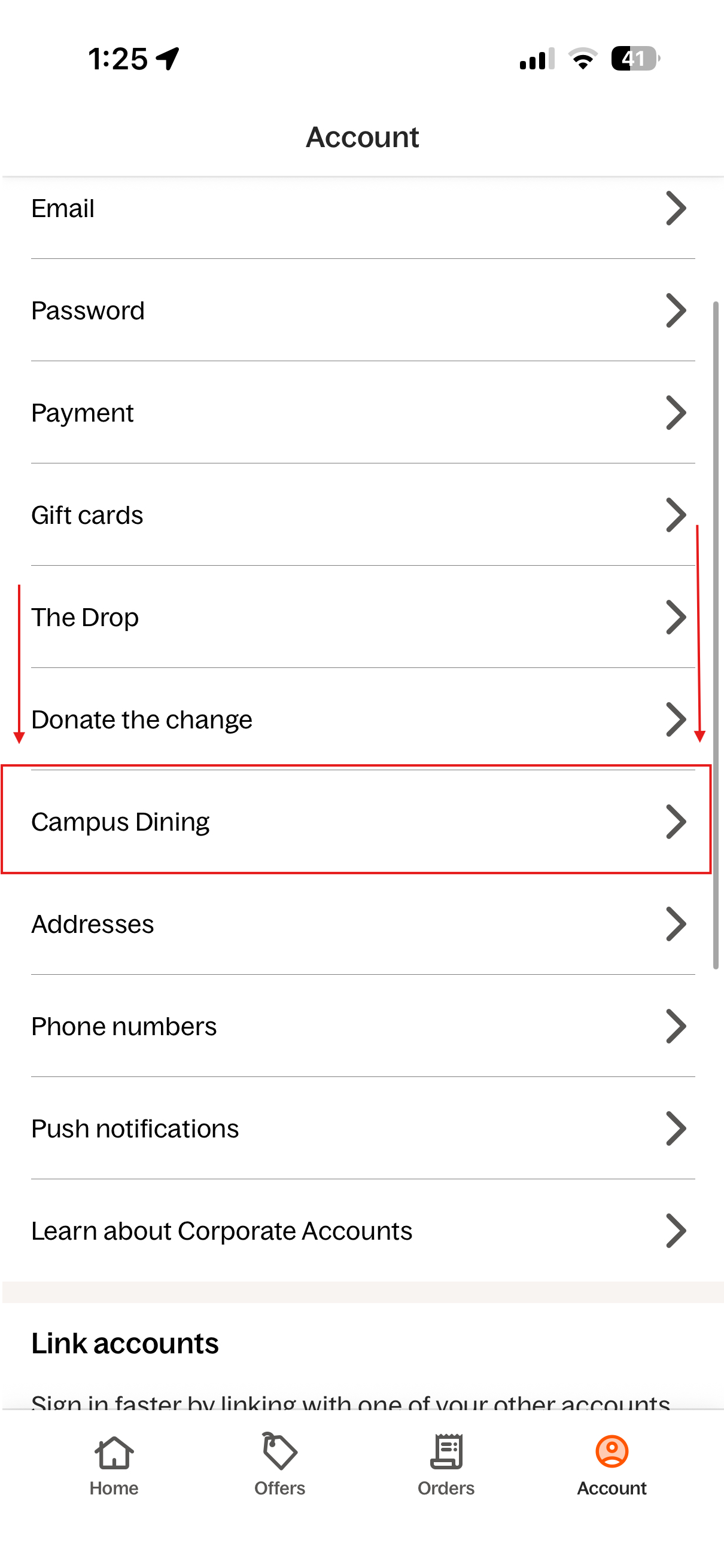
From their go to account and scroll till you see " CAMPUS DINING".
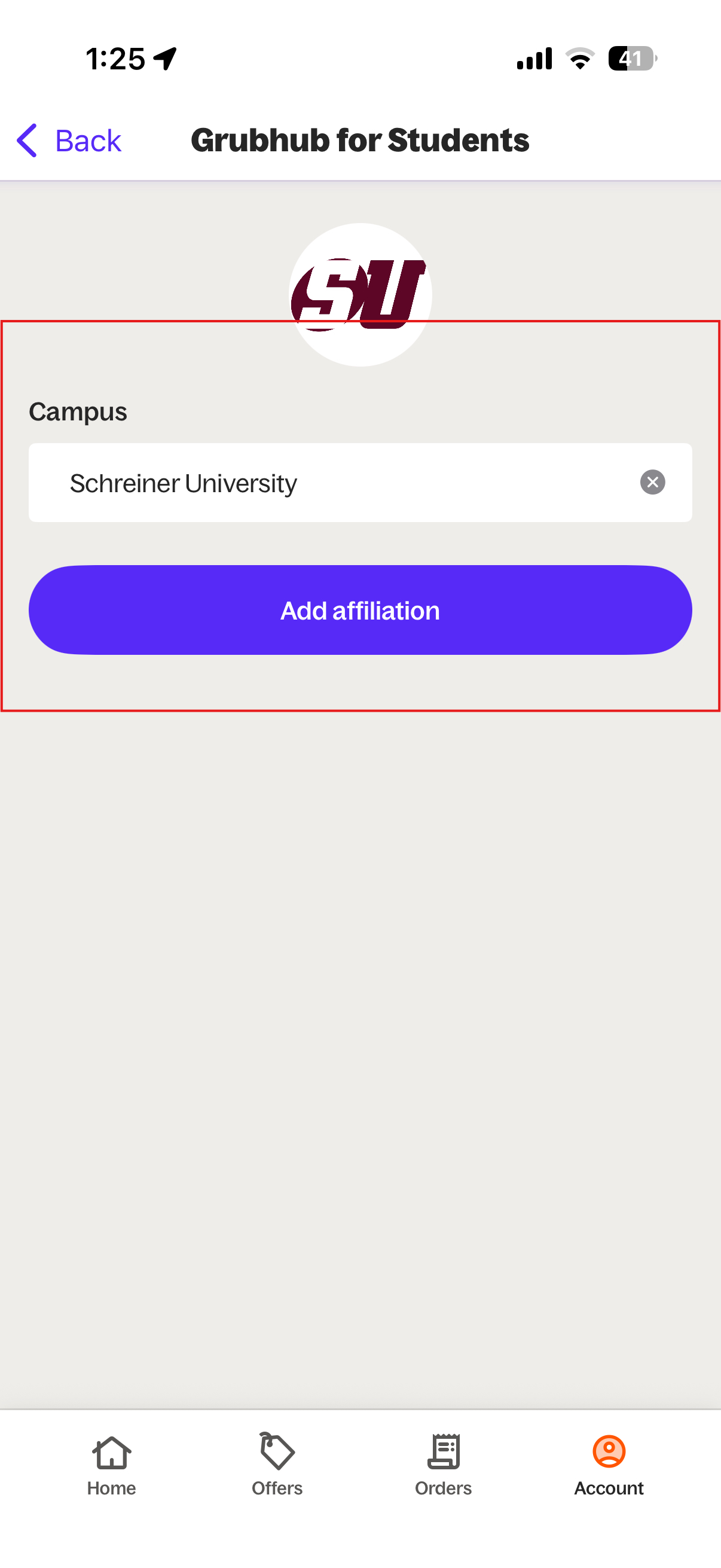
You will be prompted to find your school, Type in Schreiner University. Then press "Add Affiliation".
Press " add card". From there you will be prompted to sign into your school account.
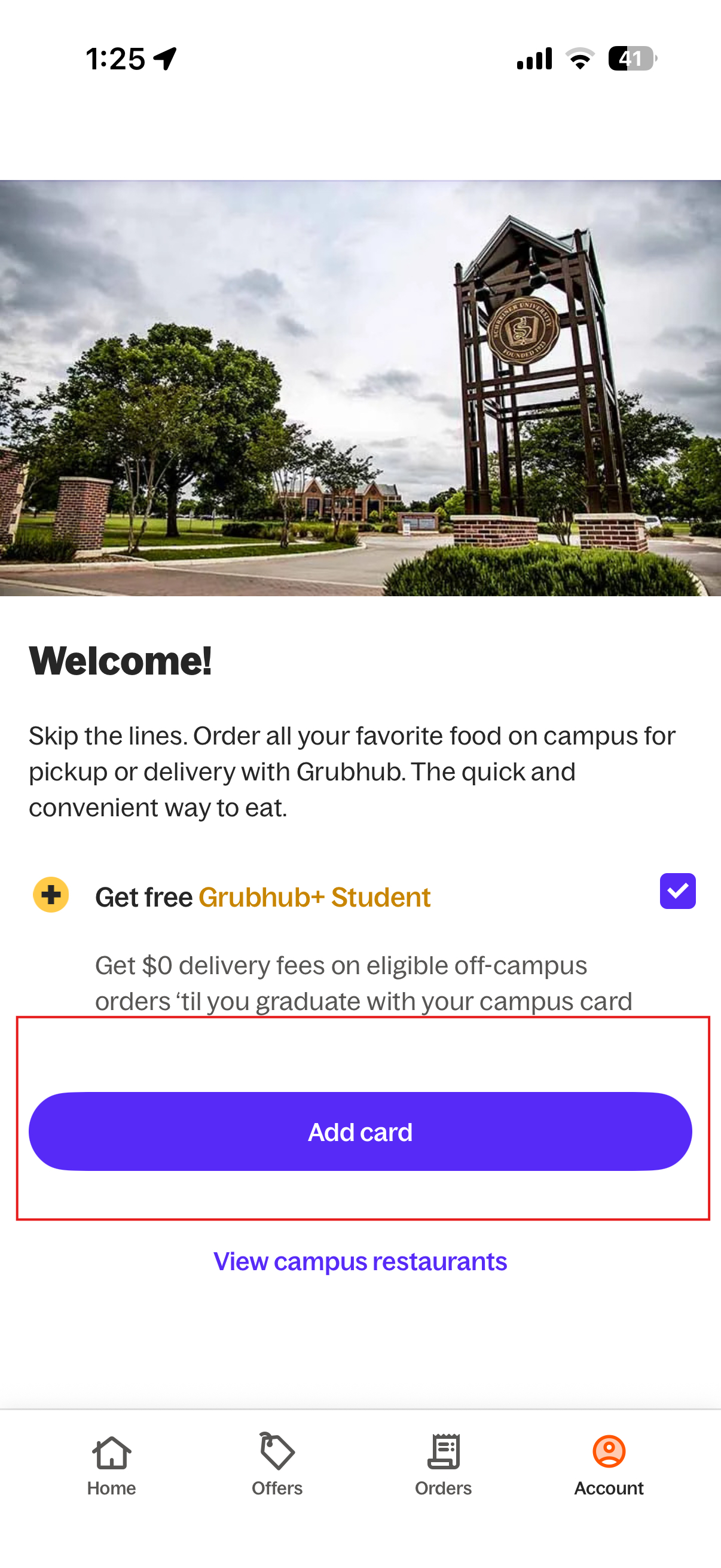
Viola, you should have connected your School ID to your Grubhub Account.
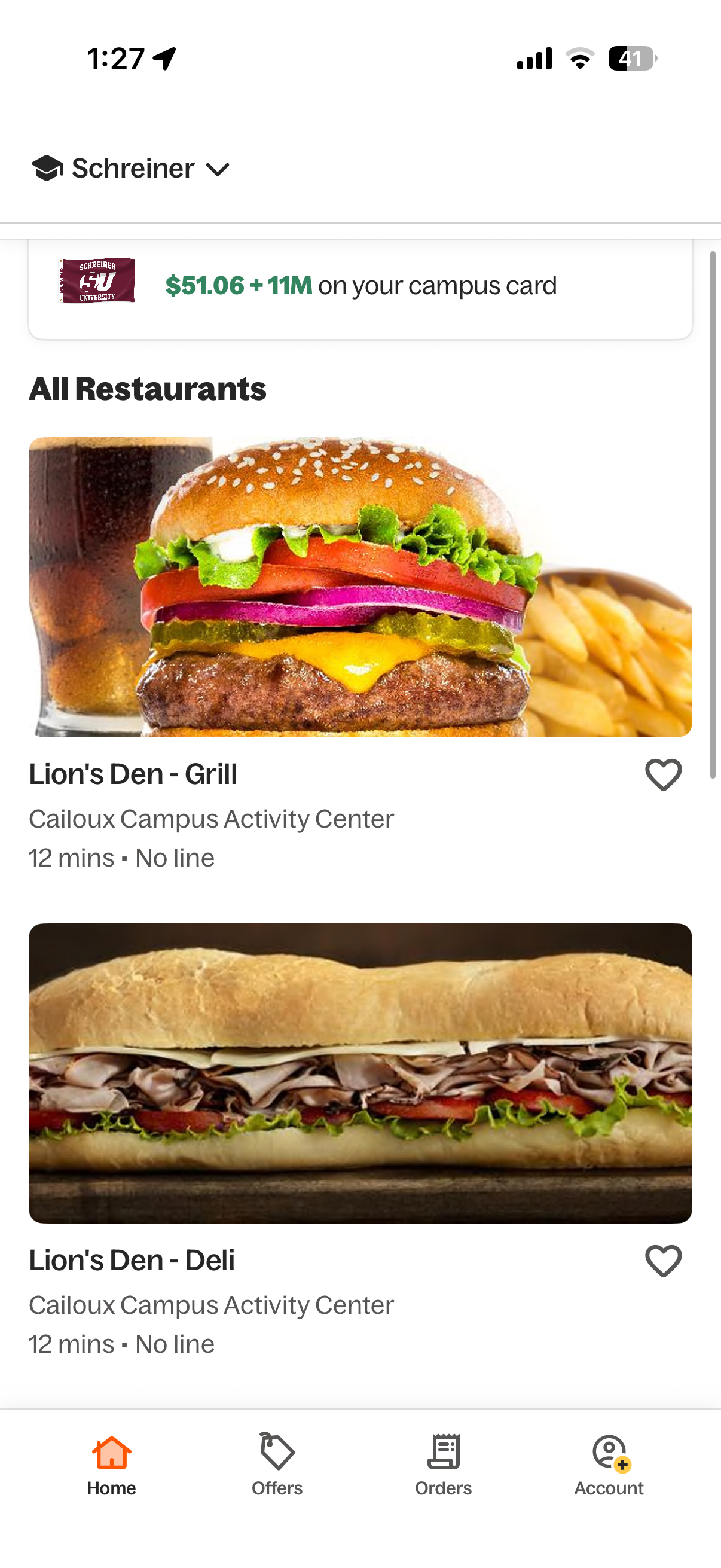
IF it's still not showing contact the SERVICE DESK @:

