

How do I access Visio?
Last updated: Nov 09, 2026
24
views

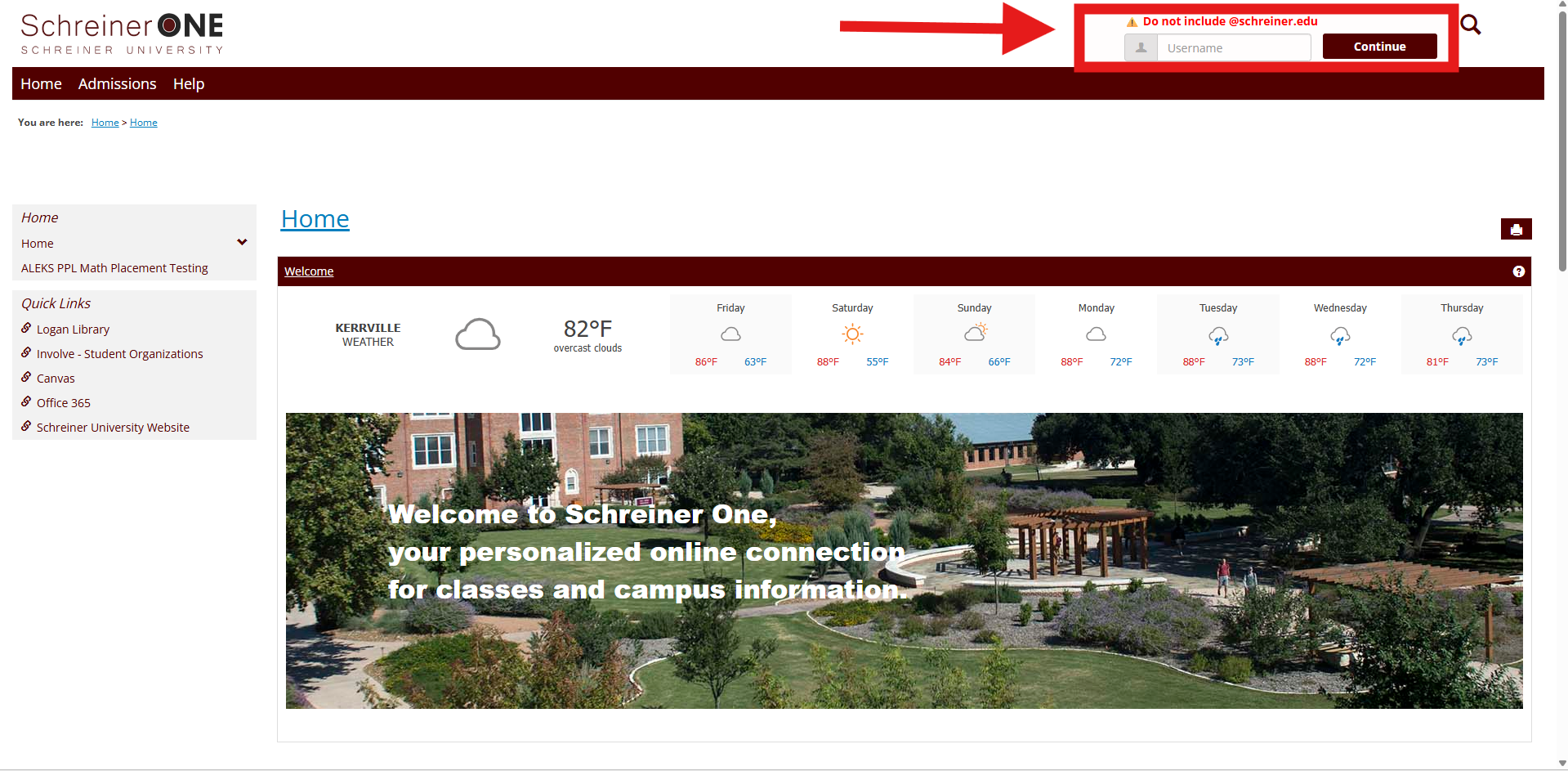
First, log into your Schreiner one account with only your username before "@SCHREINER.EDU"
Now that you logged into Schreiner One, on the left of the home tab press Office 365.
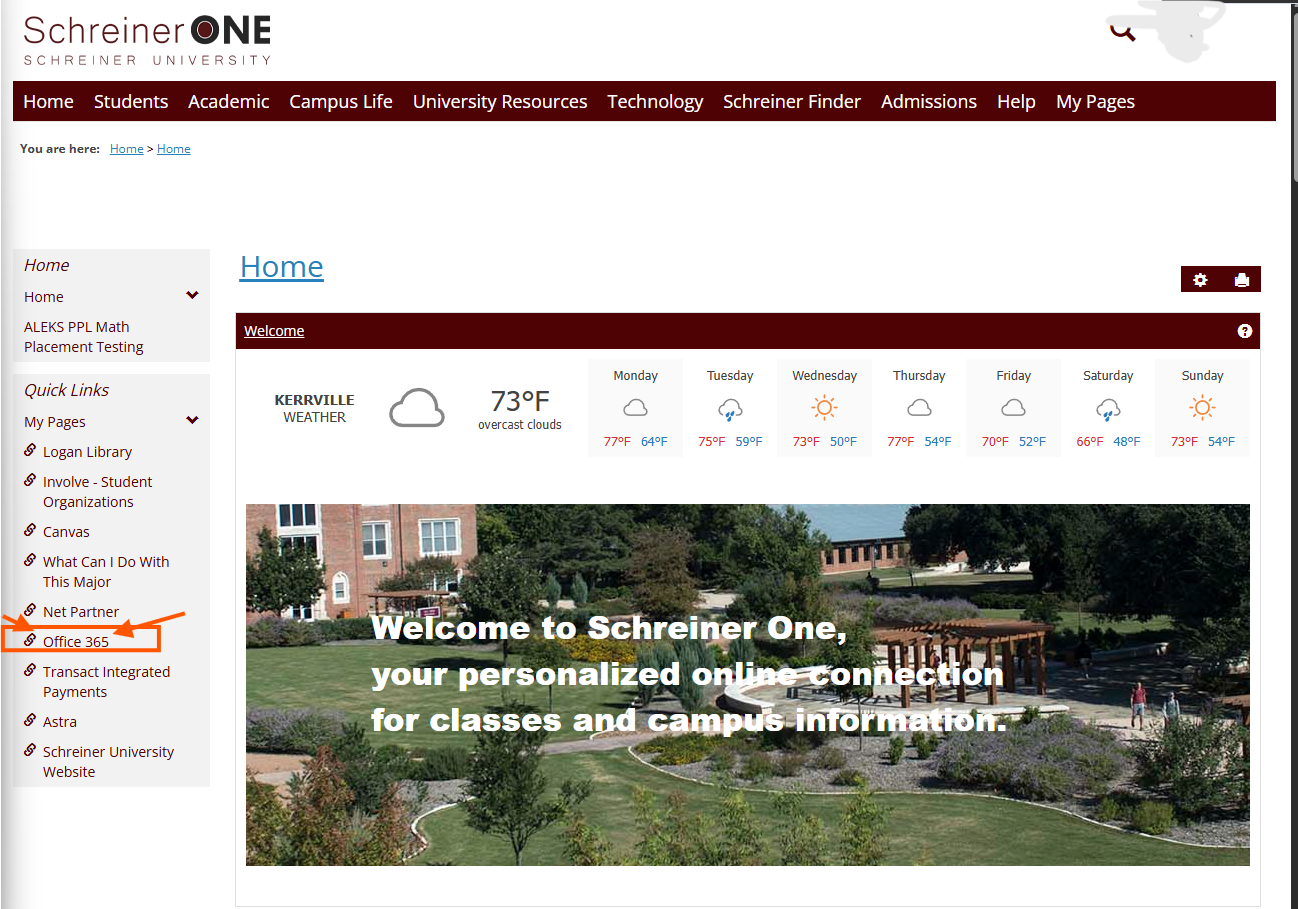 \
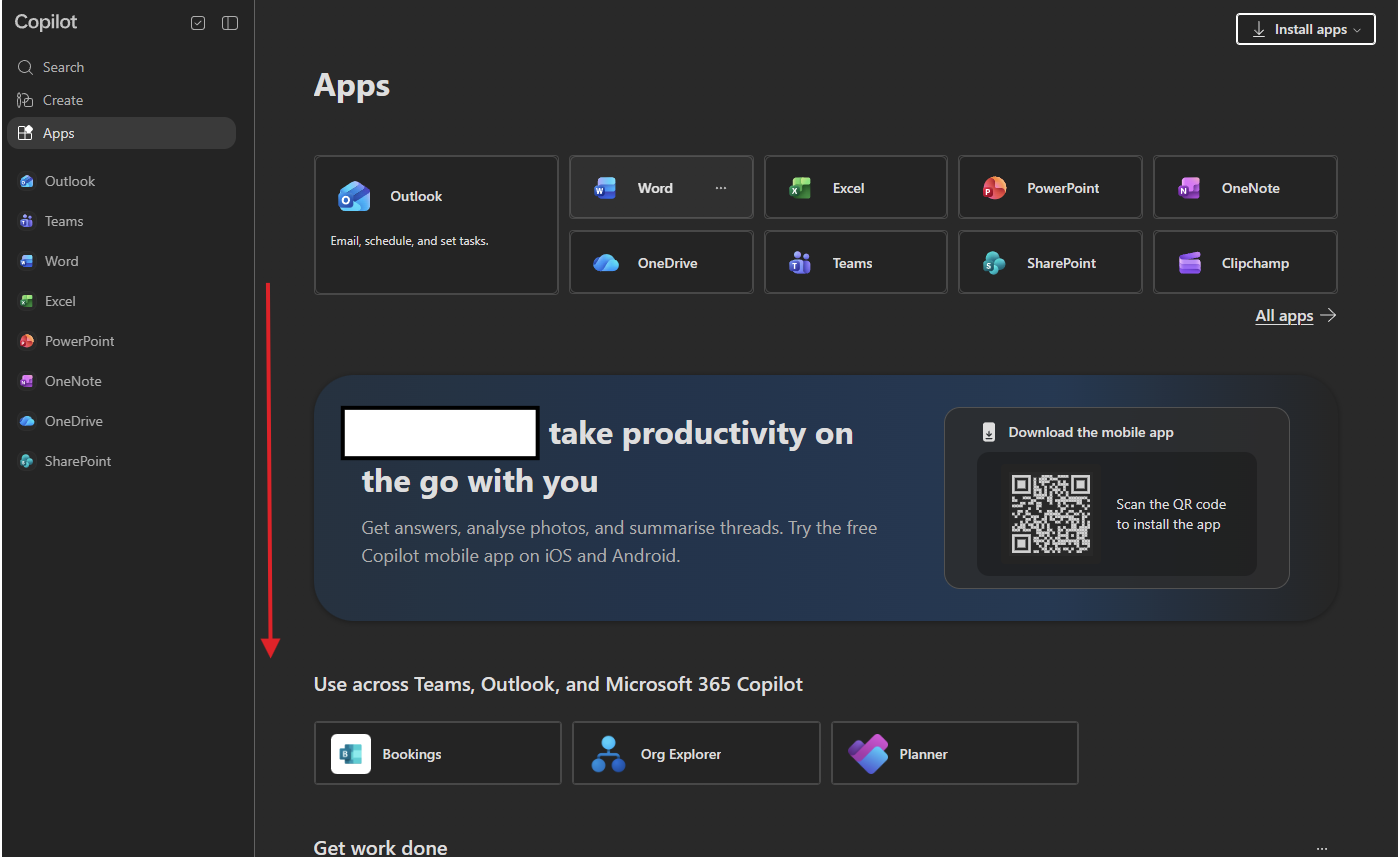
Once you're here. press the apps option on the left side menu. Then scroll down.
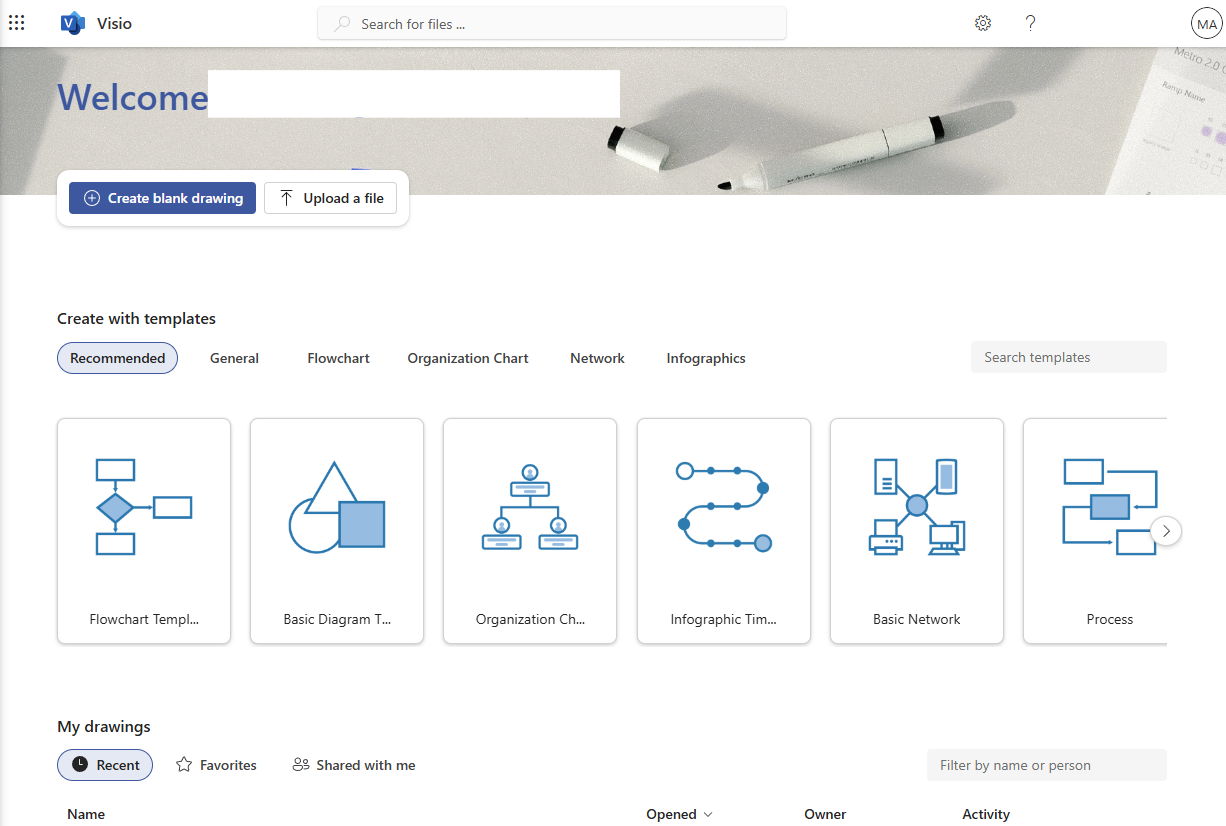
Visio should be showed as an option on this page. Under "explore by category" or in "all apps".
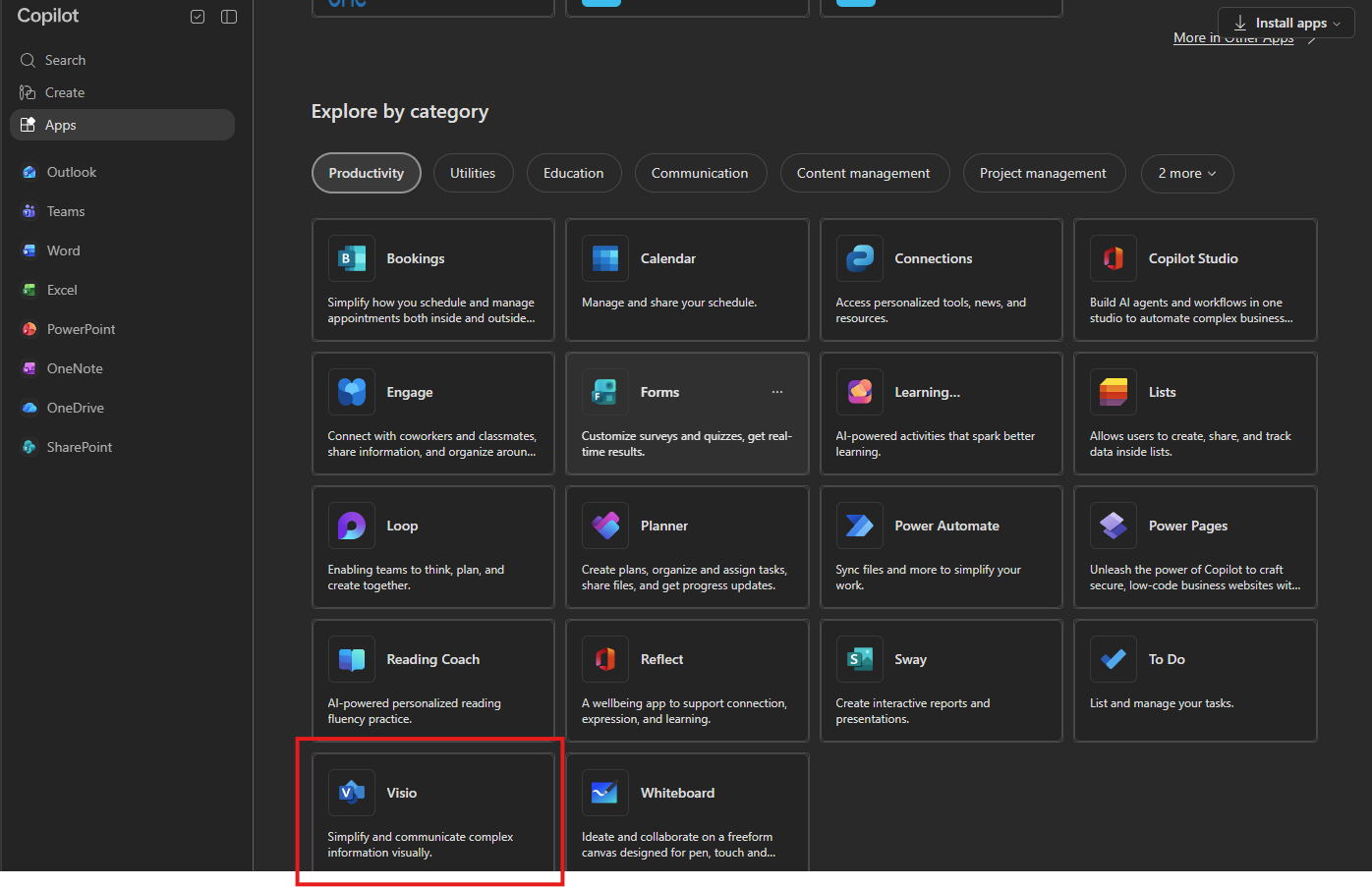
Viola, you now have access to your Visio account.
Need Help? Contact the SERVICE DESK @:

