

How do I access Forms? ( Microsoft 365)
Last updated: Nov 06, 2026
29
views

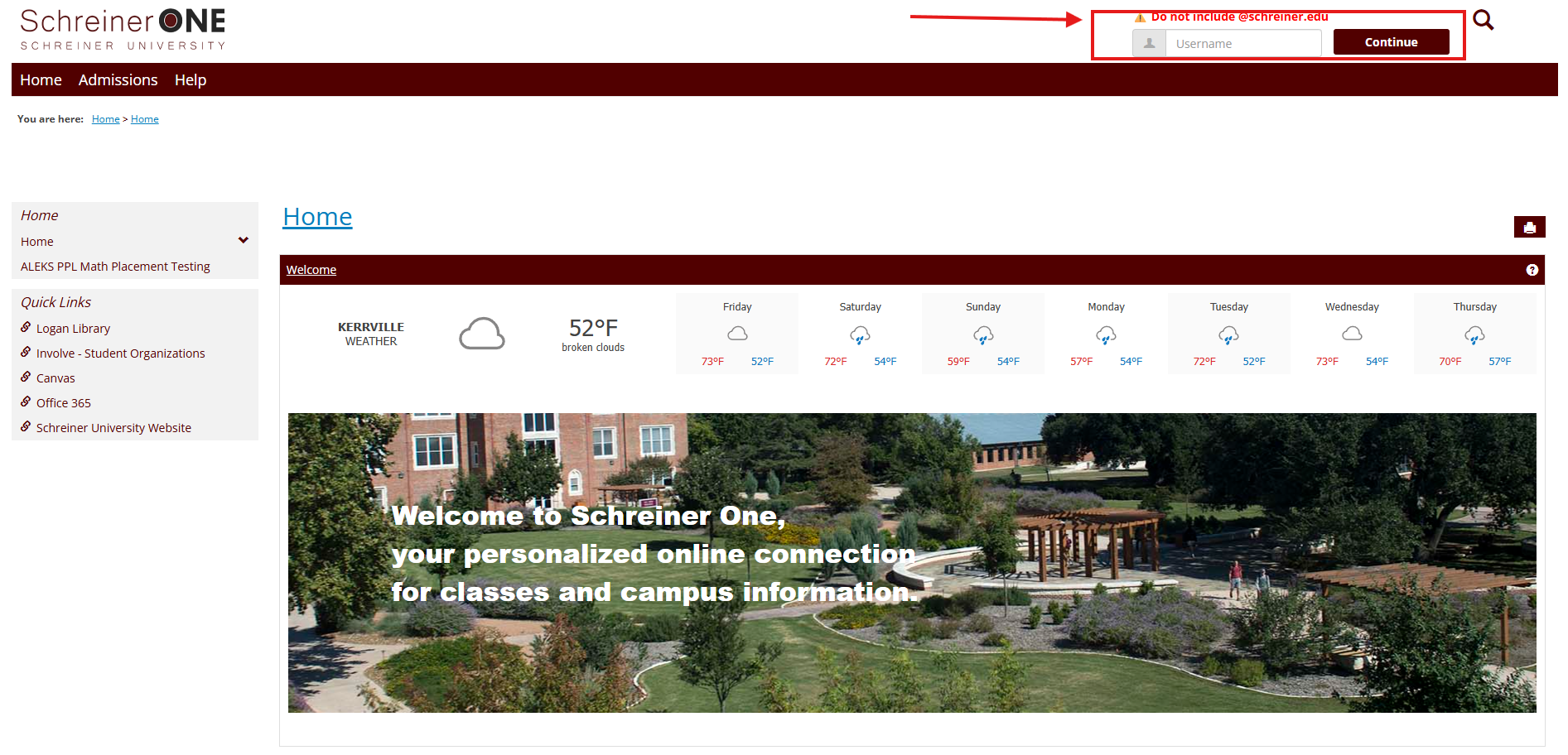
First, log into your Schreiner One account with only your username before "@SCHREINER.EDU".
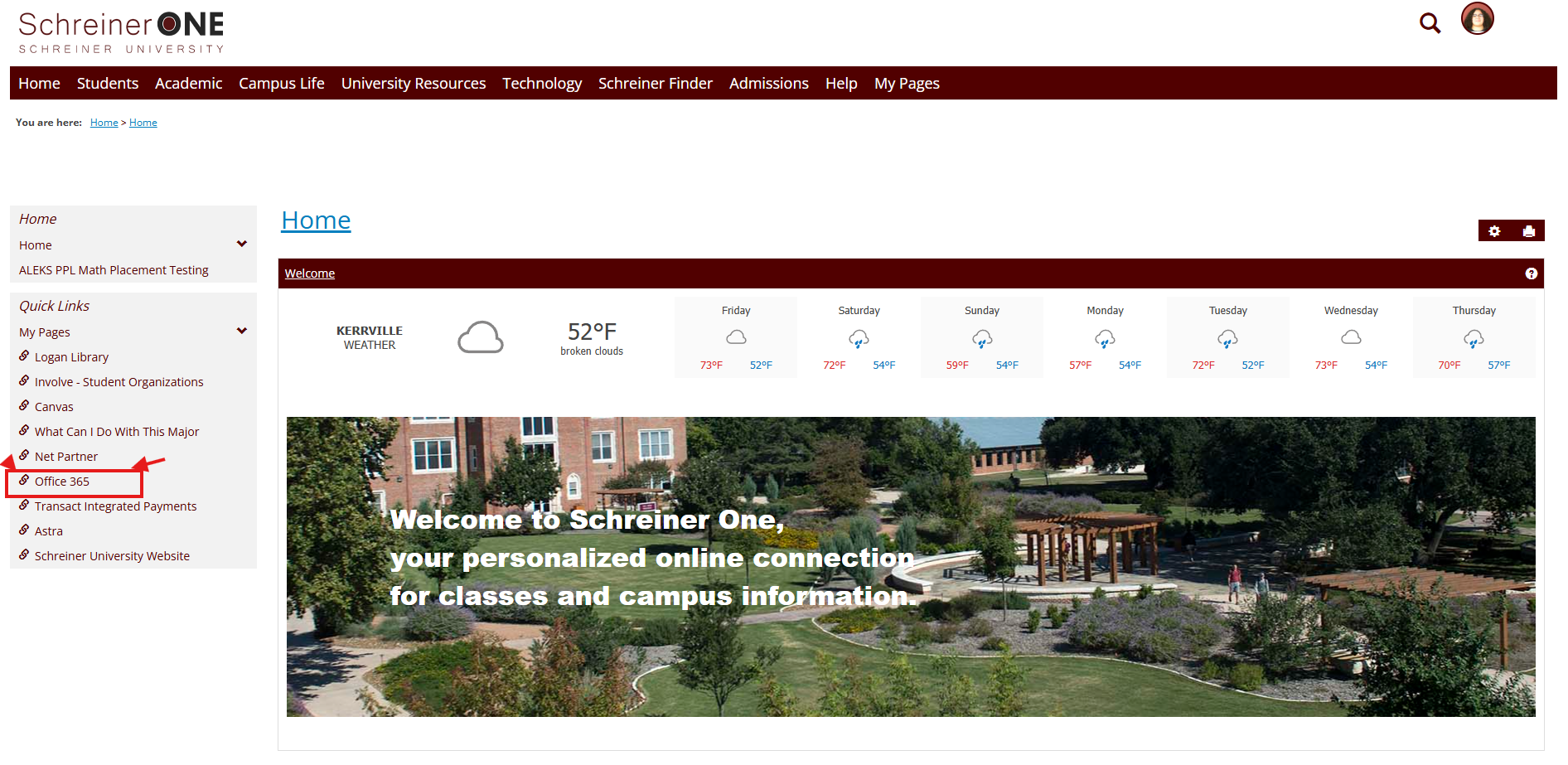
Now that you have logged into Schreiner One, on the left of the home tab, press Canvas.
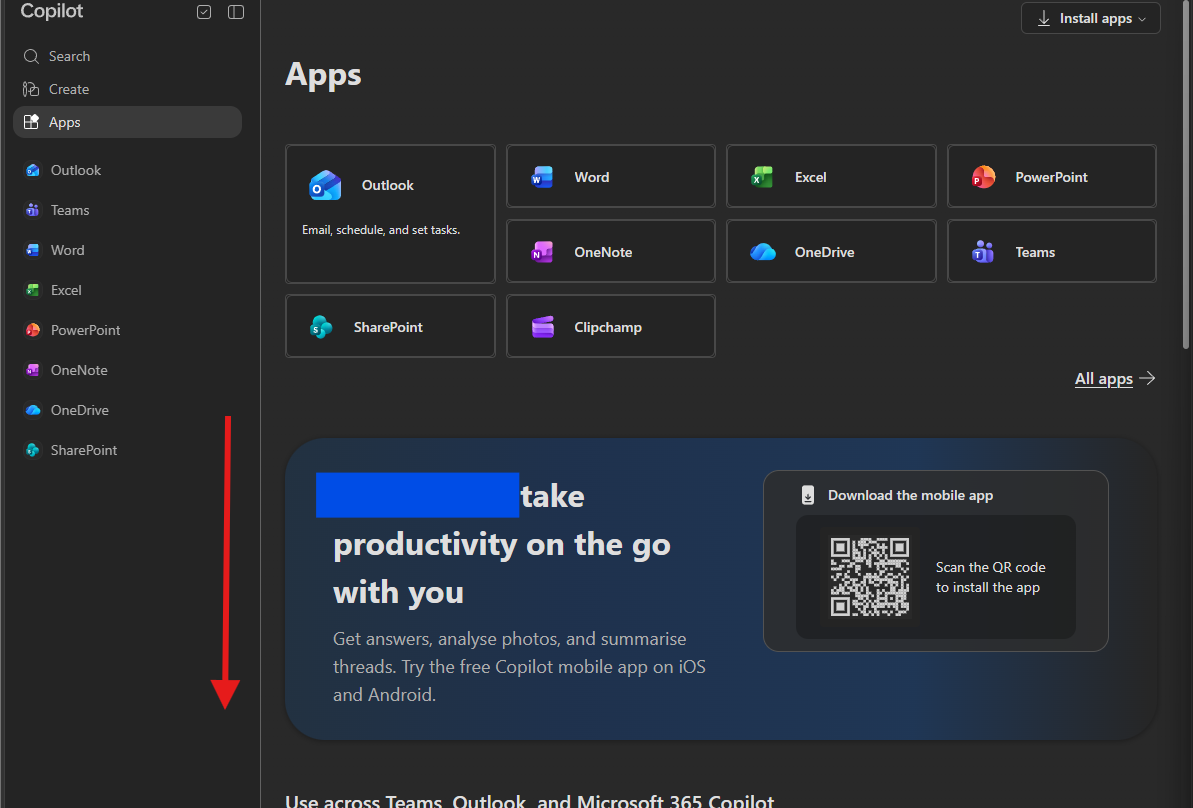
From here, scroll down to "explore by category".
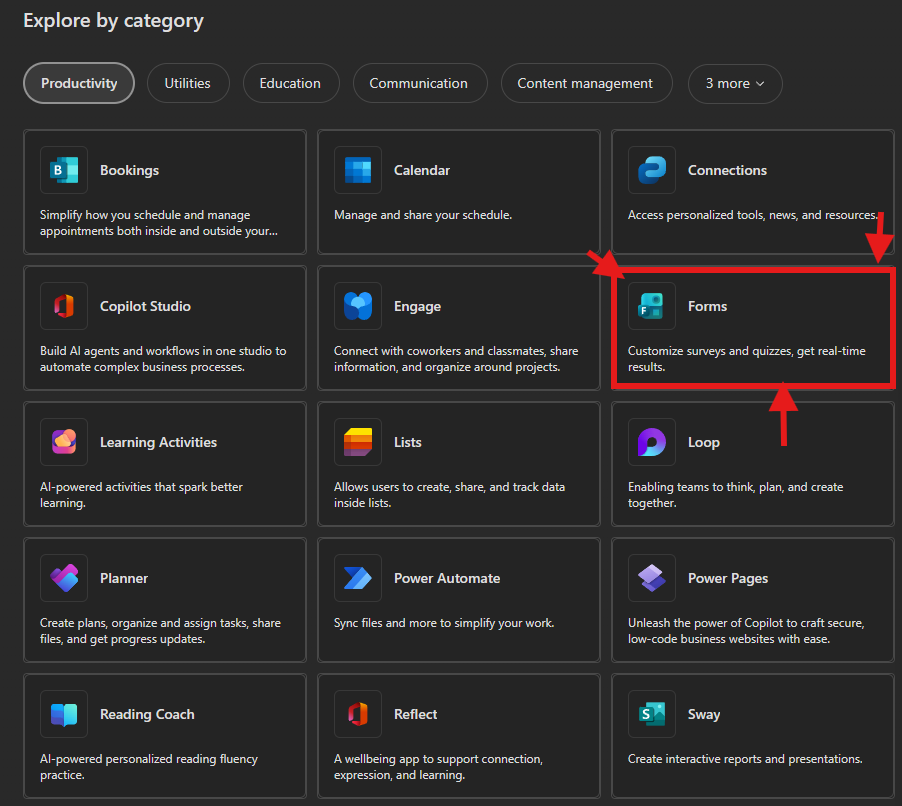
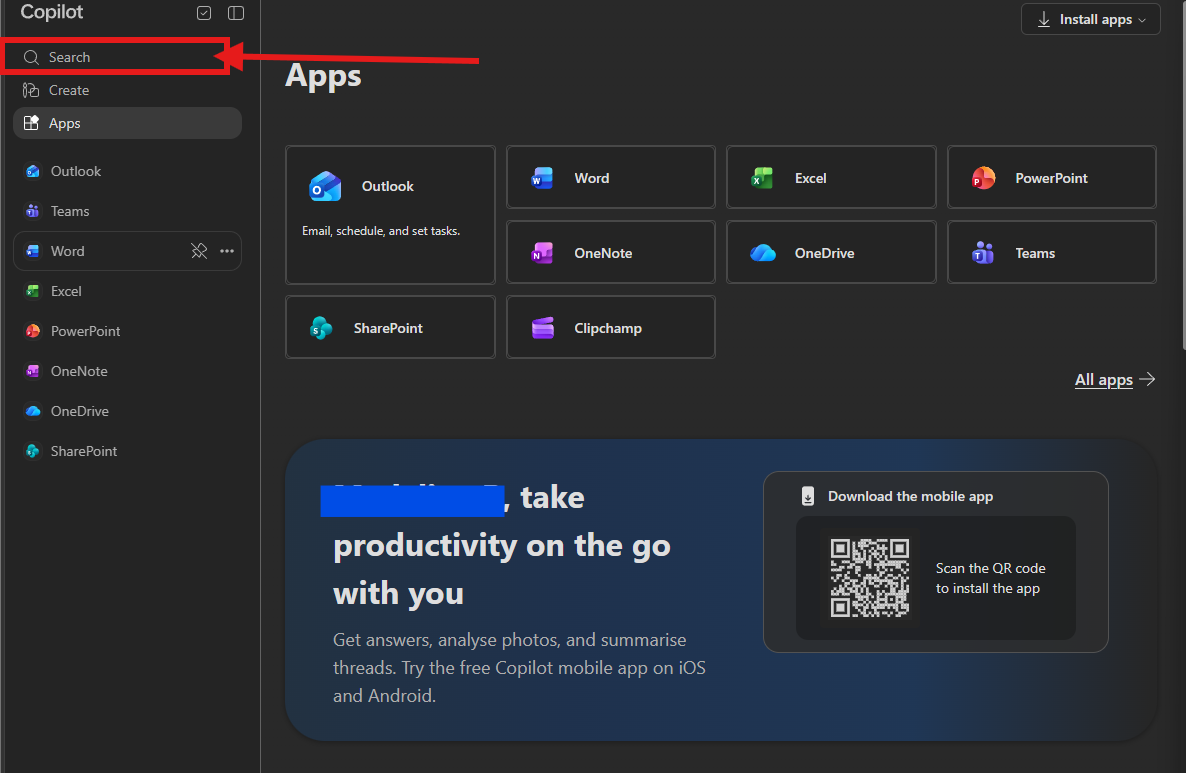
Here you will see the available apps, forms should show here.
Or you can use the search bar located on the top left corner.
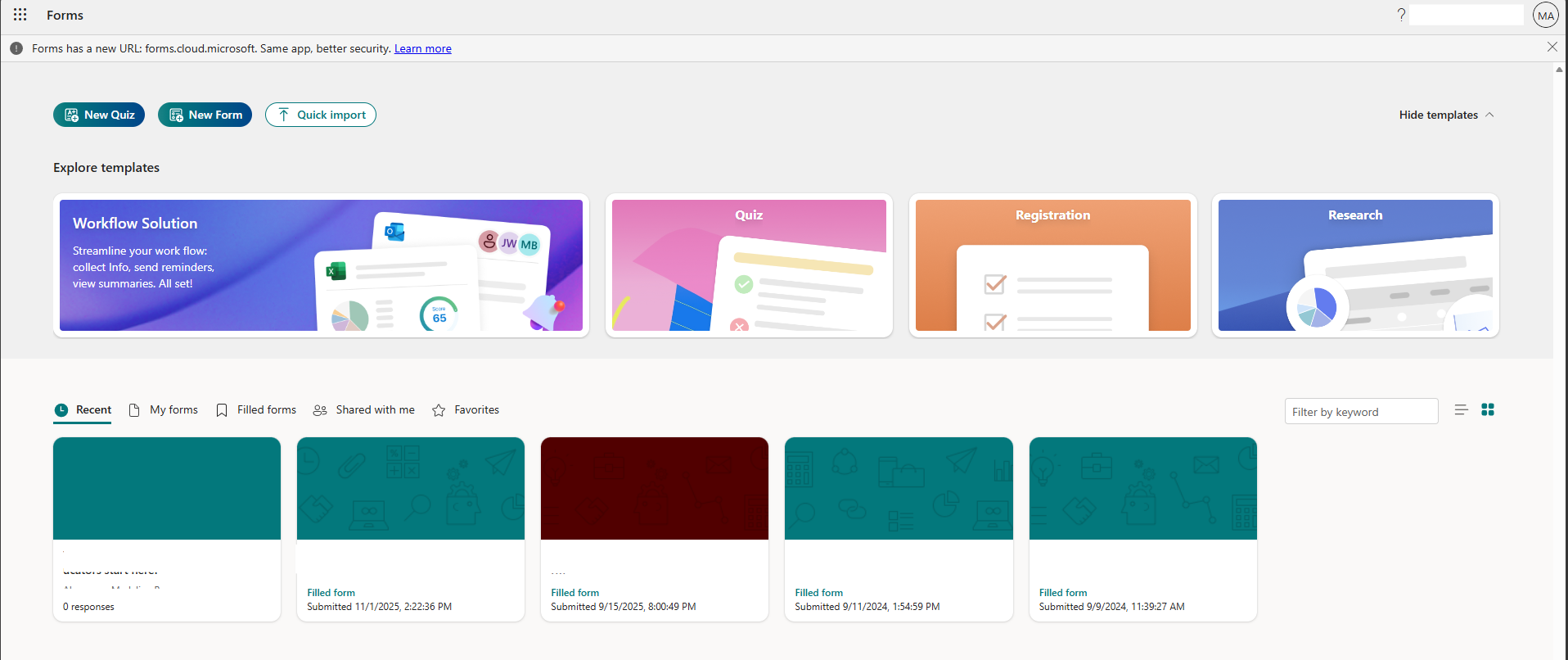
Viola, you now have access to Forms.
NEED HELP? Contact the Schreiner HELP DESK @:

