

How do I access my OneNote? (Microsoft 365)
Last updated: Nov 06, 2026
27
views

First, log into your Schreiner One account with only your username before "@SCHREINER.EDU" (Ex. "ABC123" @schreiner.edu.
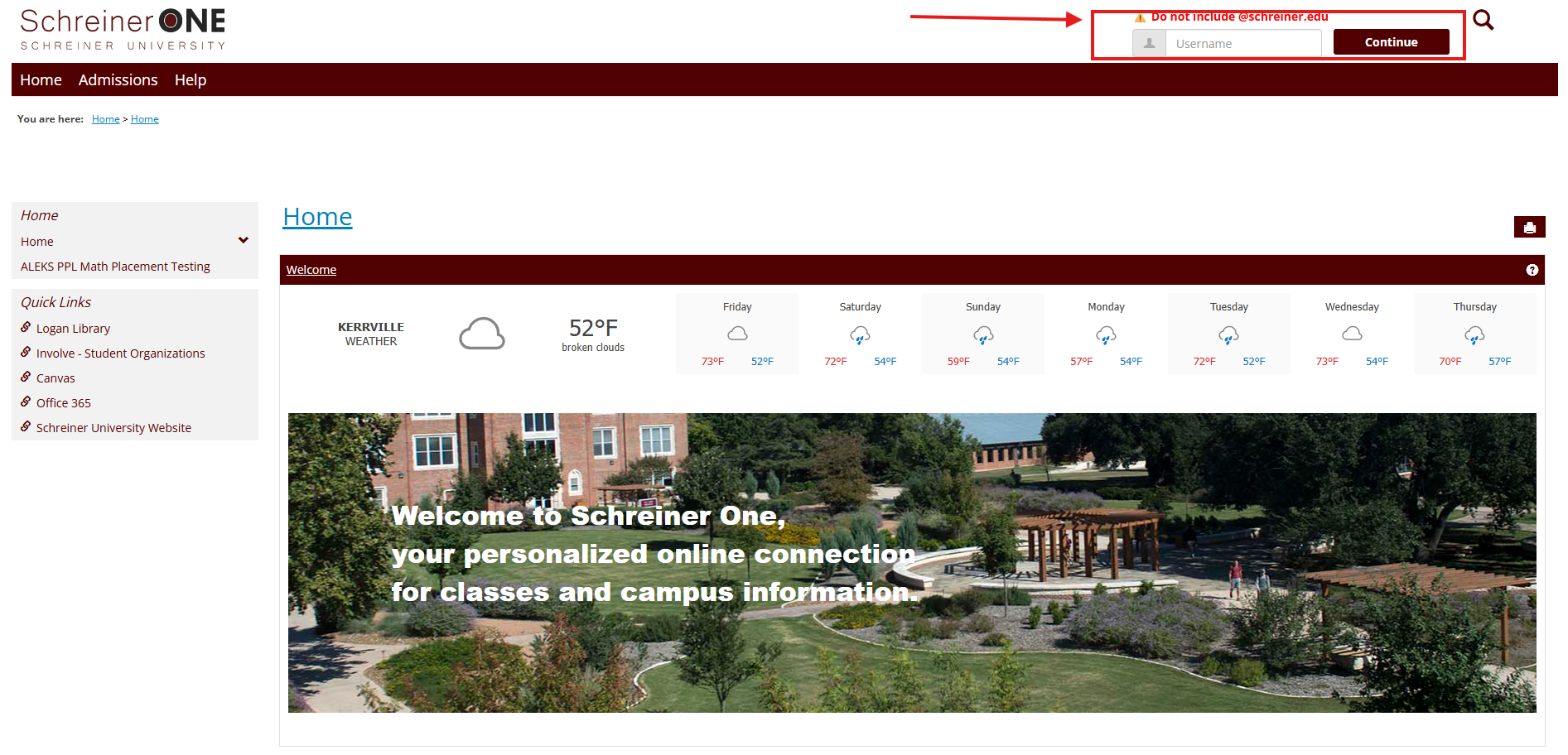
Now that you logged into Schreiner One, on the left of the home tab press Canvas.
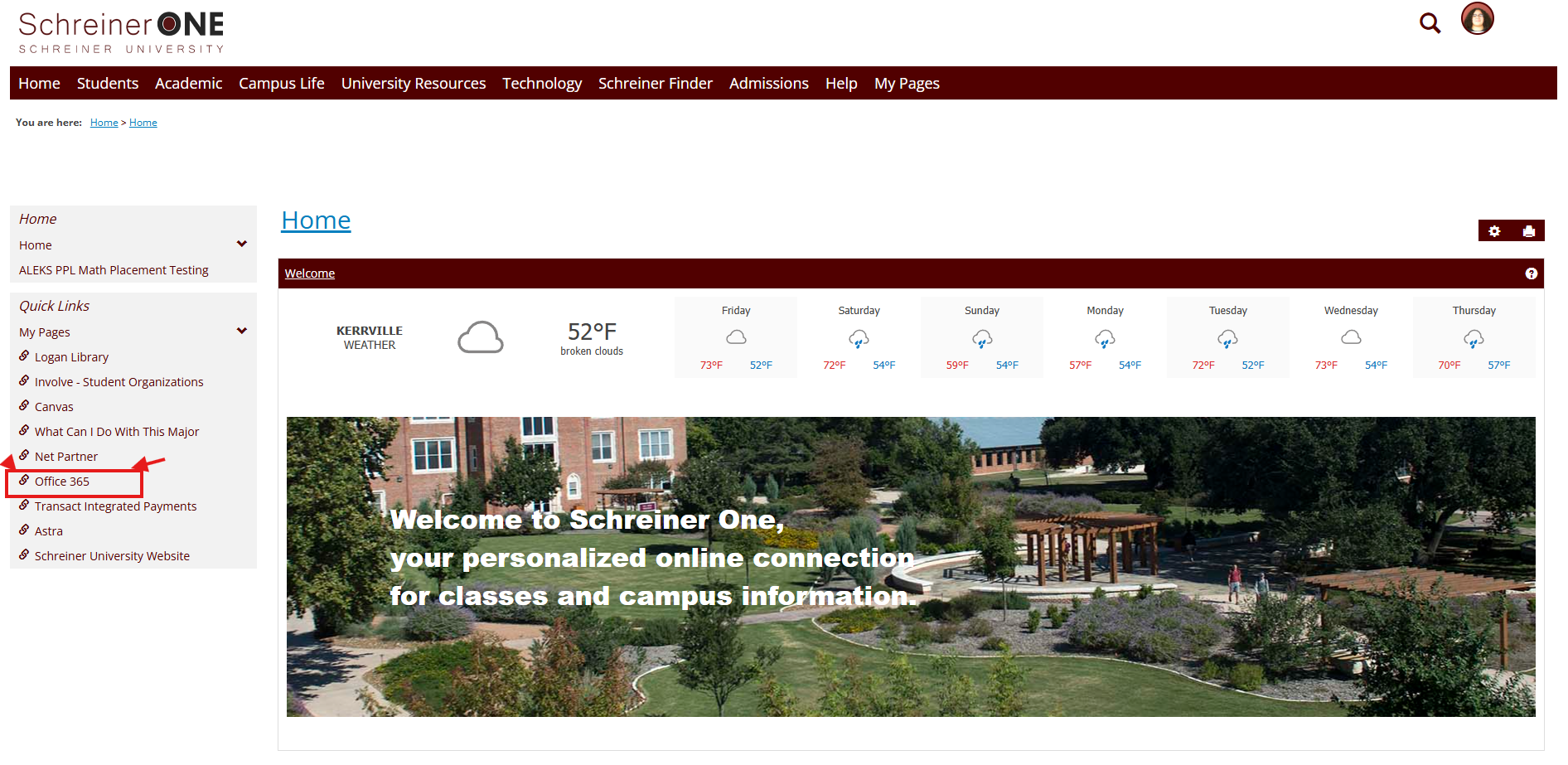
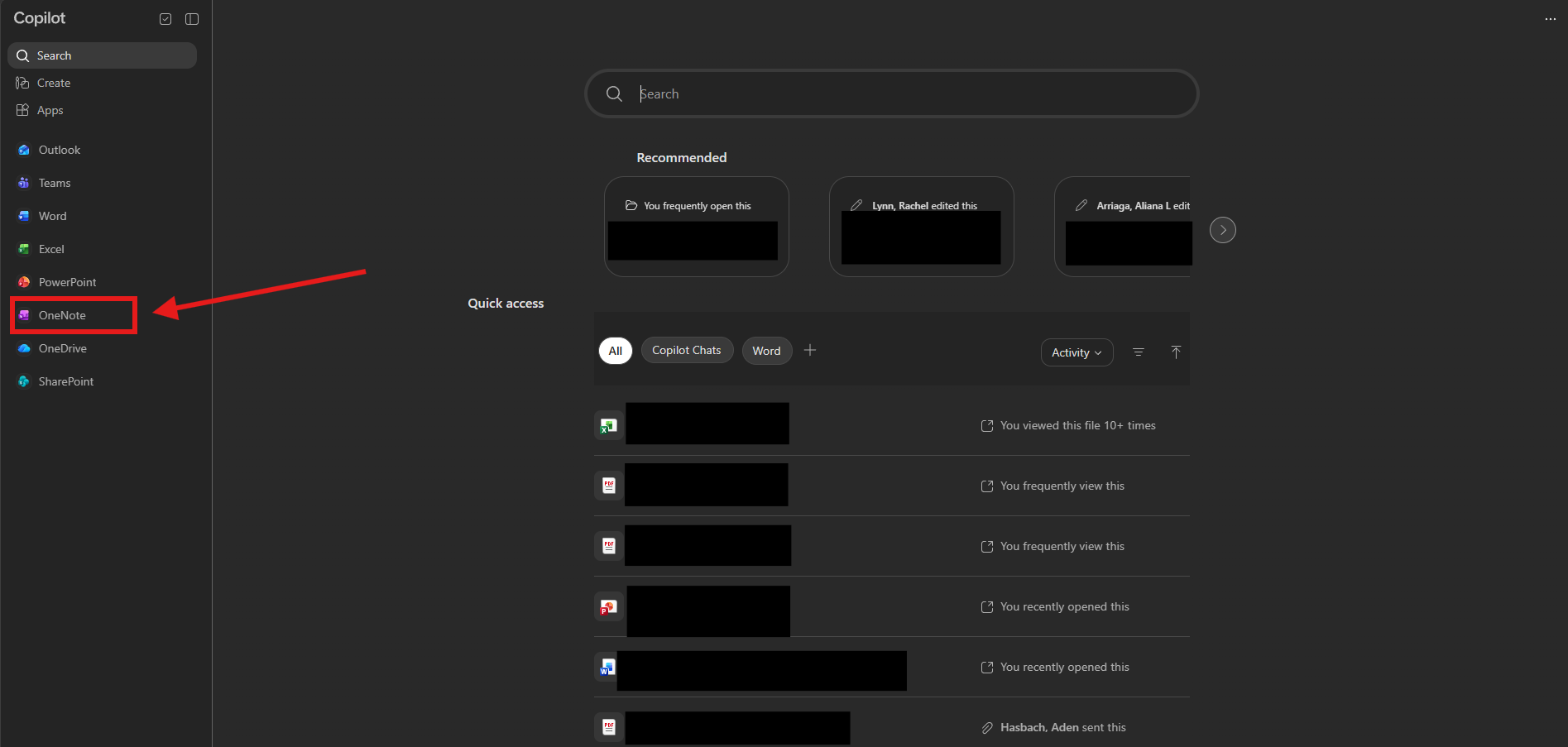
Now, you are in the Microsoft applications. Look to the left. Now press OneNote.
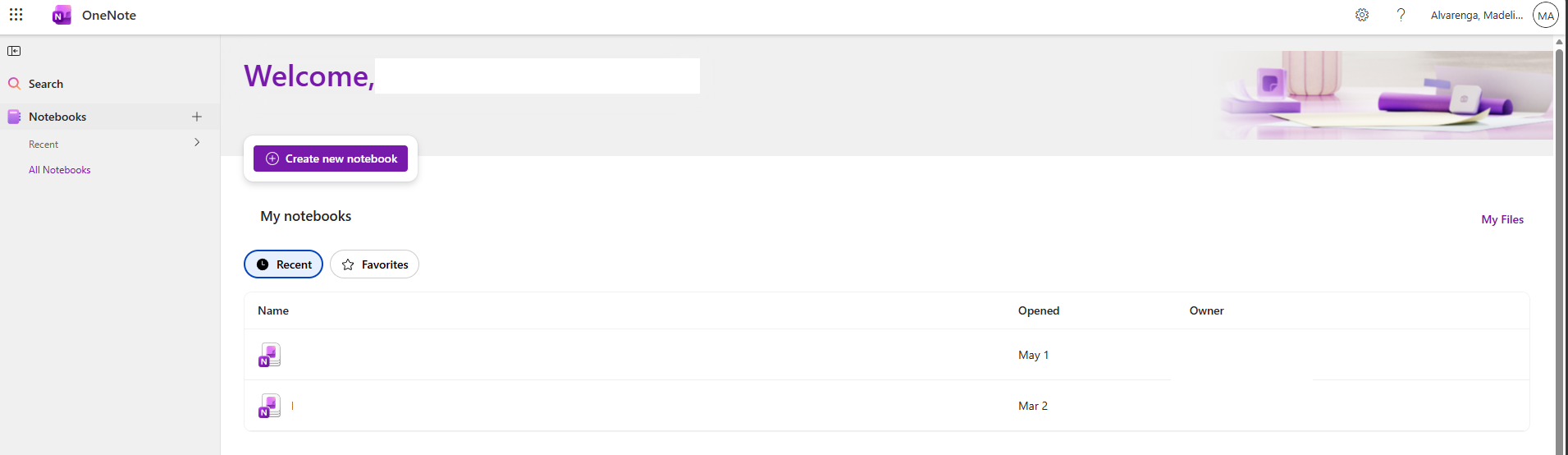
Viola, you now have access to your OneNote.
Questions?
Contact Schreiner Helpdesk

