

How do I access my PowerPoint? ( Desktop Version )
Last updated: Nov 02, 2026
47
views

Before you start make sure to have your schreiner one log in.
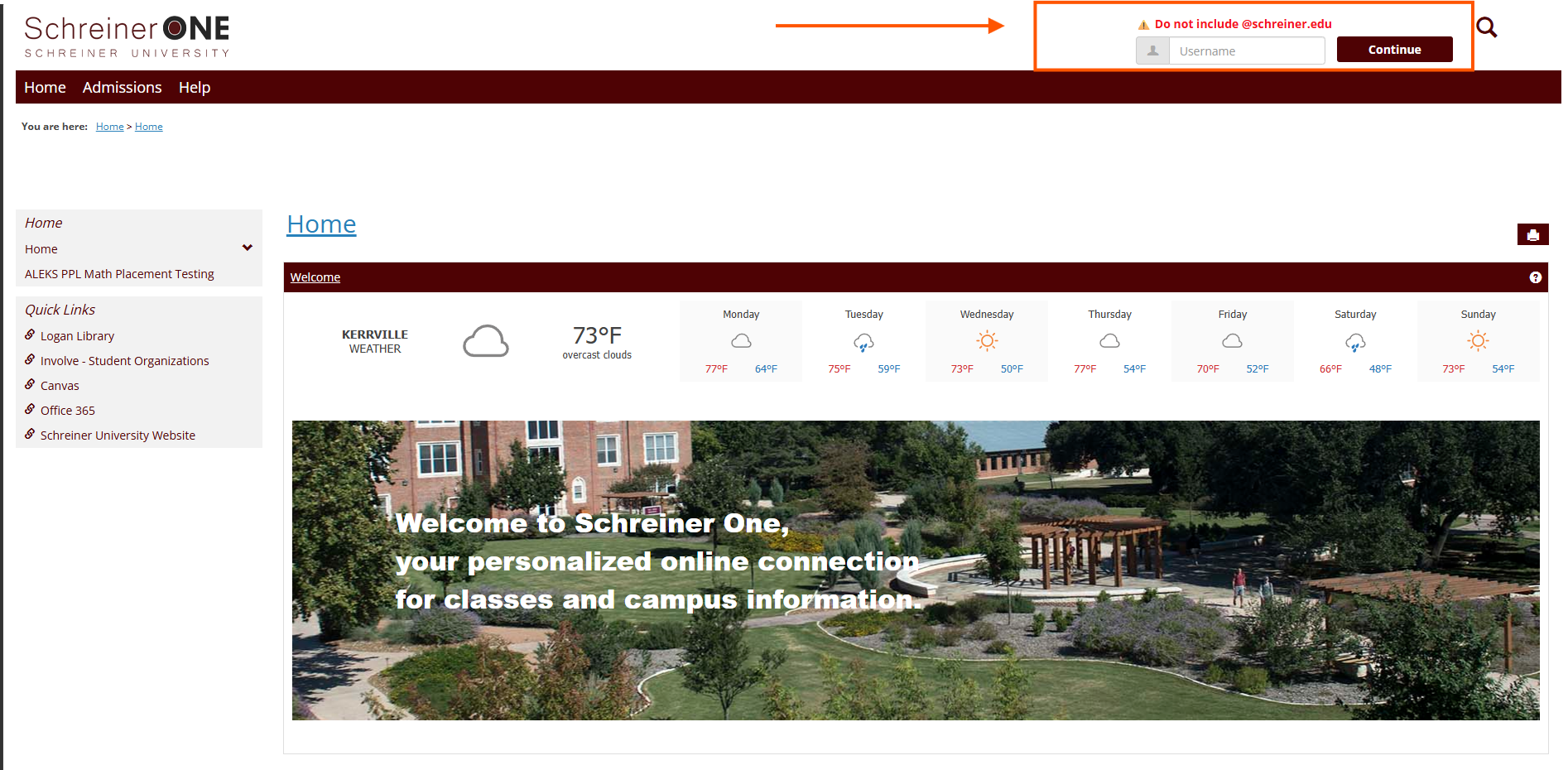
Log into Schreiner One, use your schreiner email address minus the schreiner.edu EX.( "ABD1234"@schreiner.edu)
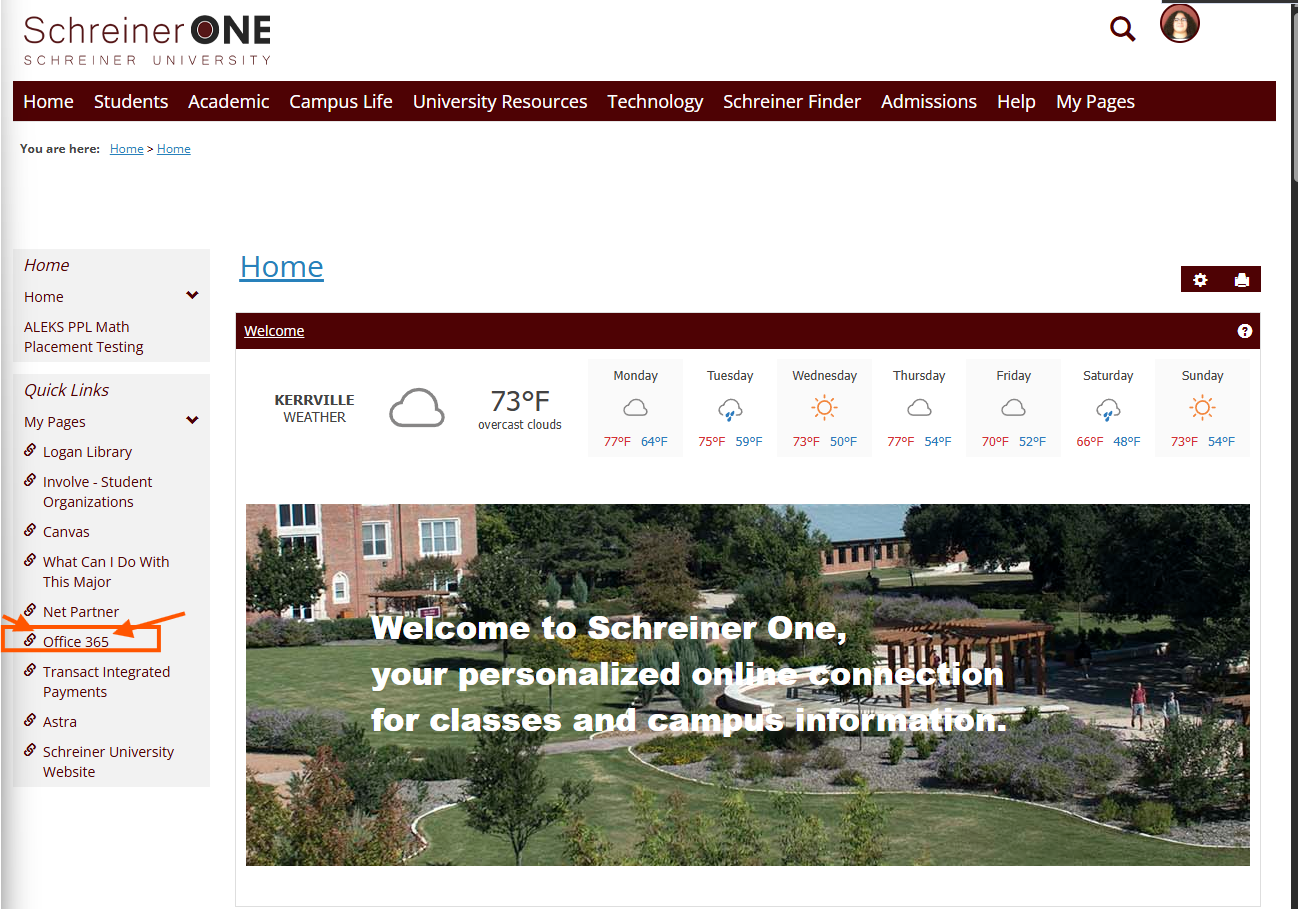
On your side menu, under quick links you can access office 365.
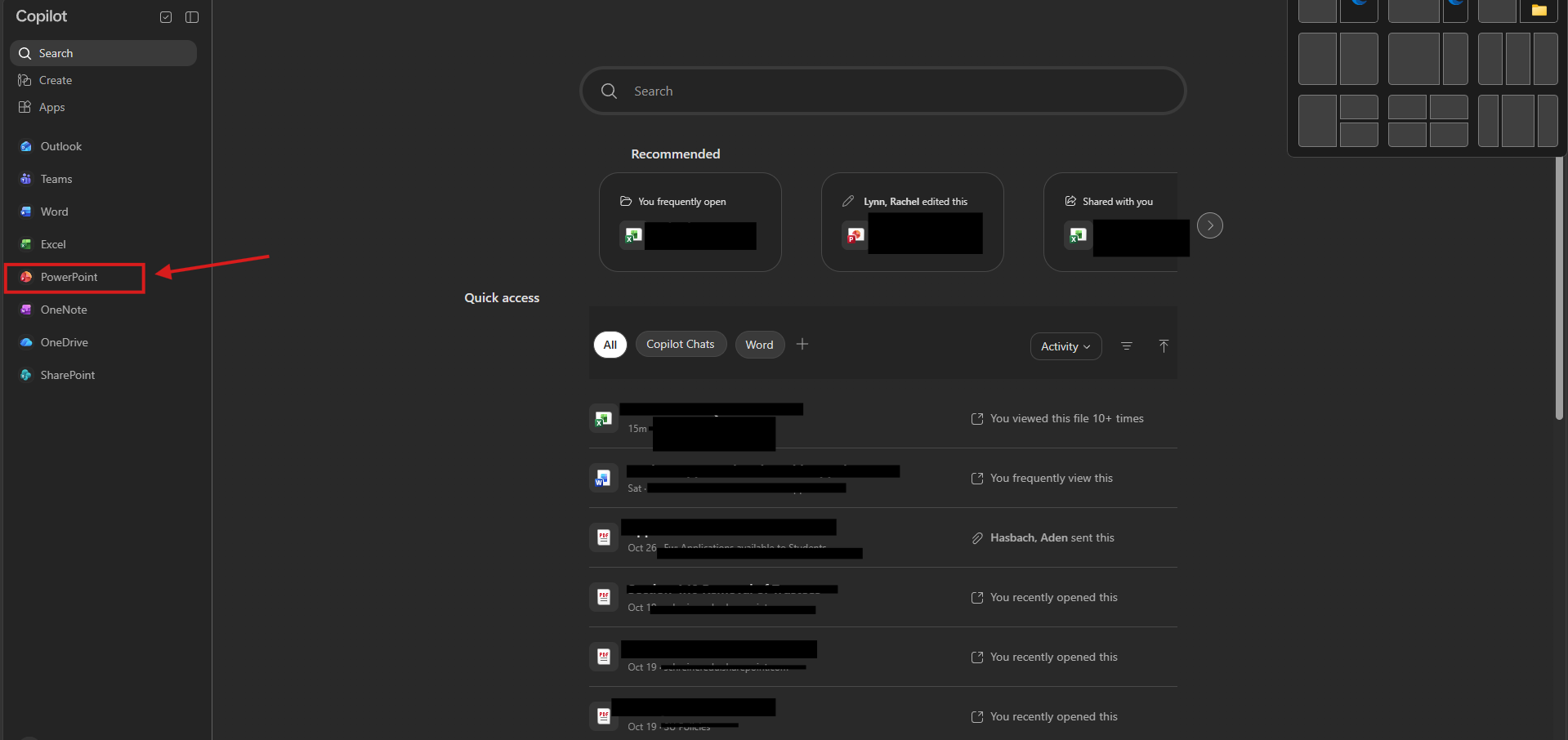
Once you're on the Copilot home page, press on the side menu "PowerPoint".
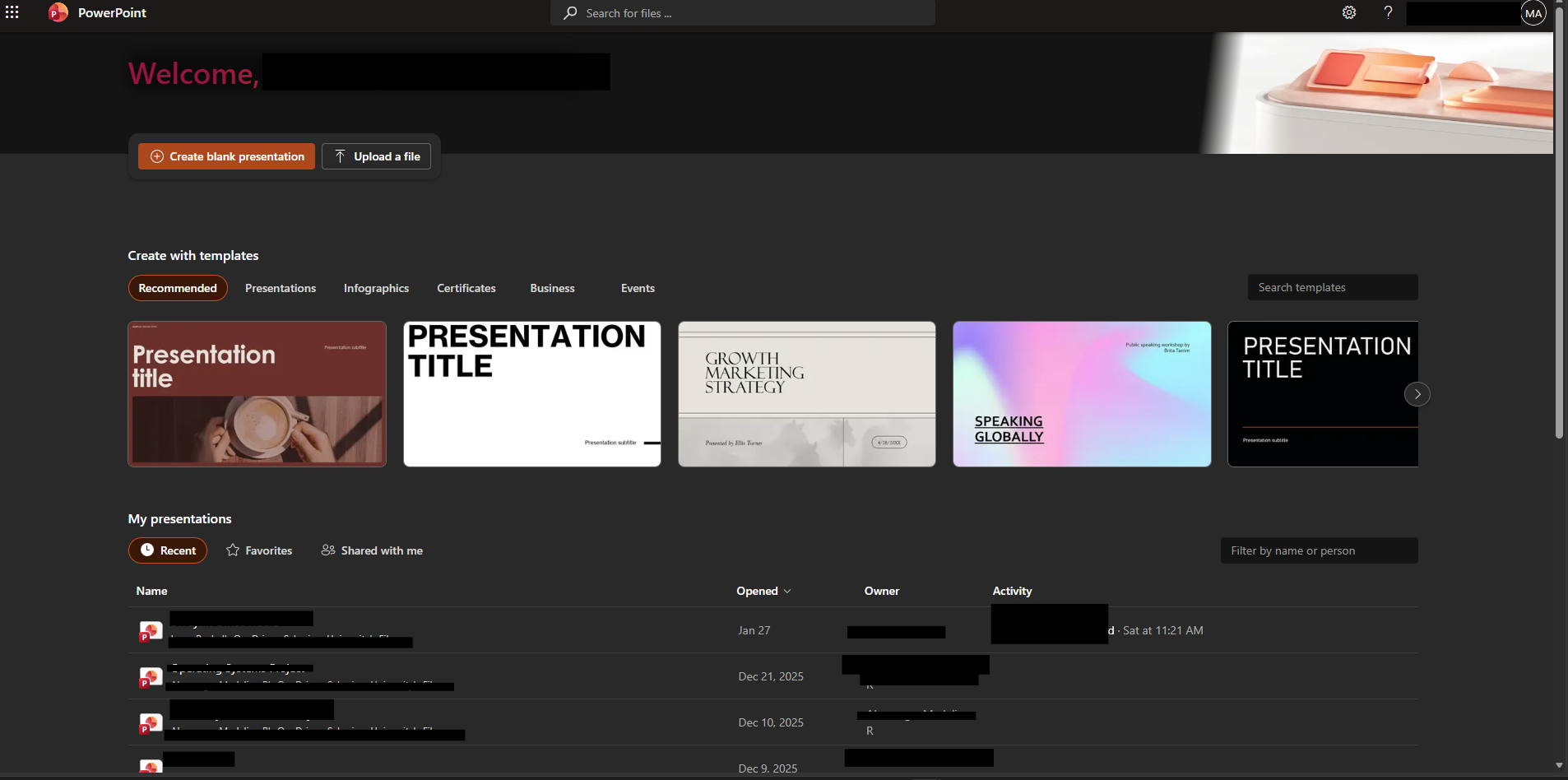
Viola, you are now in the PowerPoint main home page.
NEED HELP?
Contact the SERVICE DESK @:
830-792-7344

