Change Password

Last updated: Sep 11, 2026
1092
views

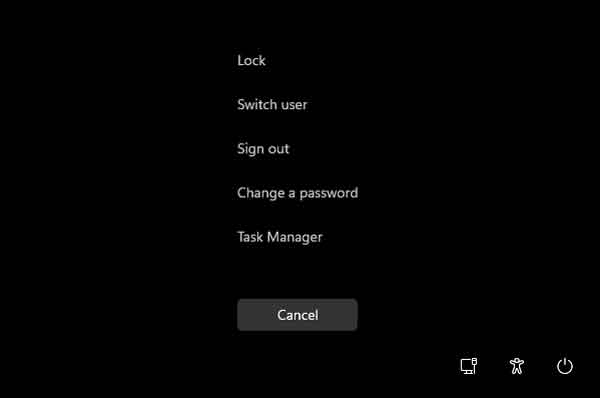
- To reset your password from your workstation, you can hit Ctrl+Alt+Del and select change password.
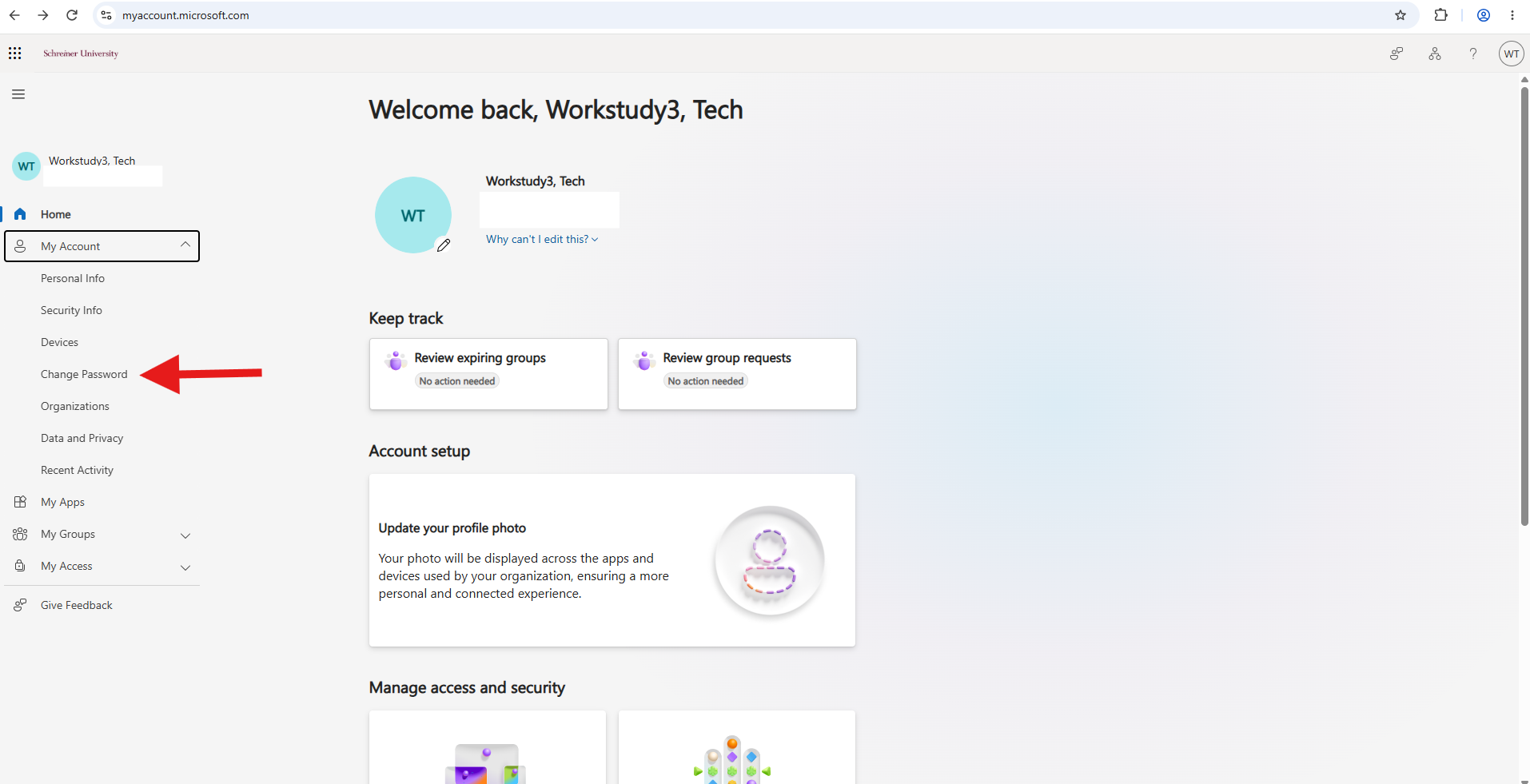
- To change your password online, go to https://myaccount.microsoft.com, sign in, and select Change Password.